A paired Mac keeps its office through outages and restarts
In beta 100 (11 November 2026), your paired Mac keeps its office through host restarts and closed remote windows without entering a code. While retry shells and browser clients recover from connection drops, an already-open office window does not yet recover after a host outage.
What changed for you
Closing a remote office window keeps your saved office and its credentials. Activation and relaunch reopen it once without a code or pair request. Closed, refused, or unreachable offices still restore.
OffiAI only forgets a saved office when the host confirms that your session is revoked. Network drops, timeouts, and server errors keep your office saved. On the host Mac, if the pairing file is unreadable, the service refuses to start instead of clearing your data; only a missing file starts empty, and a valid file still authenticates. When the host service restarts, remote access resumes automatically with Full control and no new code.
How to use it
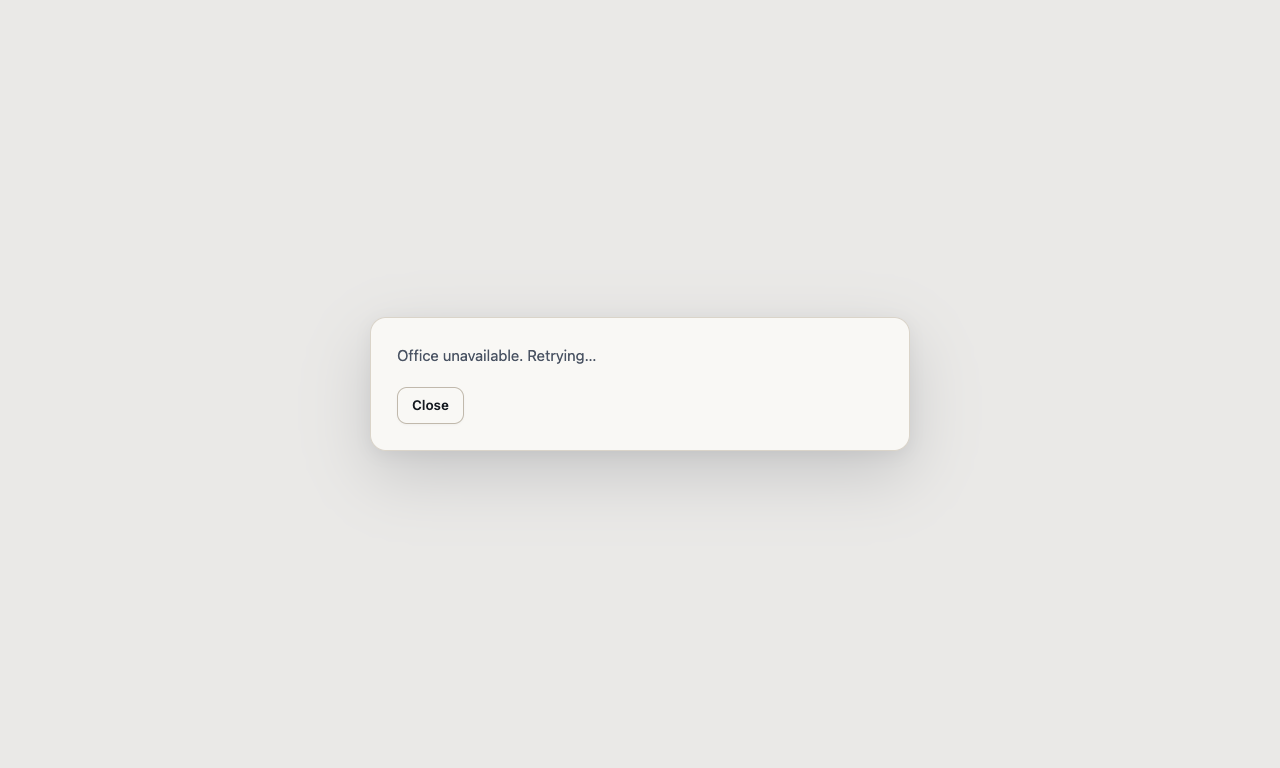
When a connection drops, look for the retry shell. You can click Close in the retry shell or close the window; OffiAI keeps your pairing and stops retries, while a read-only visit’s shell keeps its own cookie. The next activation reconnects with the same token, so you do not need to enter a new code.
To disconnect permanently, click Forget in the Offices list. This still removes the destination and only that office’s credential offline, across relaunch. On the host, host Revoke and Forget all devices still do.
What does not work yet
Our hand check of the installed build found that an already-open office window does not recover after a host outage. It stays stuck offline, though the retry shell and browser clients do recover. Also, while your paired Mac keeps its office through host restarts, a read-only visitor still needs manual Reconnect after a host restart.
Want to try it? Join the preview.
In pictures