
A phone app to check on your agents while you are away
Beta 44 introduces a phone presentation for OffiAI, letting you check on your agents and answer them while away from your Mac. You can now follow office activity, inspect active desks, and resolve approvals from your mobile browser.
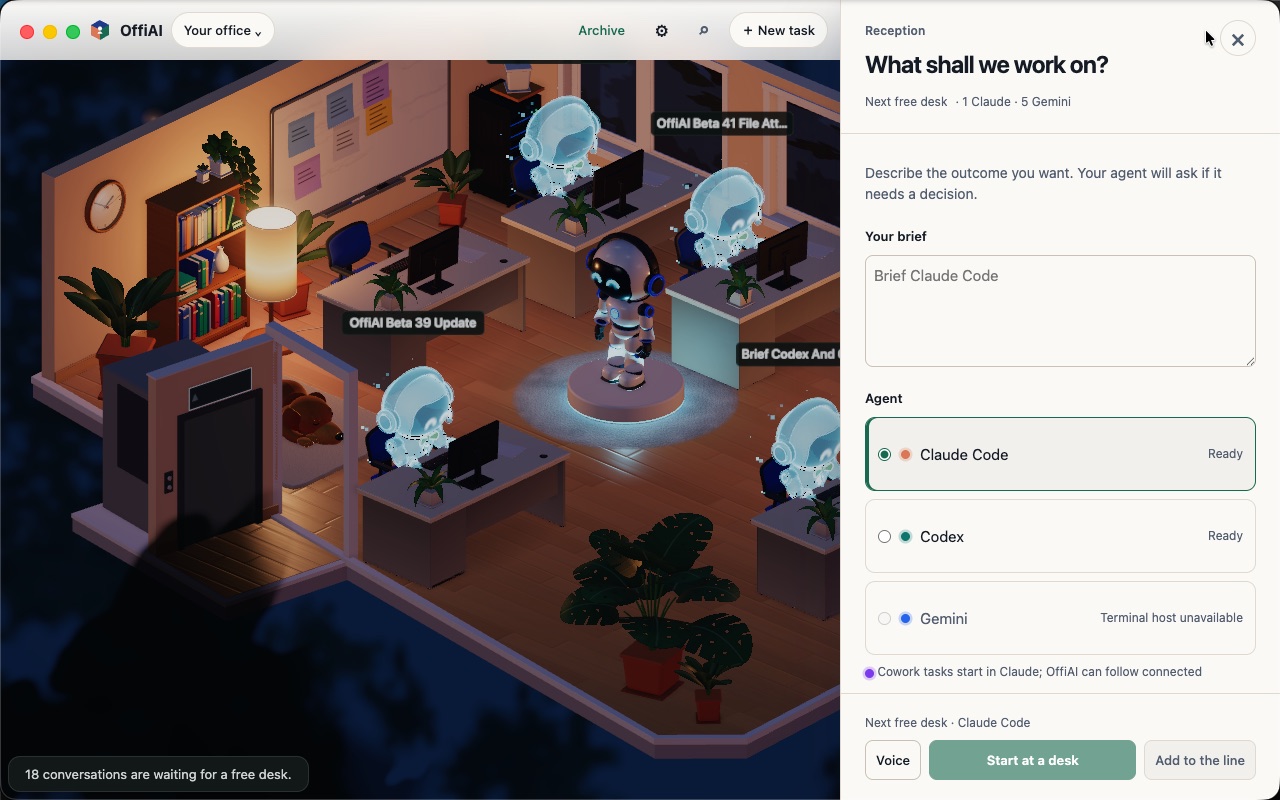
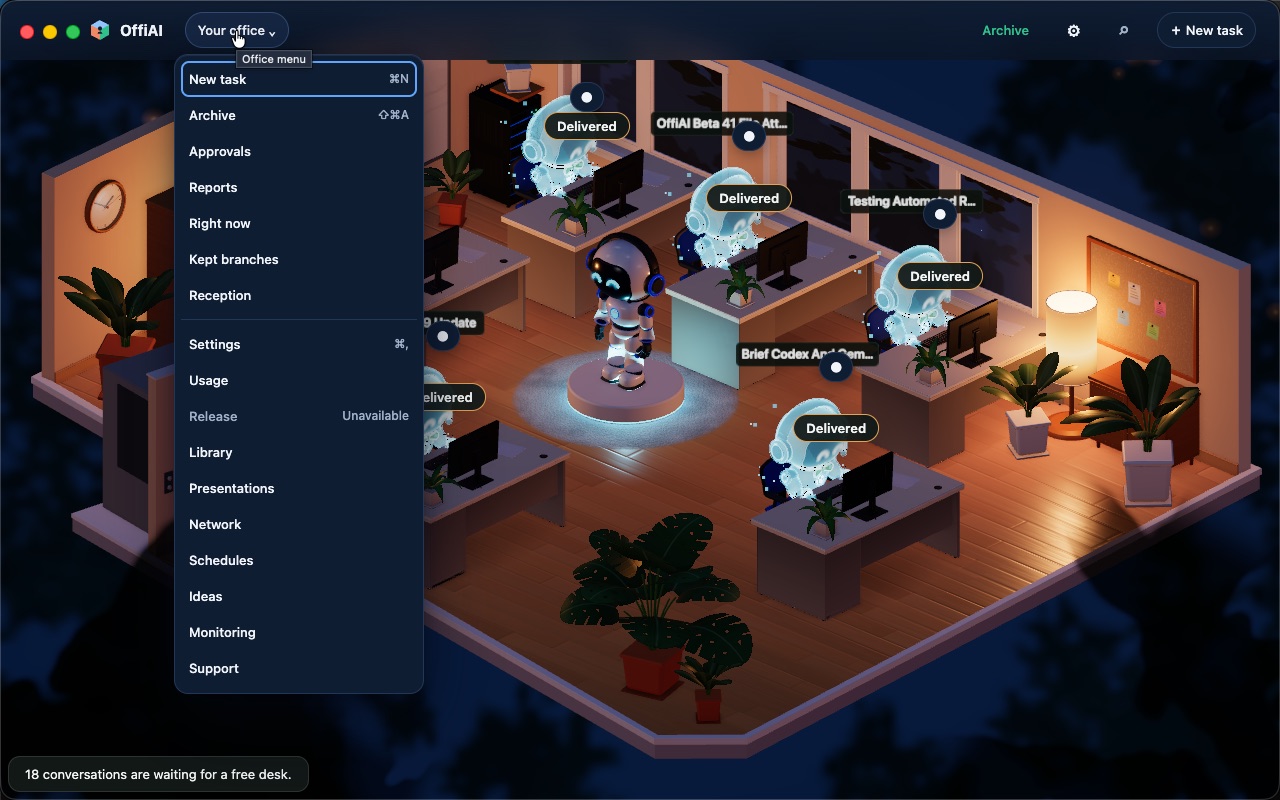
When you open the companion page on your phone, you see a 360-pixel view of your unchanged office scene with a readable task list below it. The phone home lists all occupied desks in attention order and opens a peek view rather than dispatching task commands. Shared sheets allow you to check task status, answer pending approvals, create new tasks, view the archive, and adjust settings. The interface also includes a connection band and local appearance controls for light and dark themes.
To connect your phone, open the “Pair a device” panel in OffiAI on your Mac and select “Pair a phone”. The Mac displays an address-only QR code beside an expiring code. You can use Safari’s “Add to Home Screen” option on iOS, or open the responsive page directly on Android. To stay connected, your Mac must remain awake with OffiAI running, and your phone must connect over your local network or your own VPN.
One limitation in this release is that background notifications are not available. Alerts update only while OffiAI is open on your phone.
In pictures
Want to try it? Join the preview.