
A taller, clearer office on your phone
Beta 111 changes how the office looks on a paired phone. Until now the room on the phone was capped at a fixed height of 360 px. This release gives the office more of the screen.
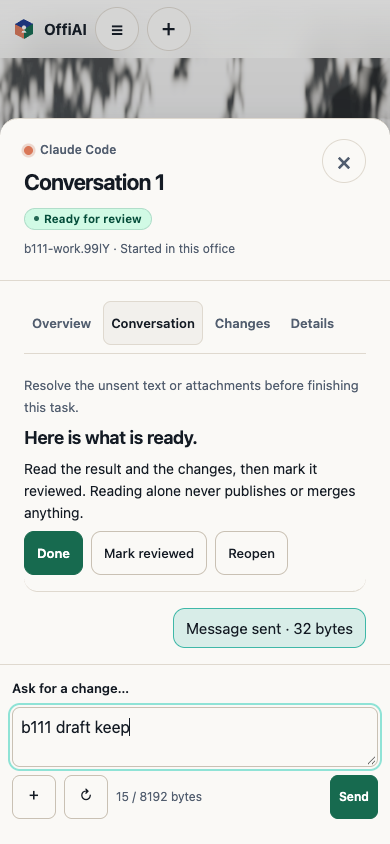
What changed
- The office now uses the height of the phone. Between the top bar and the sheet handle, the room fills the screen without sideways scrolling.
- «Your desks» expands the desk list when you need it, and folds away when you want to look at the room.
- Desk and result actions stay where they were, and the Office menu keeps «Help» within reach.
- Presentation controls no longer sit on top of the room. They belong to the close-up view of a presentation.
What we found when we checked it
Before each release we check the installed build ourselves. For this one we used an emulated phone in a browser, not a real device, so treat everything above as checked in emulation only. Layout, keyboard and rotation on a real device still need their own check.
The check also found problems that are still open:
- Presentations cannot be opened from the phone yet. The phone lists «No presentations yet» even while one is on the screen in the office, so choosing a deck, the close-up and the way back are out of reach there.
- One desk title in «Your desks» showed an internal identifier instead of a name.
- A desk peek showed its title in Spanish while the rest of the page was in English.
- Captions can overlap task cards.
- In landscape, the phone falls back to the desktop layout with small targets.
Want to try it? Join the preview.