
Beta 34: a usage meter
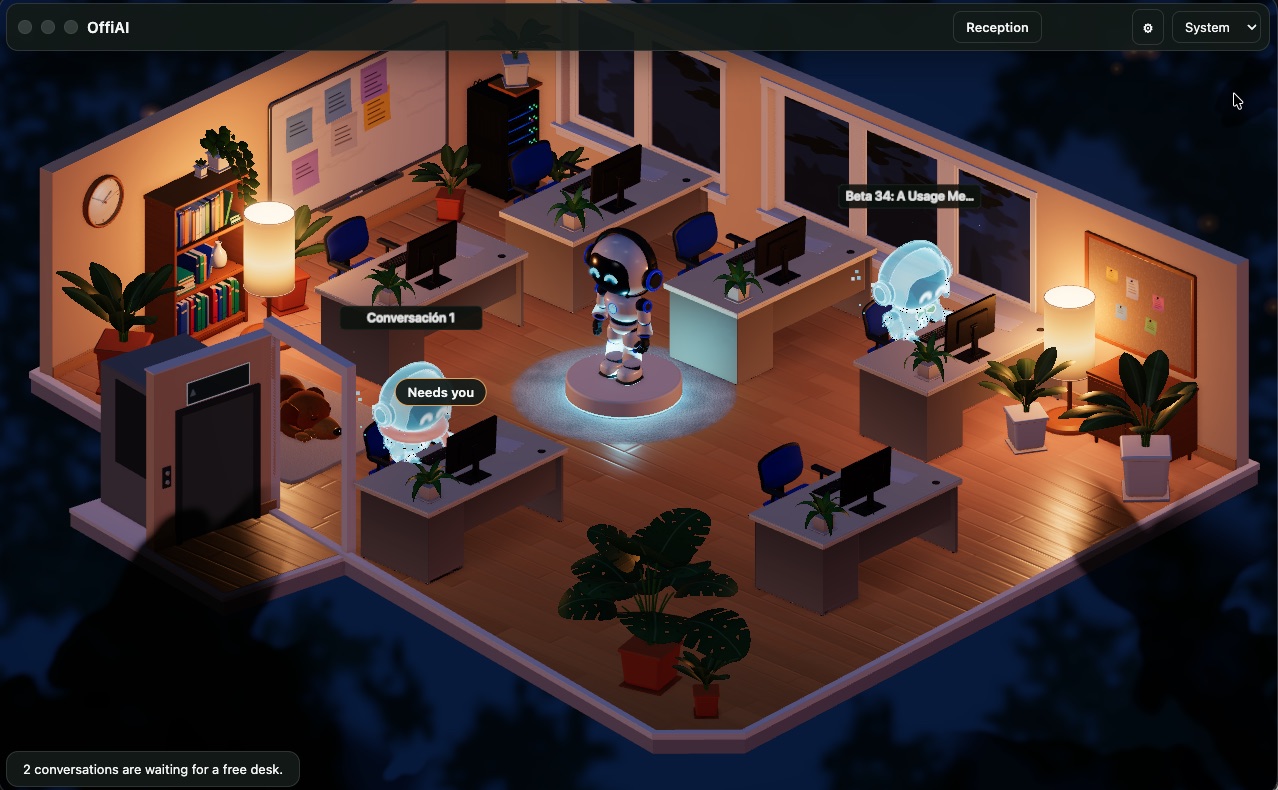
Beta 34 adds a usage meter to OffiAI, tracking tokens and quota for your coding agents. You can now see tokens per desk and per day, quota per provider, and a countdown to your next reset.
What changed for you
Until now, checking usage meant opening each desk’s Talk drawer to read a single line without reset times or daily totals. The usage line in each desk’s Talk drawer is still there, unchanged.
Now you can see your standing in the top bar. Every number comes directly from what your agent’s CLI reported, with nothing estimated. Tokens are counted, including cache, for Claude Code and Codex only. A Claude Code desk that OffiAI starts itself, and a new Codex thread, count from their very first turn. Only tokens a session used before OffiAI started watching it are not counted for today, and the day ends at local midnight. The roll-up of the last 90 days is kept on your Mac.
How to use it
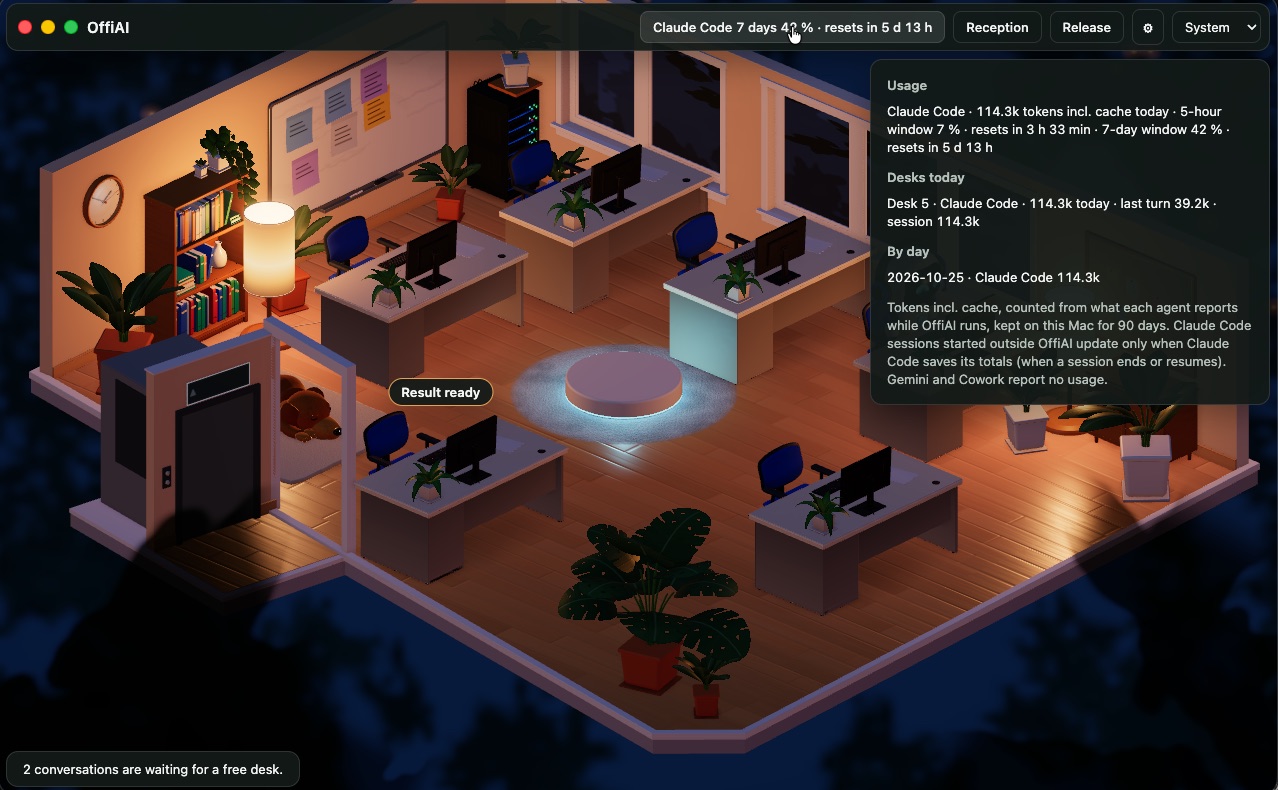
Look at the top bar to find a pill per agent family that has usage. It shows the highest quota window’s percentage, plus “resets in ...” only when the agent’s CLI gave a reset time. A family without quota shows its tokens today instead. When nothing is known, the bar stays as before.
Quota windows and reset times come from Claude Code desks that OffiAI started (5-hour and 7-day windows) and from Codex (5-hour and weekly windows). External Claude Code sessions report only a session total, with no quota and no reset time.
You can hover over a pill to see a summary, or click it to open the usage panel. The panel shows every window, desk tokens today, and your daily roll-up. The meter is on by default; turn it off in Settings → “Show usage in the top bar” to hide it.
What it does not do yet
- Gemini and Cowork report no usage, so the meter shows nothing for them.
- External Claude Code sessions update only when a session ends or resumes, so their figures arrive late and in steps.
- Only tokens a session used before OffiAI started watching it are not counted (for a session OffiAI finds already running, earlier usage is missing, and for an external Claude Code session the first update counts nothing; only later updates count).
In pictures
Want to try it? Join the preview.