Adjust room and robot proportions on your phone
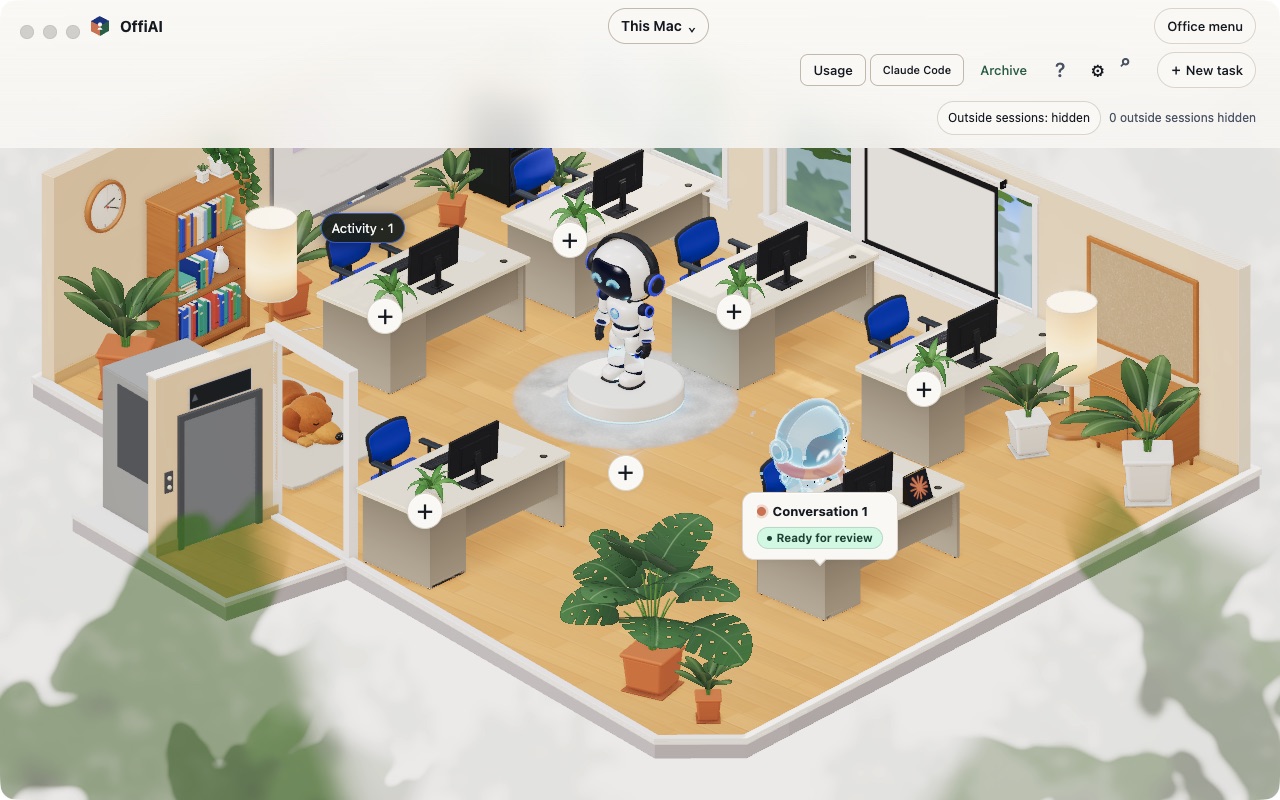
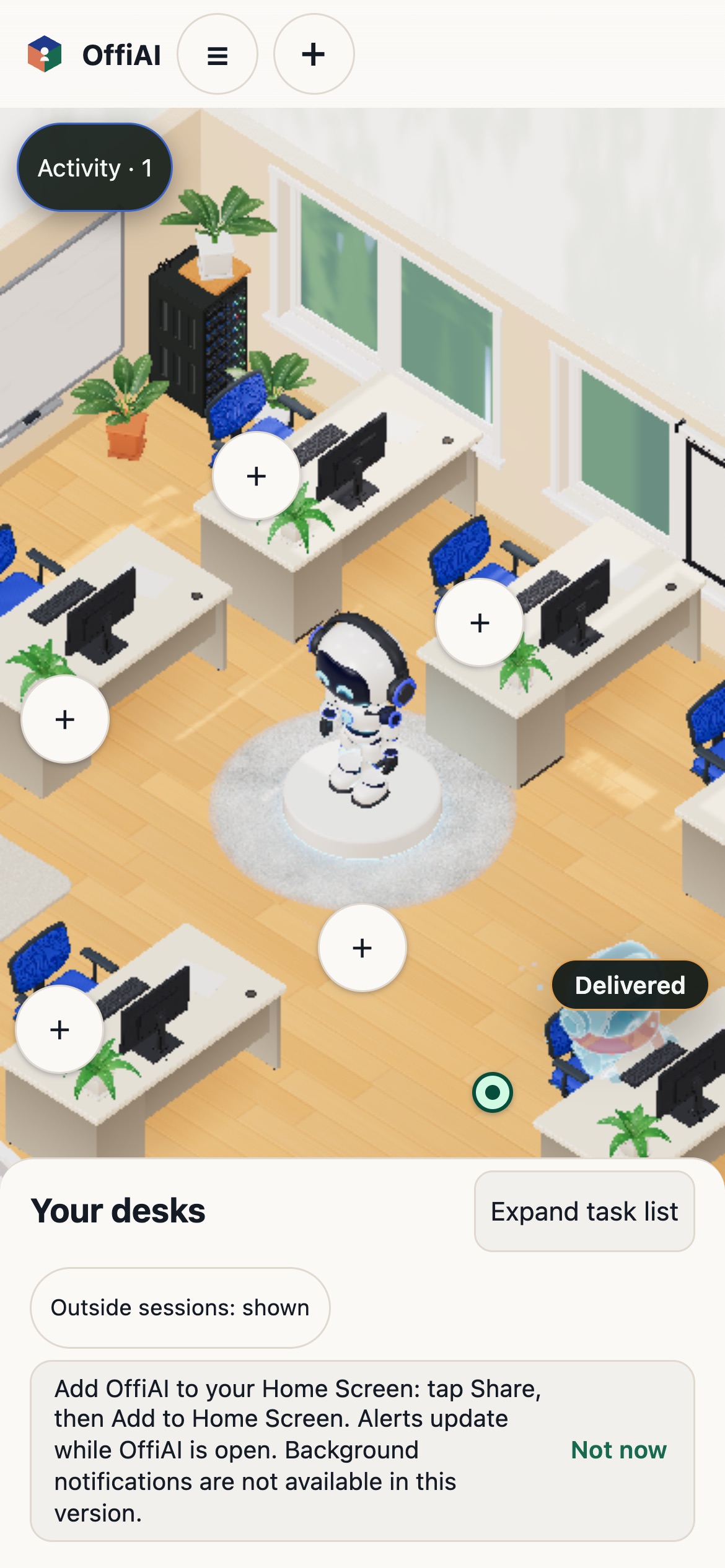
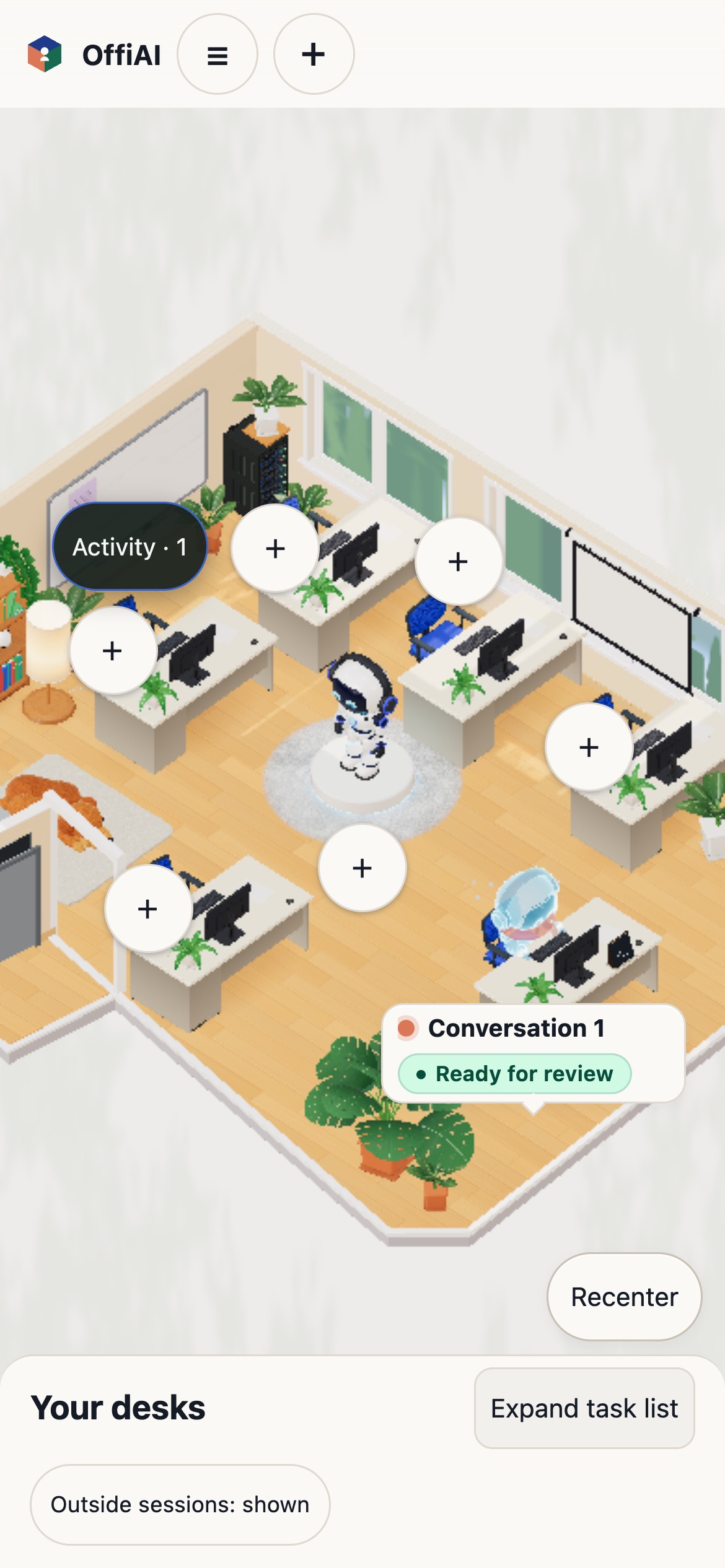
OffiAI beta 115 shipped on 14 November 2026 with adjusted room and robot proportions for iPhone and Android. When you open your office on your phone, you see a closer, readable part of the room instead of a distant view with lots of empty background.
What changed for you
Before this update, the default phone view made your robot and desks too small. Opening the office on iPhone or Android now shows a large robot, recognisable desks, and less empty background, though our check of this build found one sizing issue noted below.
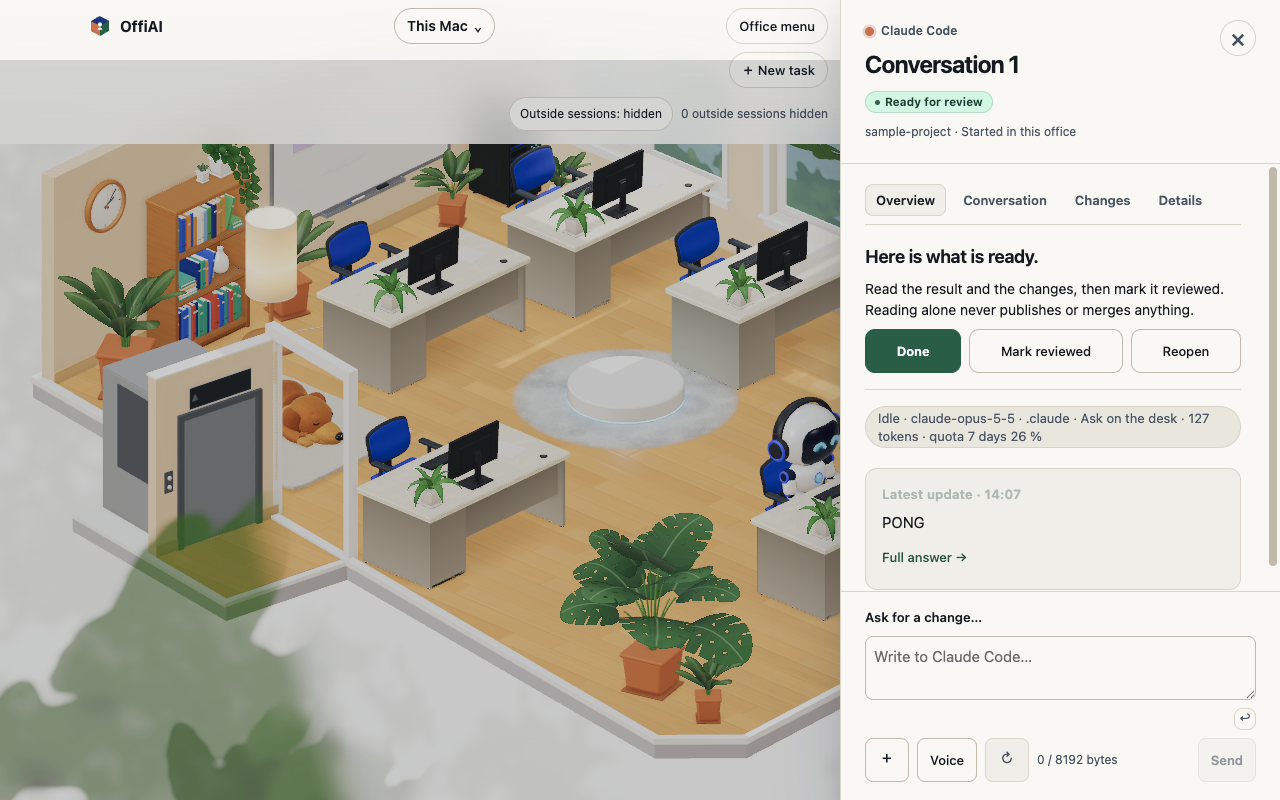
Your desktop app keeps its current appearance. Work, seats, badges, peek, multiple offices, and the clock behave the same as before.
How to use it
- Open your office on iPhone or Android in portrait view to see a larger robot and recognisable desks.
- Swipe across the office to reach any desk.
- Use Your desks and tap a desk row to jump the camera to that desk and open its peek view.
- Tap Recenter to return to your robot.
What it does not do yet
In our own check of beta 115, the small onscreen card you tap for an occupied desk on the first phone view still measures 86 by 28 pixels, which is under 48 pixels tall.
Want to try it? Join the preview.
In pictures