
Answer Codex prompts from the app, remote office and phone
Beta 60 lets you answer Codex command approval prompts directly in OffiAI. If you started the task in the app, you can now review and approve commands from your desk, the Overview panel, another computer, or your phone.
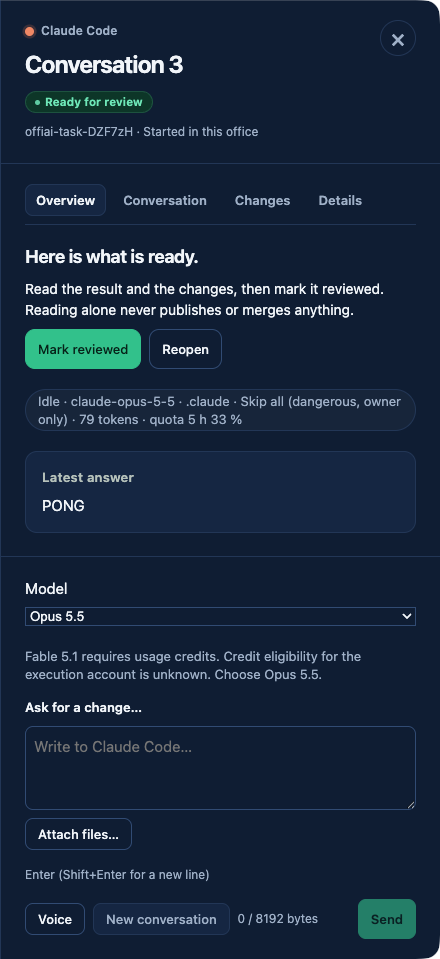
What changed
When Codex asks whether you would like to run a command, you no longer need to switch to Terminal. The prompt appears directly on the desk and in Overview. You can also answer it from your remote office or on your phone.
OffiAI shows the command, reason, question, and three options from the current screen only. The three choices match Codex. Choosing No pauses the turn, keeps your draft, and explains delayed readiness. OffiAI confirms the action only after seeing the outcome on screen, never assuming success from sending a key.
How to use it
Look at your agent’s desk or open Overview when a task is waiting for approval. If you are on another computer or your phone, open your remote office to view the desk. Select your answer from the three presented options. Only owners can approve commands; visitors can see that an approval is waiting, but they cannot answer. Terminal remains available as a secondary route whenever you need it.
Current limits
Trust and login prompts stay Terminal-only and cannot be answered in the app. Remote users still cannot select Skip all. Under ask and read-only permission policies, the app shows approval prompts, but never permission modes.
Want to try it? Join the preview.