
Beta 70: closing feedback leaves the office usable
Beta 70 fixes four rough edges from the last two betas: the office stopping responding after you closed feedback, Settings changing shape behind feedback, agent setup showing old readiness, and a full office hiding why your task could not start.
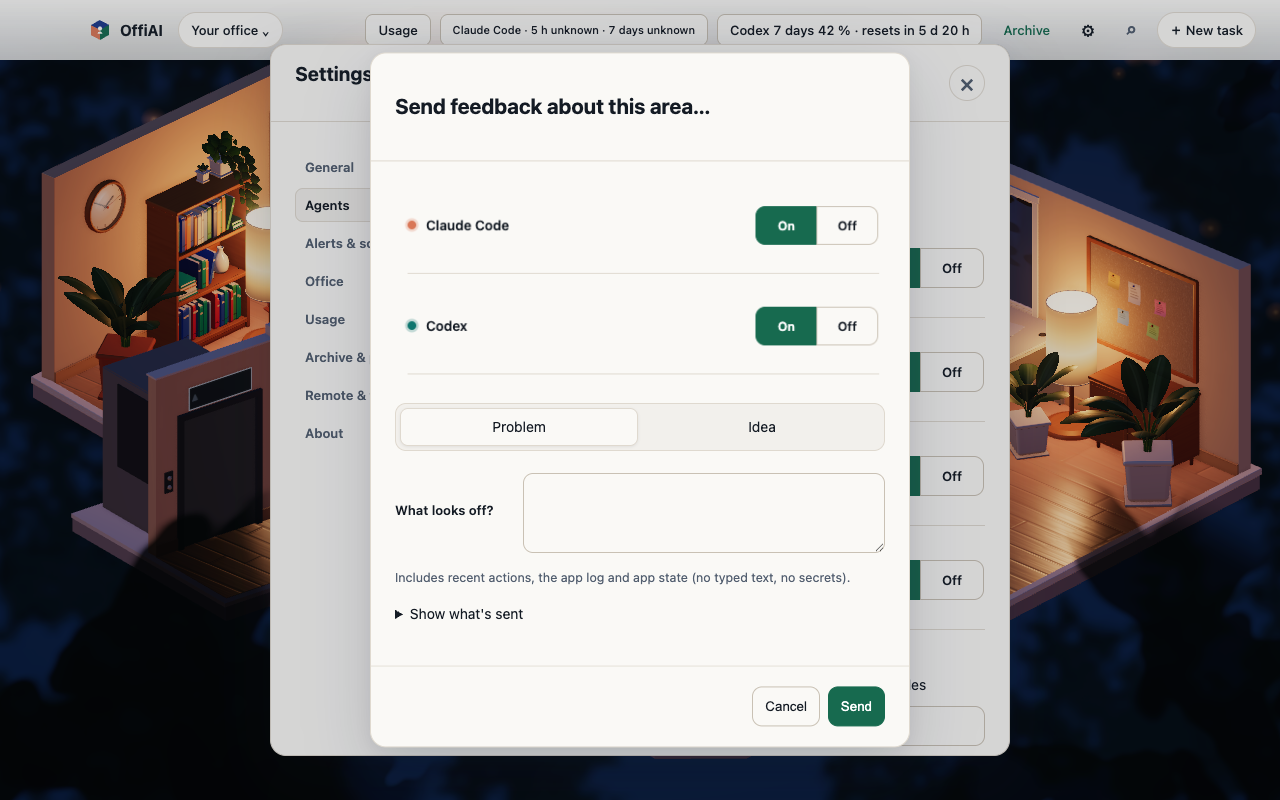
Closing feedback
Before this beta, if you opened feedback from Settings and pressed Escape twice, the office could stop responding to clicks and Tab. Now closing feedback leaves the office usable: press Escape to close feedback, Escape again to close Settings, and you can click and tab through the office right away.
Settings behind feedback
When you open feedback while Settings is open, Settings keeps its shape behind it. When you close feedback, you are back on the control you used to open it, so you can carry on where you were.
Agent setup
When you open agent setup from Settings, it checks current readiness each time it opens. The setup view shows the current state instead of the result of an earlier check.
A full office
When every desk is busy and you press Start in Reception, the reason now appears right beside Start, where you are looking, instead of further down the panel. Your task text stays in the brief, so you can start it as soon as a desk is free.
Limits
These changes do not add desks: a full office still refuses a new task until a desk is free. Closing other sheets that open over Settings, such as agent setup, still follows the old behaviour; that part is not in this beta.
Want to try it? Join the preview.