
Codex desks no longer stay stuck on answers with loading
Beta 57, released on 30 October 2026, fixes an issue where completed Codex replies mentioning “loading” left your desk stuck at Working. You now see your desk become ready as soon as Codex finishes its turn.
What changed
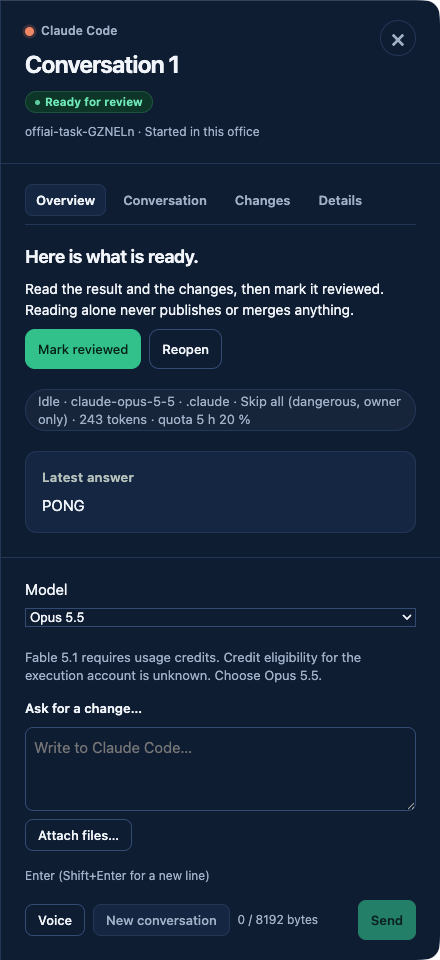
Before this update, an answer from Codex that contained the word “loading” kept your desk in an active state. Even after the turn ended, you still saw your desk remain busy. The desk continued to show the Working badge, displayed the Stop button, and showed “Waiting for the answer” until the word scrolled off screen.
Starting in beta 57, an ended Codex turn whose answer contains “loading” leaves your desk ready as expected. You no longer get trapped with a stuck Working badge or an unnecessary Stop button when your agent mentions page loads or loading times.
Where to look in the app
You do not need to click any buttons or change your settings to use this change. Simply run your Codex agent as you normally do. When Codex finishes a turn that contains the word “loading”, look at your desk status in the app. You will see the Working badge clear, the Stop button disappear, and the desk will no longer display “Waiting for the answer”.
What it does not do yet
Codex startup loading and update rows still block ready. Startup loading and update screens still count as not ready.
Want to try it? Join the preview.