
Beta 126: custom office rendering groundwork
Beta 126 ships on 18 November 2026 with custom office rendering groundwork for OffiAI. Our hand check of beta 126 found no user-visible change yet, and loading an office is not confirmed working in this build.
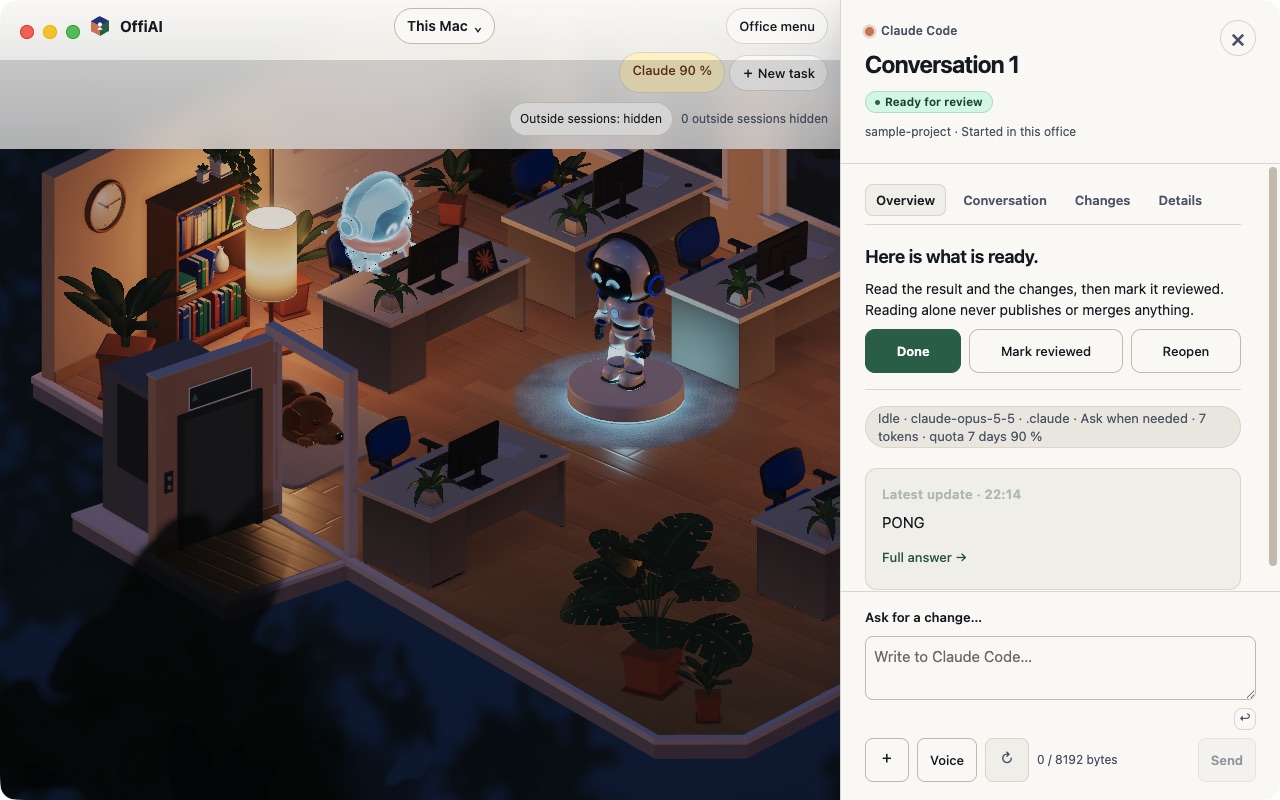
What changed for you
The feature is designed so your tasks keep running while the room art and furniture layout change.
Catalogue rooms now render bundled furniture with isolated materials in the 3D scene. The built-in pack keeps the default art selections, layout, seats, paths, and tool targets.
When you open a .offiai-office file, OffiAI is designed to check the whole pack and recalculate room paths at runtime. It refuses packs if walls block paths to desks or Reception. It also refuses disconnected seats, disconnected tools, or tools not near their furniture. A seat inside another piece of furniture is refused too. Hostile archives and disguised images are refused without changing your selected office.
How to use it
These steps describe what the feature is designed to do:
- Open a supplied
.offiai-officefile. - Choose Use office to apply the room art and furniture layout while your same tasks keep running.
- If a file is invalid, OffiAI explains the problem and leaves your working office alone.
- Open Settings at any time to restore today’s default office.
What it does not do yet
In our hand check of beta 126, we found that the rendering groundwork has no user-visible change to qualify. Loading a .offiai-office file is not confirmed working in this build, and we have no date for when it will be. Your chosen office stays installed offline through supported app updates only while its format remains supported. If a selected office becomes corrupt, OffiAI falls back to the default office.
Want to try it? Join the preview.