Beta 133: fix agent screen changes without a new beta
Beta 133 lets OffiAI fix how it reads a changed agy or Codex screen with a small download instead of a new beta. You click Apply update and keep working.
What changed for you
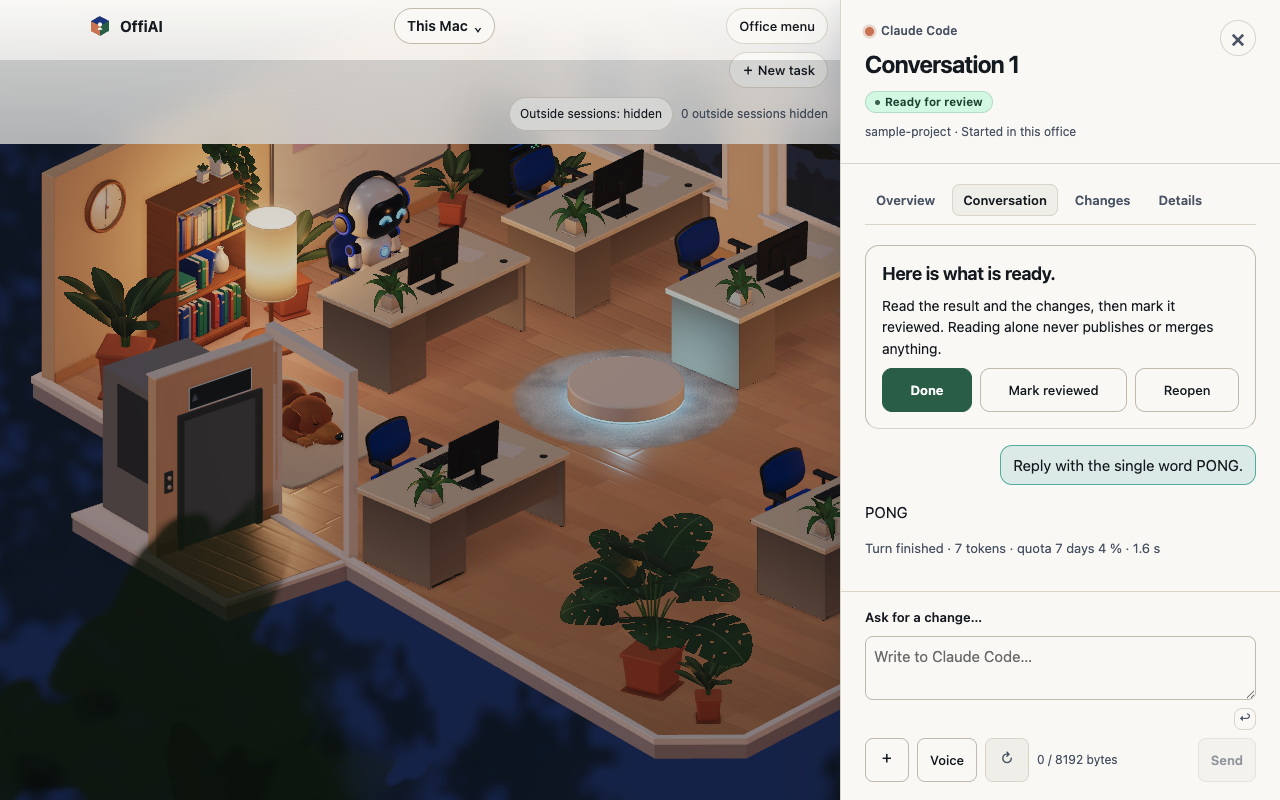
OffiAI reads your agents’ terminal screens to show what each desk is doing. When agy or Codex changes its screen layout, that reading can break. Until now, the fix meant waiting for us to record the new screen, change the app, and ship a new beta for you to install.
From the first release with pack support, a supported screen change can come as a compatibility pack. A pack is signed data that describes the new screen layout. It is never downloaded program code. The engine that reads the screens ships inside the app, and packs only correct it within those limits.
How to use it
- OffiAI checks for available compatibility packs on its own.
- When one is available, you see a notice. Click Apply update.
- The app downloads the small pack and applies screen fixes without restarting OffiAI. Some changes need you to restart the affected desk.
If something goes wrong, you are not stuck:
- If you start offline, OffiAI uses its built-in reader.
- If a pack turns out to be bad, OffiAI keeps or restores the last reader that worked.
- If a screen is not supported yet, the desk switches right away to a plain terminal you can still use. A notice in your language explains that a fix is pending, and automation on that desk pauses safely until then.
We aim to offer a pack within hours of a new agy or Codex release, after it passes isolated checks.
Limits
Packs cannot fix everything. If a new agent version needs a new kind of reading step, a new permission, or a different way of running processes, that still needs an app release. Packs cannot promise compatibility with every future version of these tools.
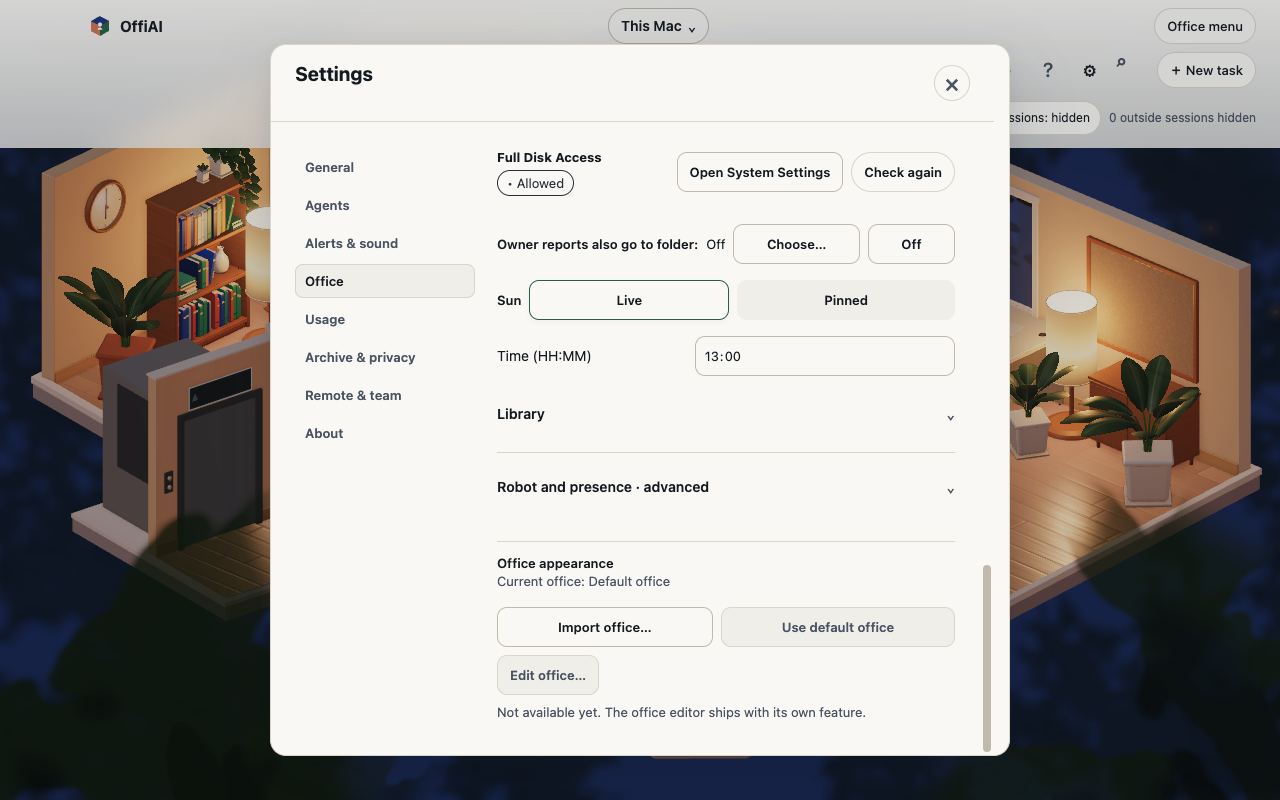
In our own hand check of the installed beta 133, no update notice appeared. The pack catalog itself worked, but we did not see the Apply update notice show up in that check.
Want to try it? Join the preview.
In pictures