Beta 133: load a custom office without a new app build
Beta 133, released on 20 November 2026, lets you change the look and layout of your office from a single file. Your agents keep working while the room around them changes.
What changed
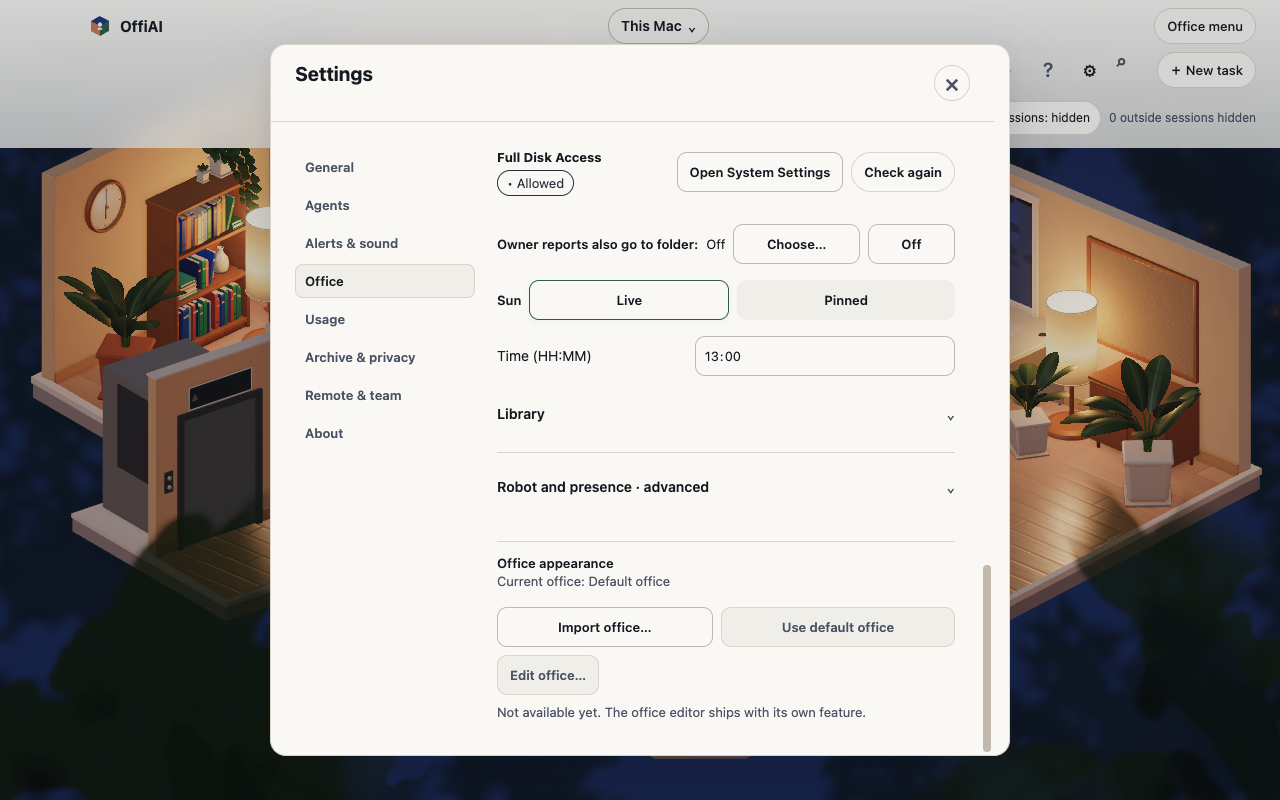
Until now, the office came with the app. A different room meant a different app build. Now OffiAI can load an office from a .offiai-office file. The file holds the room art and the furniture layout.
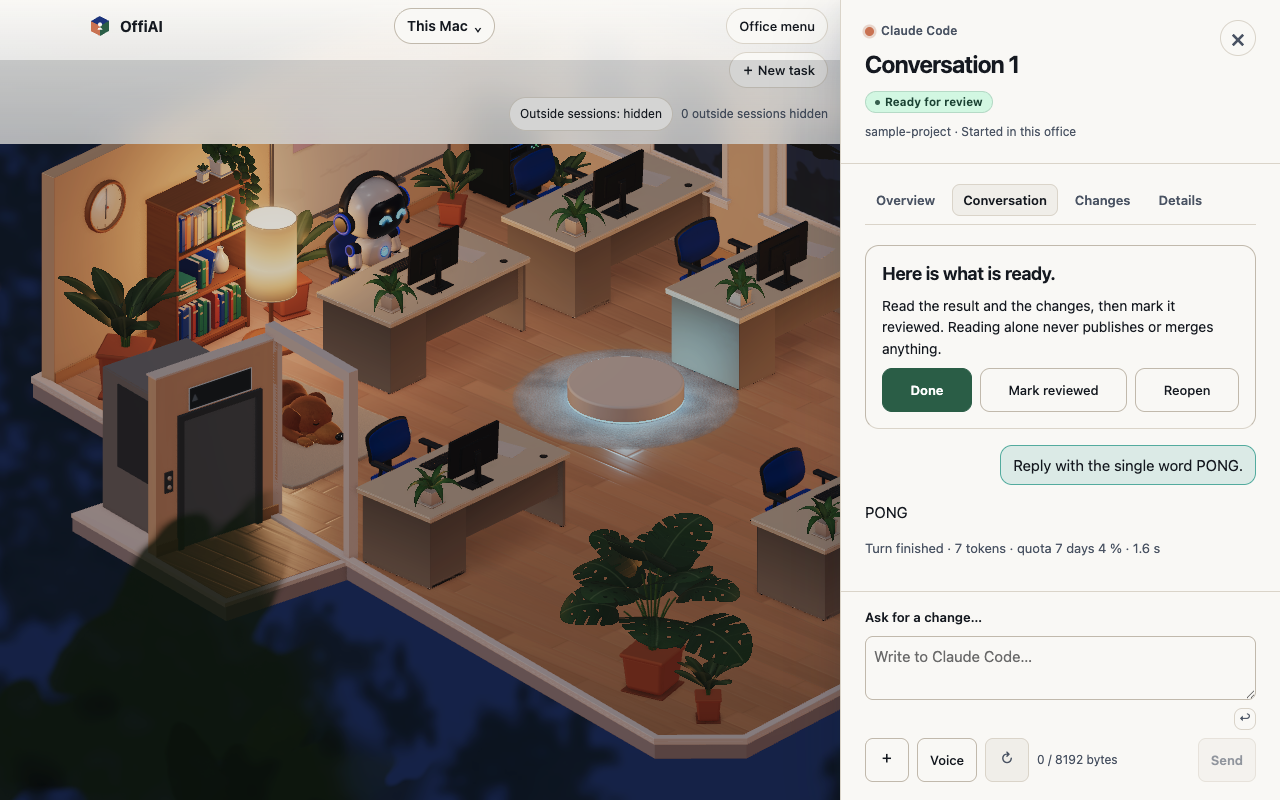
When you switch, the same tasks keep running. Your sessions stay at their desks and carry on.
The default office is now a built-in pack. It keeps today’s art, layout, seats, walking paths and tool spots as they were.
How to use it
- Open a supplied
.offiai-officefile. You can do this from Settings, from the office canvas, or from Finder. - OffiAI asks you to confirm. Choose Use office.
- The room art and furniture layout change in place.
An office you install stays installed through supported app updates. It works offline. It keeps working as long as the app still supports its file format.
To go back, open Settings and restore the default office. You can do this at any time.
When something is wrong
If a file is invalid, OffiAI explains the problem. Your current office stays as it was. OffiAI also checks that every desk and tool can be reached. A file that hides desks or tools behind walls is refused.
If your saved office choice becomes corrupt, OffiAI falls back to the default office.
What we have not checked yet
We tested the installed build by hand before writing this. The import step itself is not yet checked by hand. No sample office file exists yet to try it with. Until one does, treat importing as untested in everyday use.
There are also no office files to download yet. This beta adds the loader.
Want to try it? Join the preview.
In pictures