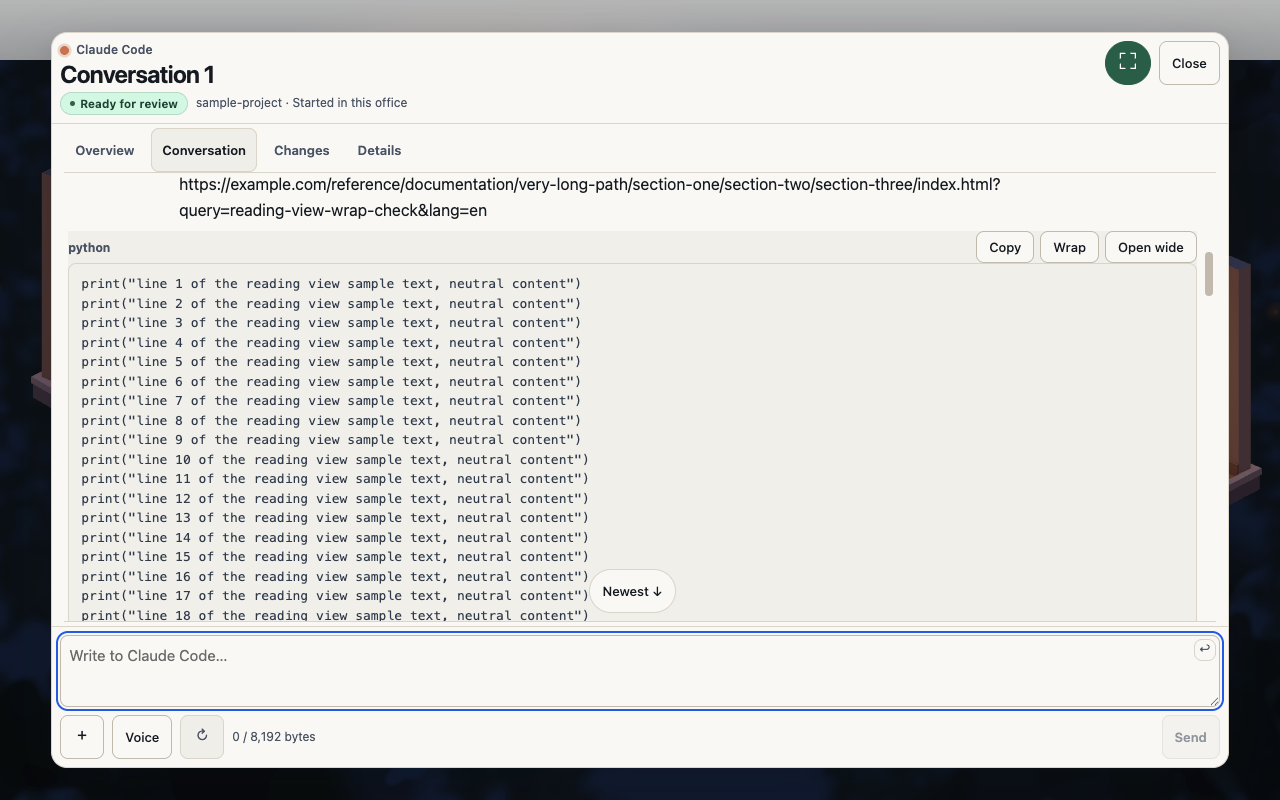
Desk chat gets a Reading view and a larger default reading area
Beta 137 shipped on 21 November 2026 with a Reading view and a larger default reading area for desk chat in OffiAI. You get more room to read replies in desk chat.
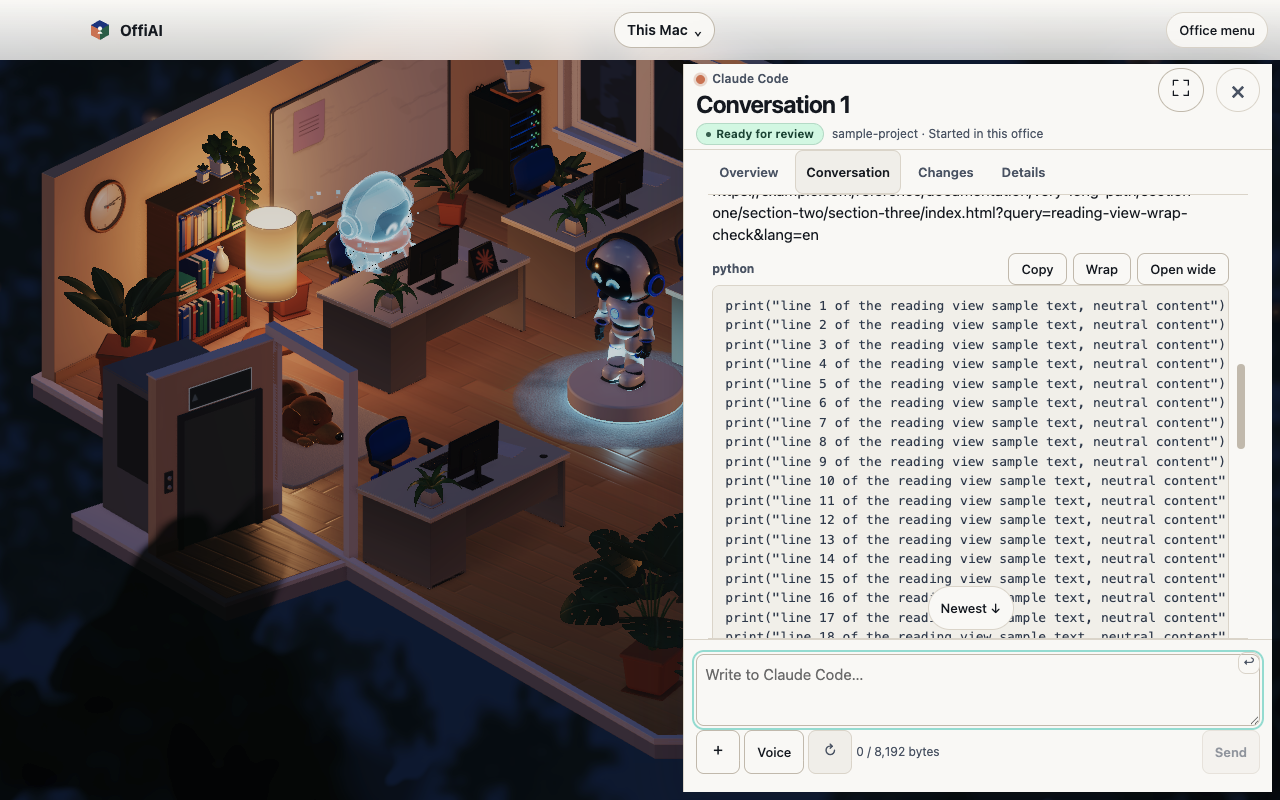
What changed and how to use it
Open a desk chat in OffiAI to use the larger default reading area. In beta 137, the default reading area is larger than before. From the desk chat, you can enter Reading view or use “Open wide” for more space.
In our check of the installed build, the layout, entering and exiting Reading view, focus, your draft, and languages all work. You can move between the normal chat and Reading view without losing your draft.
What does not work yet
Our hand check of beta 137 also found limits that are not fixed yet:
- Long replies are cut at about 4 KB (“…”) in the normal chat, in Reading view, and in “Open wide”, so you cannot read a 200-line answer in full.
- Entering or exiting Reading view shifts the anchor by about 4 lines.
- In light mode, Markdown tables in the normal chat are unreadable because the contrast is about 1:1.
- Claude desks do not show visible streaming yet.
- Switching desks while open and using the keyboard are not tested yet.
Want to try it? Join the preview.
In pictures