Beta 98: desks open on Conversation first
Beta 98 opens your desks on Conversation first, enables sensible defaults on your first click, and saves your choices automatically. You can start working right away without visiting Settings to toggle switches.
What changed
Every populated desk now opens directly on Conversation. You can find model controls in Desk Details, and your tab choices stay in place during live updates.
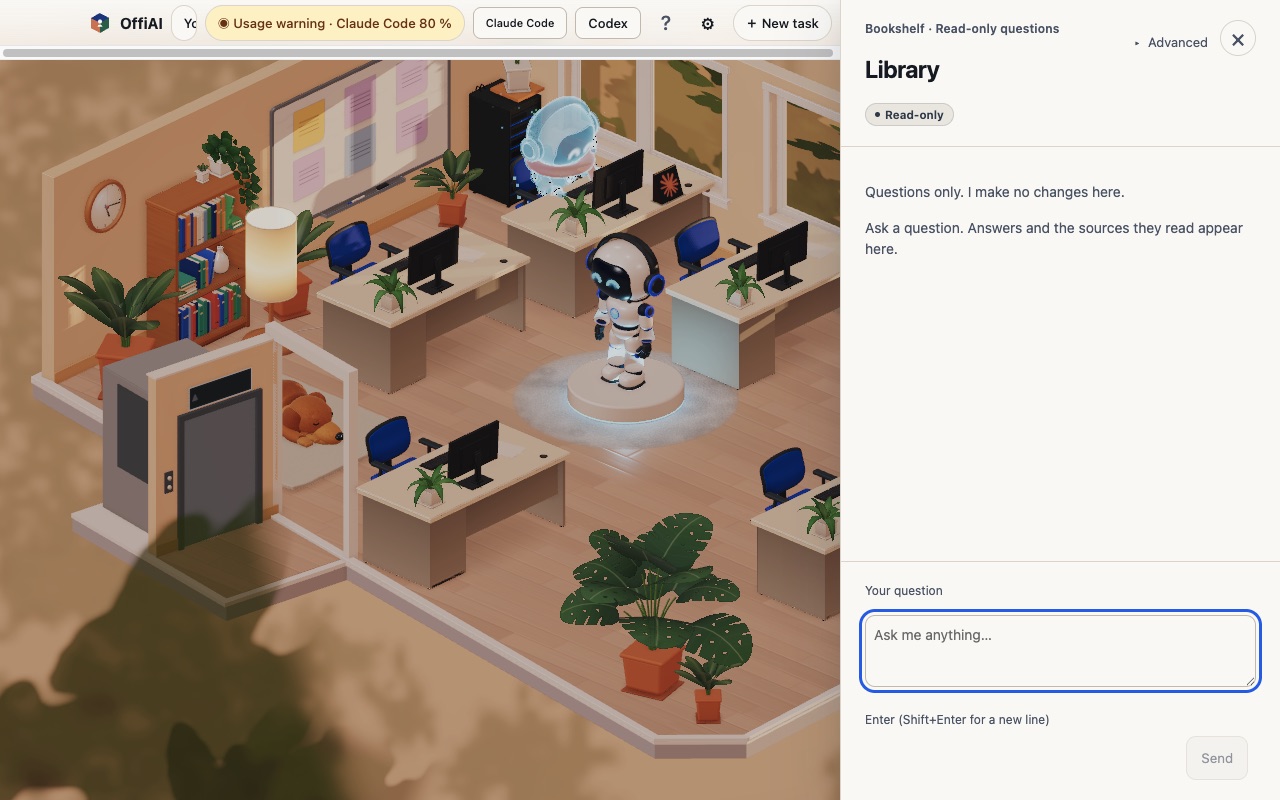
Sensible defaults work immediately across the app: - Local publishing and Cowork Send are on unless you explicitly saved them Off. After Accessibility approval, Send types only your clicked message into the pinned conversation. - Alert chimes for finished and needs-you events are on unless saved Off, and turning a channel On enables Sound. They sound after your first gesture in the app. - Robot thinking is ready on demand with a ready supported model, without calling a model until you click. You can click “New ideas now” up to five times a day, while scheduled morning ideas stay opt-in. - Library opens directly with a question box and Send.
Your choices save as you make them. Observation edits save without a Save button, shelf models load when chosen without clicking Load, and Settings discovers editors when opened.
Where to find controls
You do not need to configure switches to get started, but settings remain easy to find: - In Settings → Agents, Off and starts-on-reopen show with their reasons, and desks no longer show publishing banners. - Voice alerts and macOS notifications remain opt-in. You can enable notifications in Settings under Agents → “macOS notifications (finished, needs you, stuck)”.
What is not ready yet
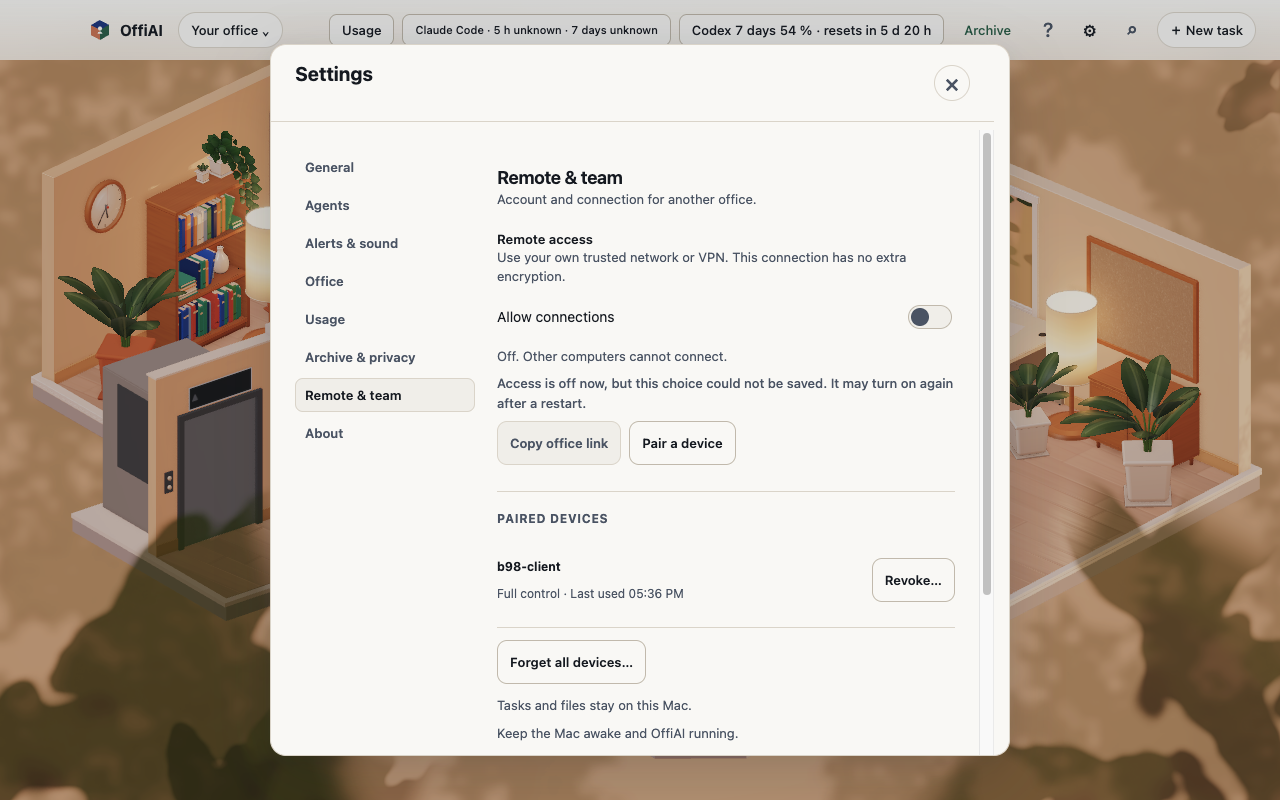
In our check of beta 98, we found that the unsaved-off warning stays muted grey. In addition, an open Settings panel keeps the “Could not listen…” message after automatic recovery.
Want to try it? Join the preview.
In pictures