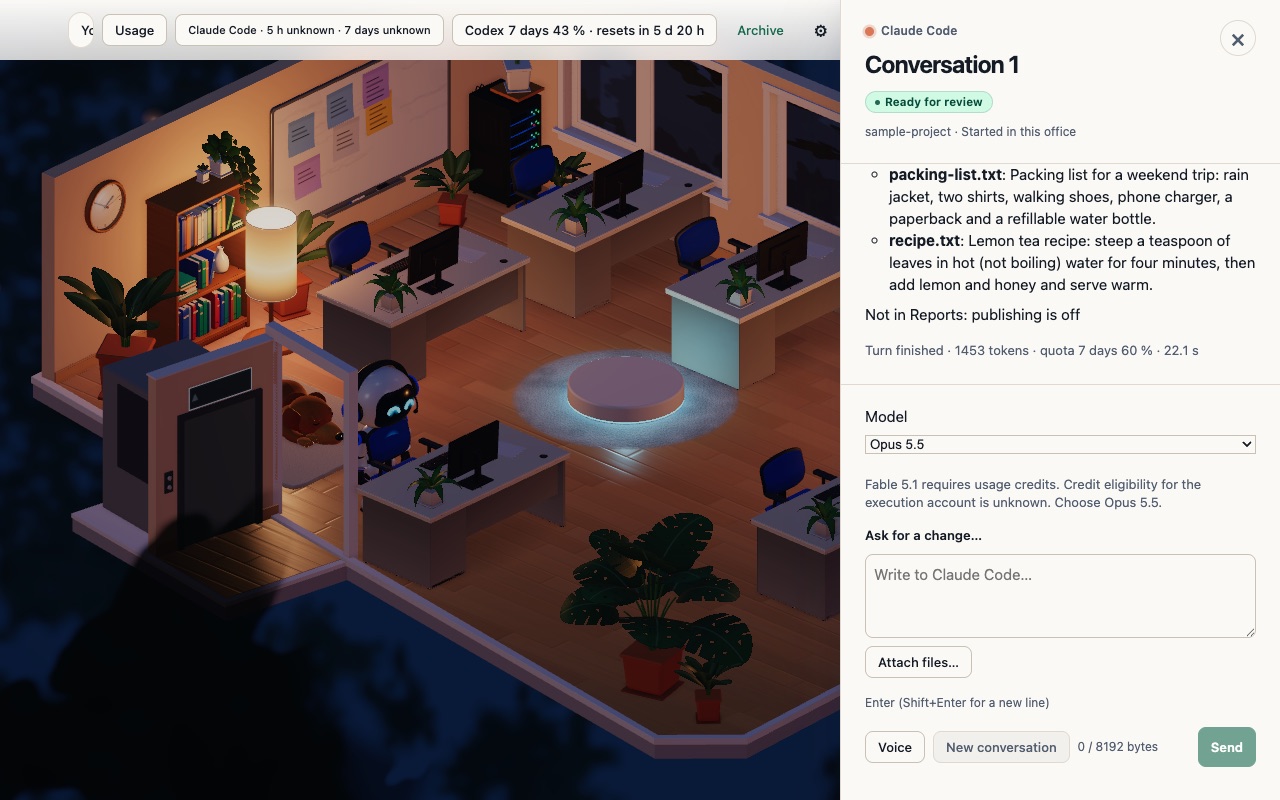
Desks say what they are doing in Conversation
Beta 71 shipped on 31 October 2026 to make desk activity clear and stalled turns recoverable in OffiAI. Desks now state their progress in Conversation, idle desks drop misleading controls, and follow-ups keep your draft if they cannot reach the agent.
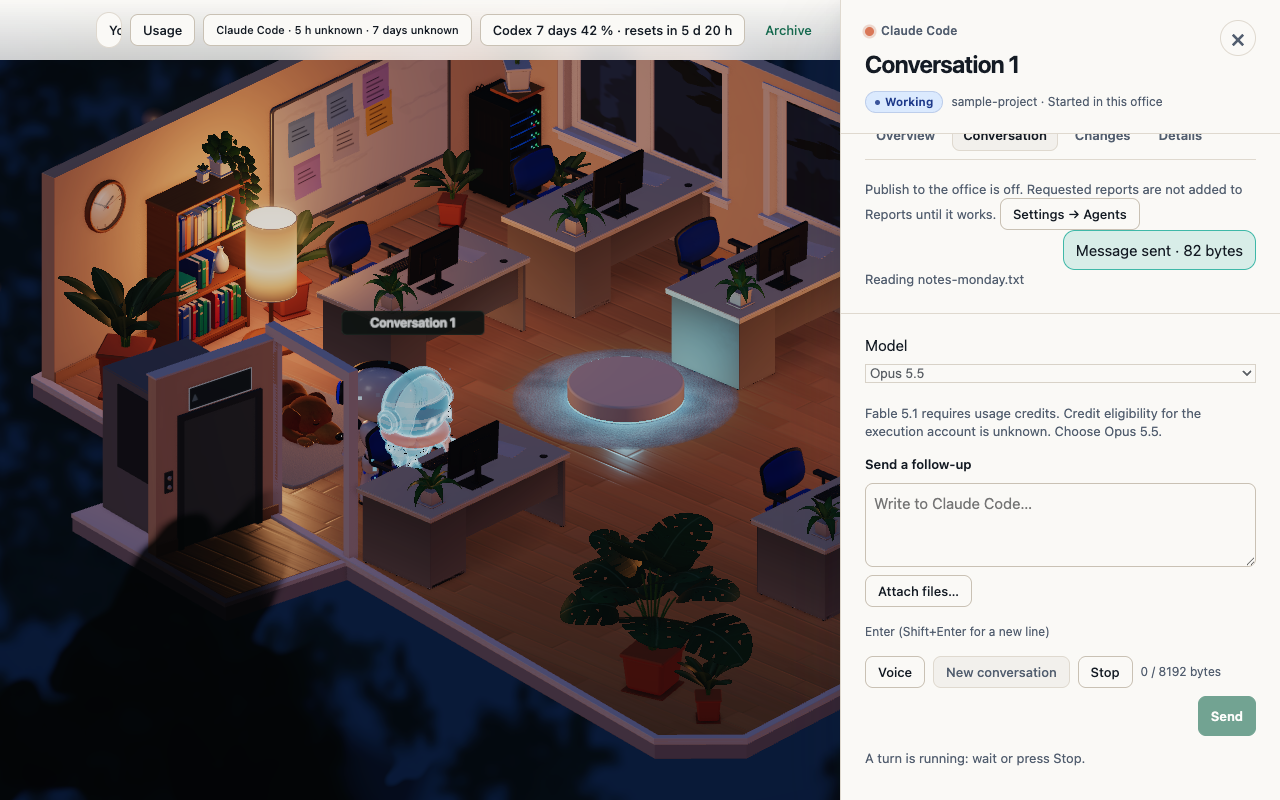
What changed for you
Previously, a desk could show flashing dots and a Stop button even when an agent was sitting idle. You could not easily tell whether work was actually happening or stuck.
In beta 71, a working desk says what it is doing in Conversation. When a desk is idle, it loses the Stop button and the flashing dots. If a turn stalls, it becomes an explicit recoverable state instead of leaving you unsure. If you send a follow-up, it either reaches the conversation or keeps your draft while explaining why beside Send.
How to use it
When an agent is working, check Conversation to see what it is doing. When you send a follow-up, check whether it reaches the conversation. If it cannot reach the conversation, look beside Send. The app keeps your draft and displays an explanation beside Send.
What it does not do yet
A follow-up does not always reach the conversation. When a follow-up cannot reach the conversation, the app falls back to explaining why beside Send while keeping your draft.
Want to try it? Join the preview.
In pictures