
Beta 108: discover your phone companion
Beta 108 helps you discover the phone companion and refines several parts of the interface. Our own check of this build found a few rough edges, which we list at the end.
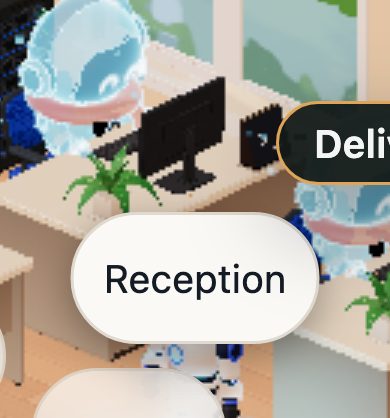
Discover your phone companion
On a paired phone, open the phone help. It now dismisses the discovery note and lets you turn pinned captions on or off. Captions on the phone keep room for the existing scene actions in both themes, and long captions stay anchored to their desk.
A new touch profile is meant to show a short discovery note once. The app remembers on the phone whether you have seen or dismissed it. If the scene has no free space, the note waits until space returns.
Interface refinements
- End visit: «End visit» now acts immediately. The label no longer ends with an ellipsis.
- End all visits: «End all visits…» asks you to confirm first, in English, Spanish or German.
- Remote settings: In Settings, «Remote and team» now has a single «Advanced» section. It holds overrides, manual pairing, Visitors and tunnels.
- Stop confirmations: Every place where you can stop a session uses the same muted confirmation, in English, Spanish or German.
- Phone layout: On the phone, desk anchors no longer cover the monitors, and result pills stay inside the screen.
What does not work yet
In our own check of beta 108, we found three problems:
- The phone discovery note never becomes visible on a new touch profile. It stays hidden under the Claude Code usage card.
- Clicking Cancel on «End all visits…» closes the whole Settings window, not just the confirmation.
- Pressing Escape on the Stop confirmation also closes the desk panel. After a confirmed Stop, the desk label says «Problem» while the panel says «Interrupted».
Want to try it? Join the preview.