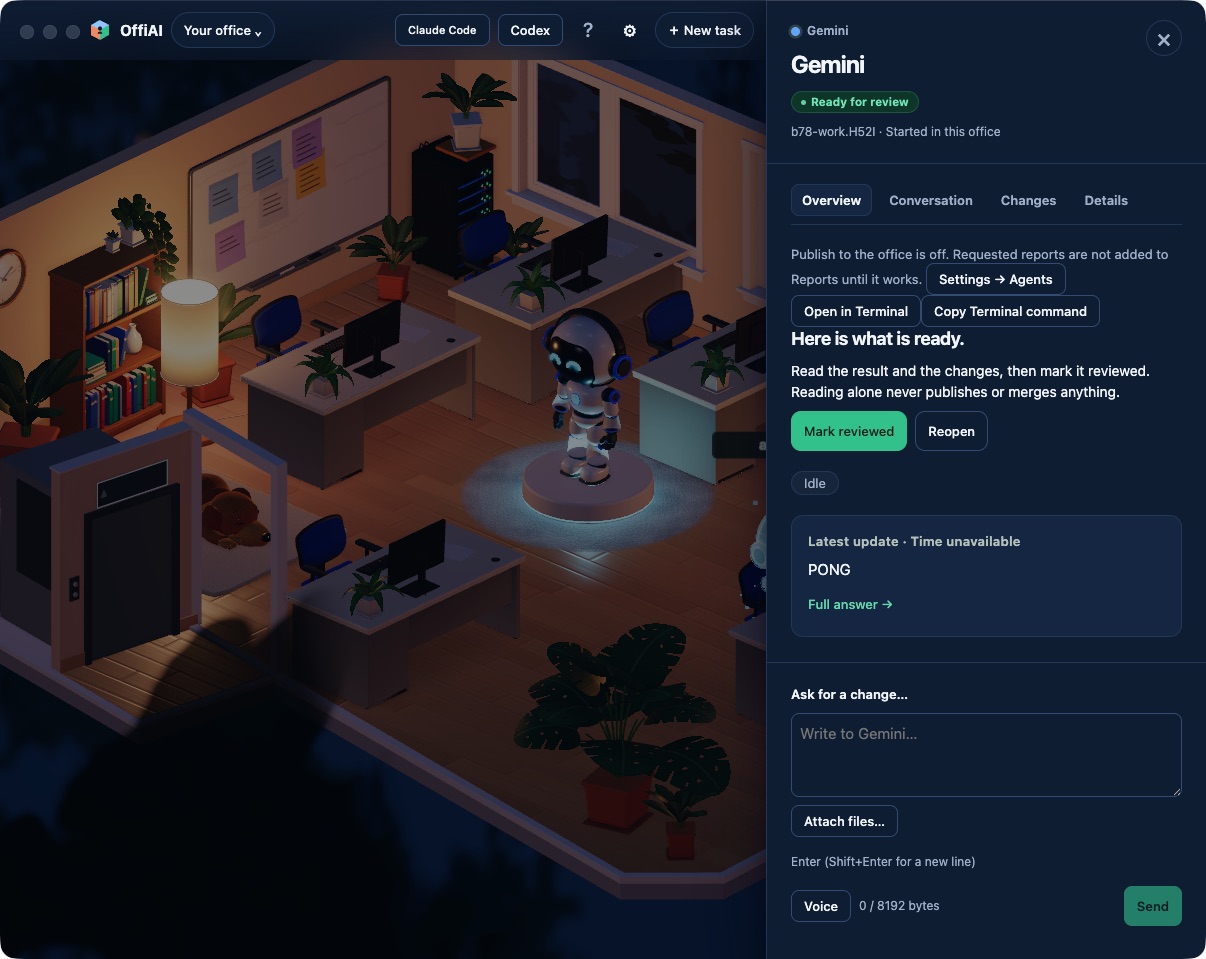
Gemini starts with current Antigravity versions
Beta 78 arrived on 2 November 2026 with an update to how OffiAI works with Gemini and the Antigravity CLI. You can now launch Gemini with current Antigravity releases, stay working through minor updates, and use fresh installations without prior conversation history.
What changed for you
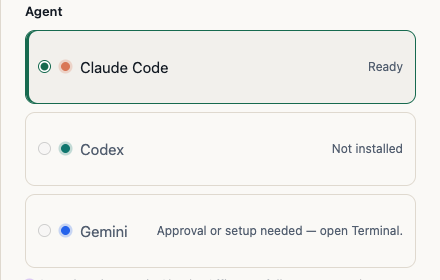
Earlier releases of OffiAI could stop Gemini from launching if Antigravity updated past the single version tested in the app. If you installed Antigravity for the first time, OffiAI could also tell you that Gemini was turned off in Settings simply because no local conversation storage existed yet.
With beta 78, Gemini starts with the current tested Antigravity CLI. When Antigravity receives a later update in the same minor release line, it keeps working. OffiAI also recognizes a new Antigravity install before your first conversation, and Gemini reports that it is off only when you actually turn it off.
Where to look in the app
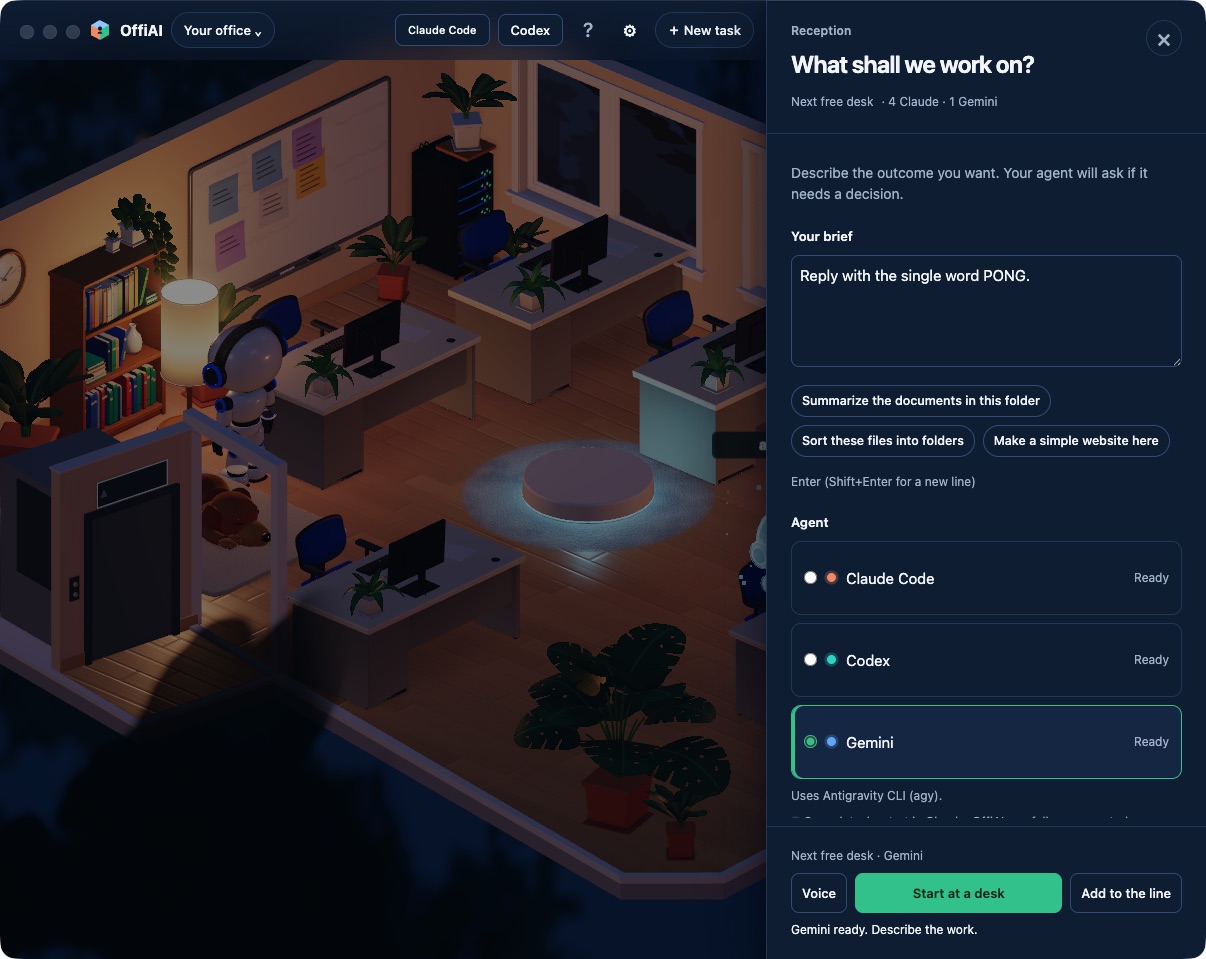
Go to Reception to start Gemini. If your installed Antigravity is a newer minor update, Reception will show a small note.
You can also check Settings. If you toggle Gemini on, the app respects that choice. A newly installed Antigravity is recognized before its first conversation.
What it does not do yet
This compatibility covers updates within the same minor release line. If Antigravity receives a larger update, OffiAI cannot launch it yet. When that happens, the app will explain that OffiAI needs updating before you can start Gemini again.
Want to try it? Join the preview.
In pictures