Beta 129: groundwork for verified screen-reading updates
Beta 129 shipped on 19 November 2026 with groundwork for verified screen-reading updates, though the feature is not switched on yet.
What changed for you
Today, when a supported agy or Codex screen changes, you have to wait for a code fix and install a new beta. Beta 129 ships the underlying engine for small compatibility packs hosted on offiai.app. Once a future app release turns pack support on, OffiAI will check for available packs automatically. You will be able to apply supported screen fixes without downloading another beta or restarting the app, though some changes require restarting the affected desk.
The design keeps safe fallbacks in place:
- Offline starts keep using the built-in screen reader.
- A bad patch leaves or restores the last working reader.
- An unsupported screen falls back to a usable raw terminal with guidance while automated reading pauses safely.
How to use it
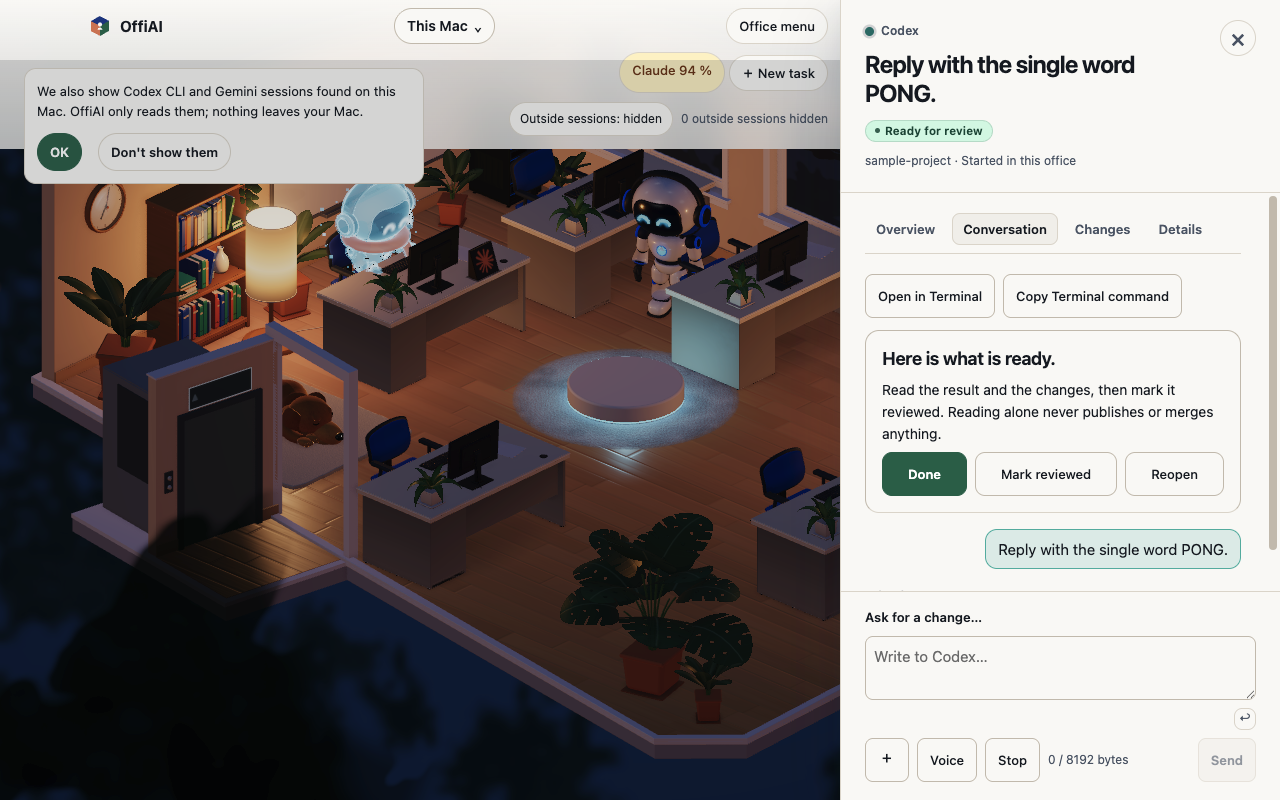
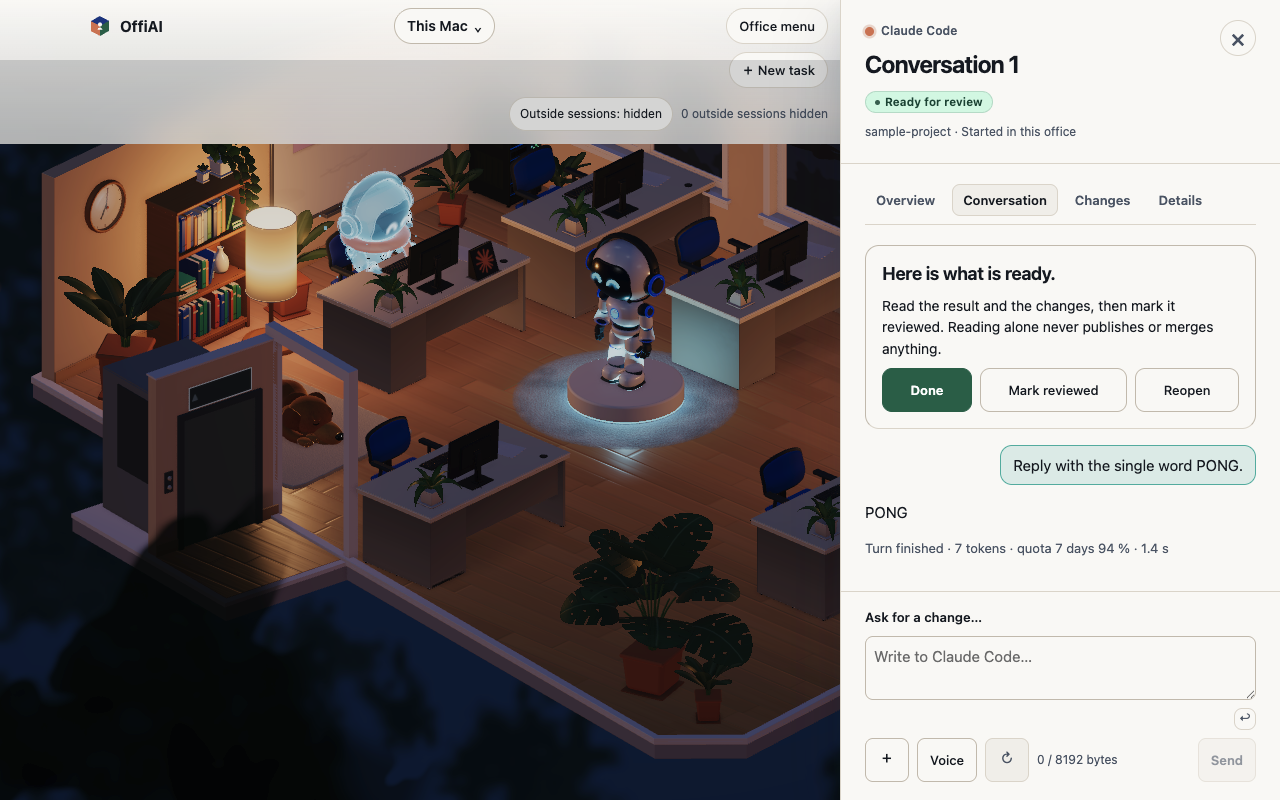
Right now, there is nothing new to click or turn on. Our check of the installed beta 129 build found no new button, notice, or setting in the app. Your Codex and Gemini desks still read their screens normally with the built-in reader.
Once pack support is switched on in a later release, you will click Apply update when a pack is offered for a supported screen change.
Honest limits
Pack updates are not switched on in beta 129 yet, and there is no promised date for when they will be.
Even when pack updates are active, the interpreter engine is bounded and data-only. Packs carry signed layout and version-range data, never downloaded executable code. A screen change that requires a new parsing operation, permission capability, or process model will still need a new app release, and packs cannot promise compatibility with every future CLI.
Want to try it? Join the preview.
In pictures