Beta 73: install Claude Code with one click
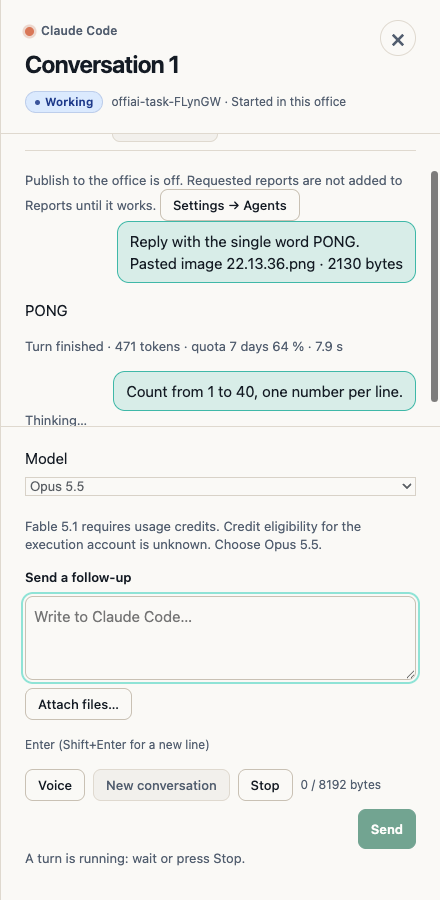
Beta 73 makes the first start easier: if Claude Code isn’t on your Mac yet, OffiAI installs it for you with one click, without Terminal.
Installing Claude Code
Open OffiAI. If Claude Code isn’t on your Mac yet, the setup sheet offers one button to install it. You don’t need Terminal and you don’t need to set anything else up. OffiAI checks the download before it uses it, and if something goes wrong, such as no connection or too little disk space, it stops, tells you why, and does not install a half-checked copy.
Signing in
After the install, OffiAI opens your browser so you can sign in with your own Claude account. If the browser gives you a code instead, paste it into the code field in the setup sheet. OffiAI never shows that code again.
Your first task, in a normal folder
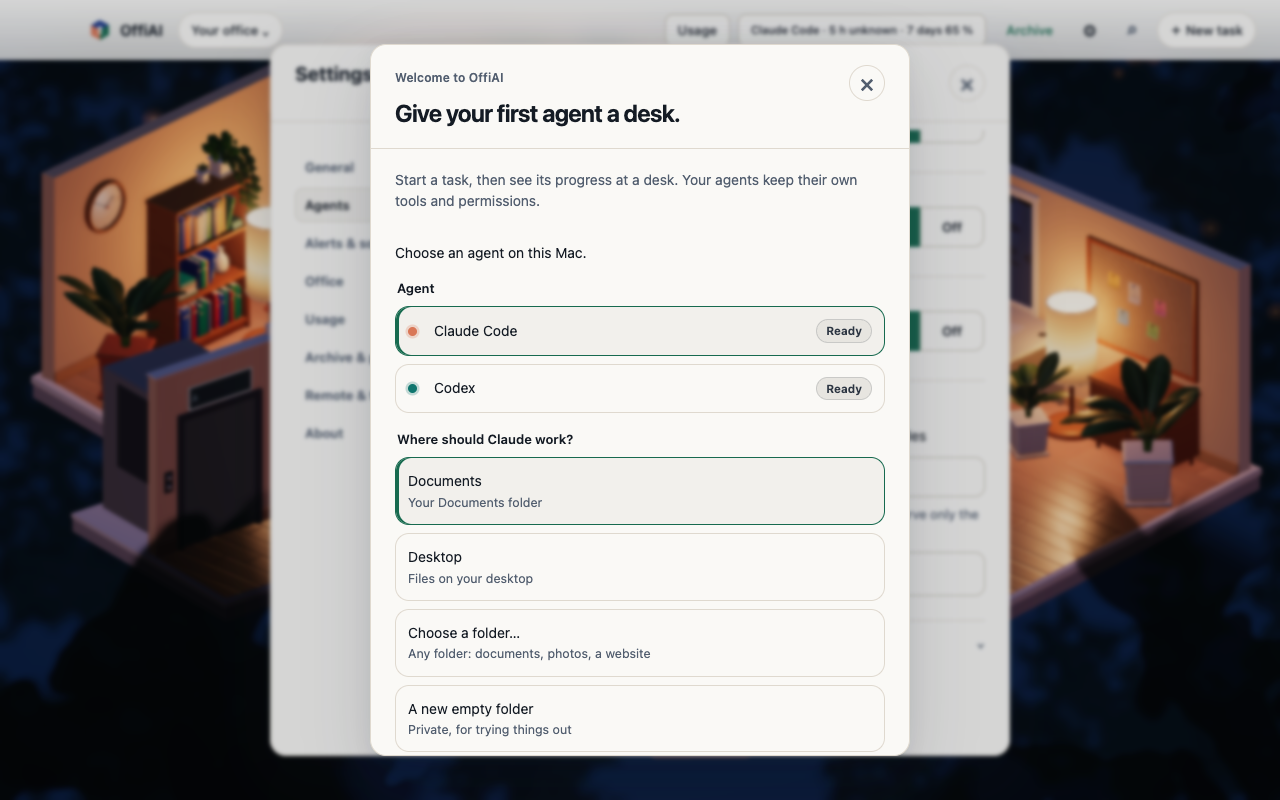
Your first agent doesn’t have to work on code. When you start your first task, OffiAI suggests your Documents folder and also offers Desktop, a folder you choose, or a new empty folder. That choice applies to this task only and doesn’t change your office’s default folder. The task suggestions include documents, files and a small website, not only code.
Limits
Our hand check for this beta could not repeat the full install and sign-in on a clean Mac, so automated tests cover those steps for now; if a step doesn’t go as described, please tell us.
Want to try it? Join the preview.
In pictures