
Jobs end as “delivered”; you review them and mark them done
Shipped in beta 37 on 25 October 2026, jobs end as “delivered”; you review them and mark them done.
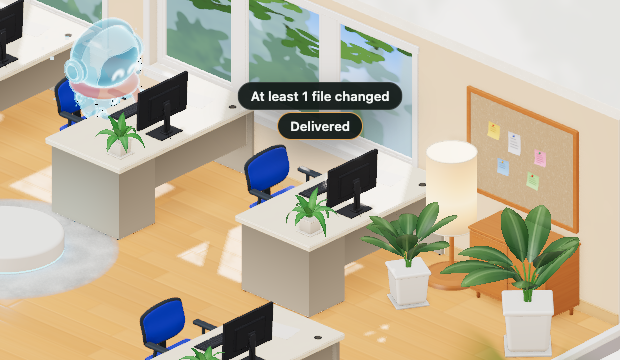
What changed
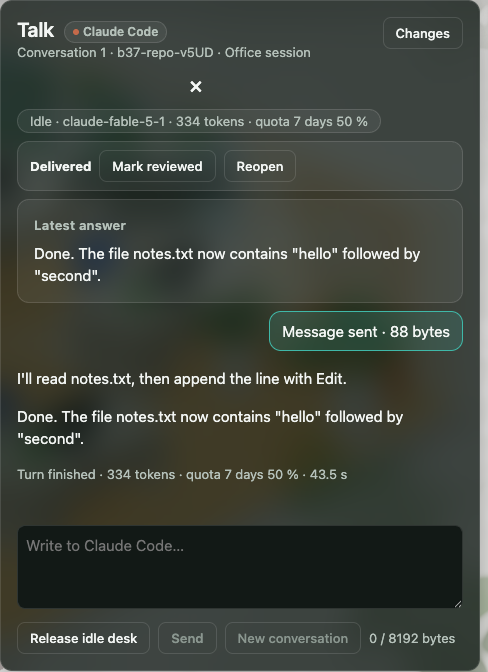
Your agent runs the work, but OffiAI records delivery and waits for your judgment. An agent saying it is done or opening an answer is never treated as user acceptance. A finished turn delivers; only a person reviews or marks done. If you send a follow-up, it continues that same job.
A session started from OffiAI holds its desk past the idle grace and stays pinned while waiting for you. It survives an app restart and resumes the same conversation without replaying the brief. The desk never yields to new work, except after you mark the job done and an idle grace period passes, or if its working folder is gone. That saved grace period resumes after restart.
How to use it
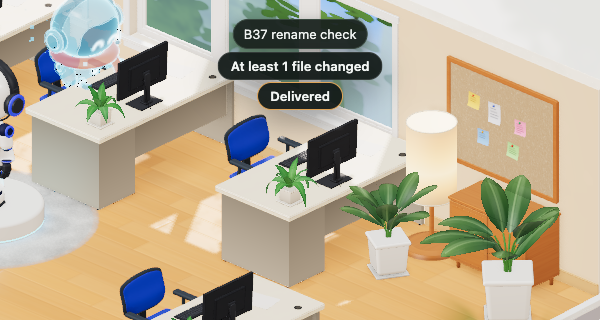
When a turn completes, look for the in-app “Delivered” chip on the desk. Delivered badges open the matching answer and acknowledge the session turn.
Delivered acknowledges unreadness only, clearing the unread notice without accepting the work; explicit actions change review state. To review work or mark it done, use the review bar, the drawer, or the actions in the archive. A completed turn can enter Delivered; only an explicit review decision can enter Reviewed and then Done.
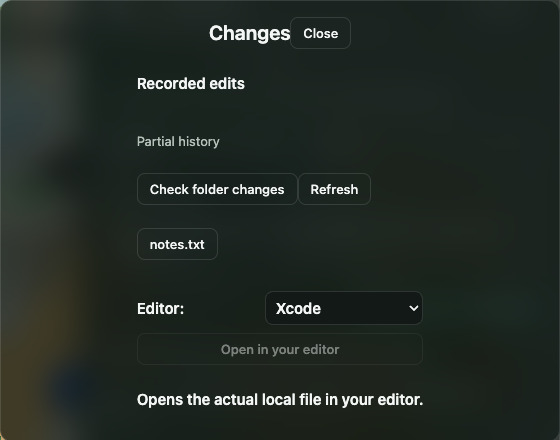
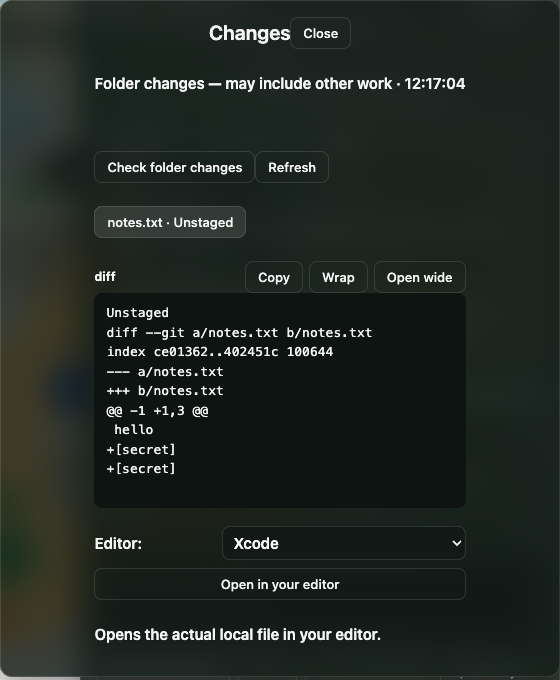
Settings → “Keep an archive of sessions” is on by default to record your sessions and decisions. In the archive dialog, job-state filters compose with search so you can find past deliveries.
Alerts and limits
One alert model covers every agent family (Claude Code, Cowork, Codex, Gemini): a finished turn, a desk waiting for you (input, permission, approval) and a desk that failed or ran N minutes without progress (default 10) each raise one alert carrying the desk, the family and the masked title only, hiding sensitive details like paths and keys.
As an honest limit, every alert channel except the in-app “Delivered” chip is off by default. To receive notifications on your Mac, you must turn on the toggle in Settings under Agents → “macOS notifications (finished, needs you, stuck)”. In addition, review and done decisions are silent, so marking work done raises no alerts.
In pictures
Want to try it? Join the preview.