Load custom office art and layout without an app update
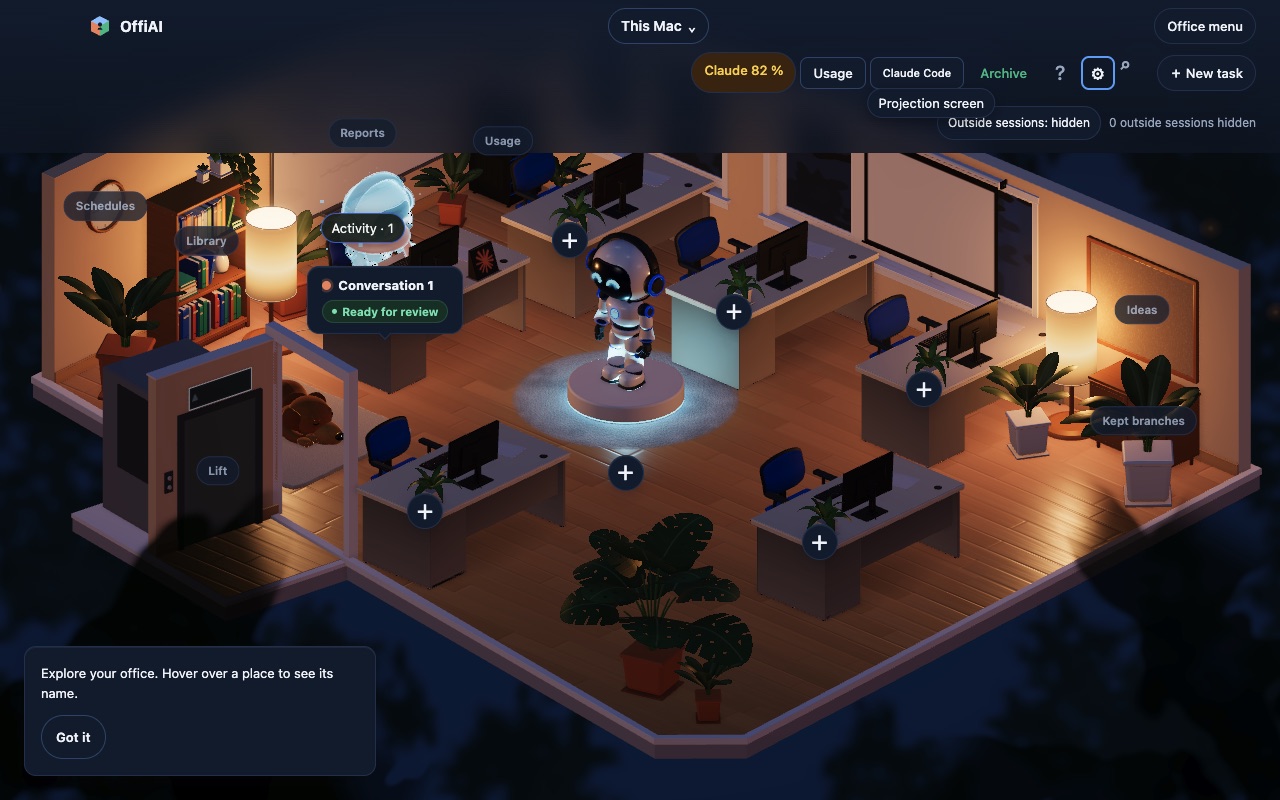
Beta 123 is dated 18 November 2026. You can now load custom office art and furniture layouts into OffiAI without waiting for a new app update.
What changed for you
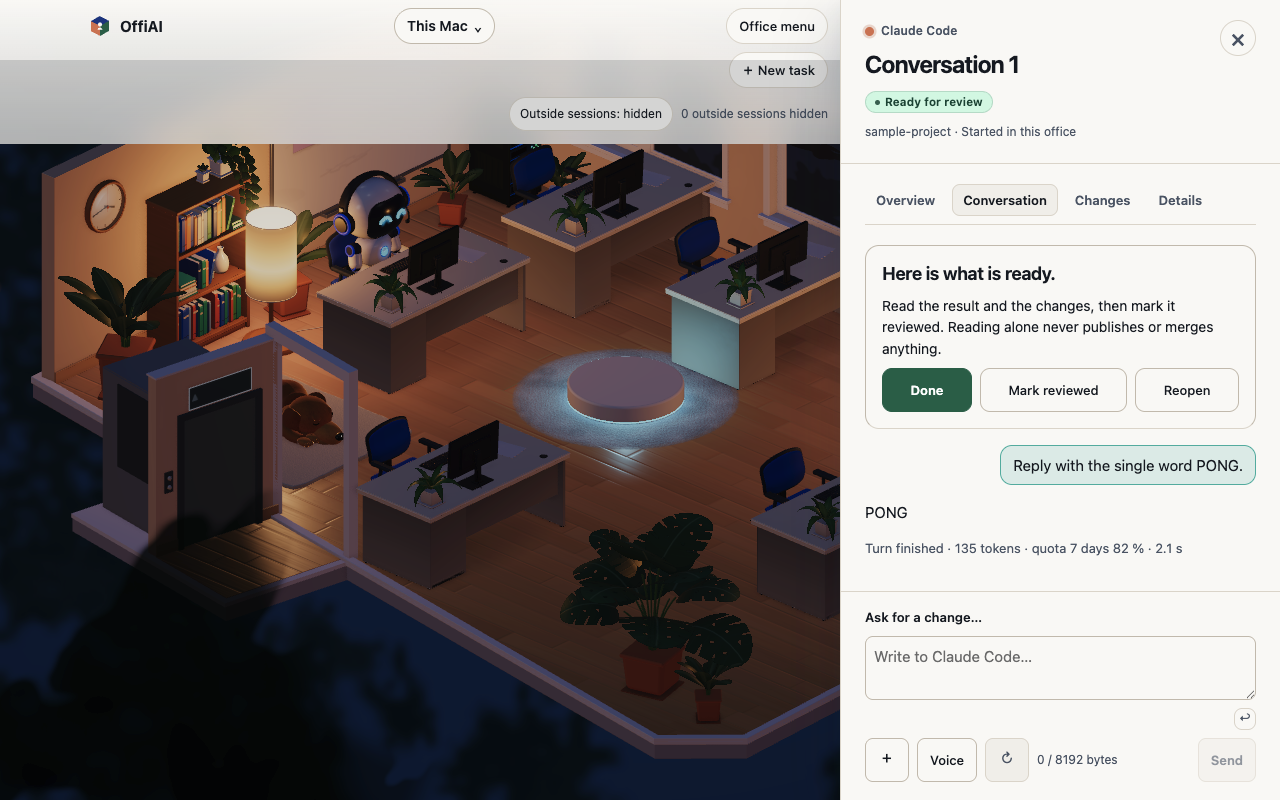
Now you can open a supplied .offiai-office file directly. Your current tasks keep running while the room art and furniture layout change.
Before switching, OffiAI is designed to check the whole file and recompute navigation paths. By design, it refuses files with desks or Reception hidden across a wall from reachable approaches, disconnected seats or tools, seats inside another piece of furniture, or tool approaches that are not near their furniture. If a file is invalid, it is designed to explain the problem and leave your working office alone. Because custom-office import and switching were not qualified in our hand check of the installed build, this loading and validation behavior has not yet been verified there.
As a data and geometry baseline, the built-in pack preserves the default art selections, layout, seats, paths, and tool targets; rendered qualification still remains. Separately, our hand check of the default office on the installed beta 123 build confirmed that it is unchanged, the desktop room matches beta 122, both themes use the same room, all place and furniture targets open their existing destinations, and the phone framing matches beta 121.
How to use it
- Open a supplied
.offiai-officefile. - Choose Use office to change the room art and furniture layout while the same tasks keep running.
- Open Settings at any time to restore today’s default office.
Current limits
- Custom-office import and switching—the main change announced here—and persistence across updates were not qualified in our hand check of the installed beta 123 build. We have not yet verified them on the installed app.
- Preserving the built-in pack’s default art selections, layout, seats, paths, and tool targets is a data and geometry baseline; rendered qualification still remains.
A custom office remains installed through supported app updates while its file format remains supported.
Want to try it? Join the preview.
In pictures