Beta 113: new tasks reclaim inactive observed desks
Beta 113 shipped on 14 November 2026 for OffiAI. In this release, new tasks reclaim inactive observed desks when capacity is full, and isolated offices start empty.
Reclaiming inactive observed desks
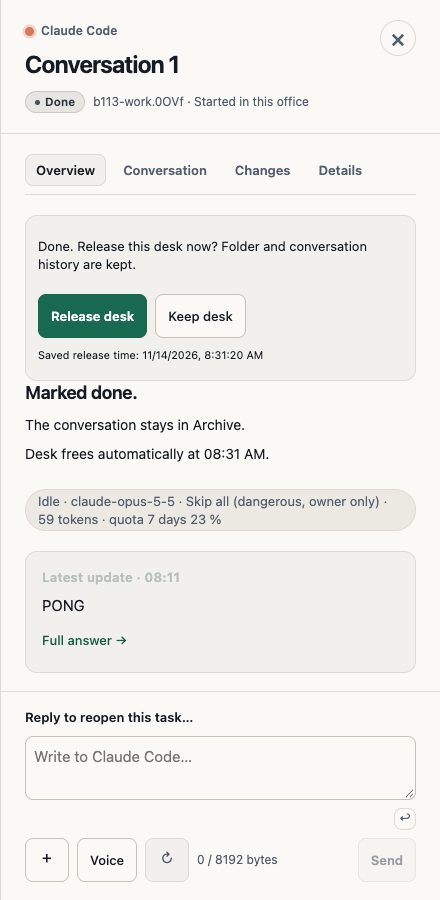
When you use automatic start or run queued tasks in order, OffiAI uses empty desks first. If no desk is free, it reclaims the desk holding the oldest eligible idle observed session. Ties are broken consistently, and parallel starts reserve separate desks.
Some desks never get reclaimed. Owned desks, active desks, desks waiting on you (“Needs-you”), helper desks, desks waiting for approval, reserved desks, and desks with an unresolved identity stay protected. OffiAI rechecks activity and authorization before parking an observed session. If a takeover fails, your existing placement stays intact or recovery is reported.
Where to look and click
- Reception: Check Reception for announcements in English, Spanish, or German when a task takes over an observed desk directly, after recovery, or from the queue.
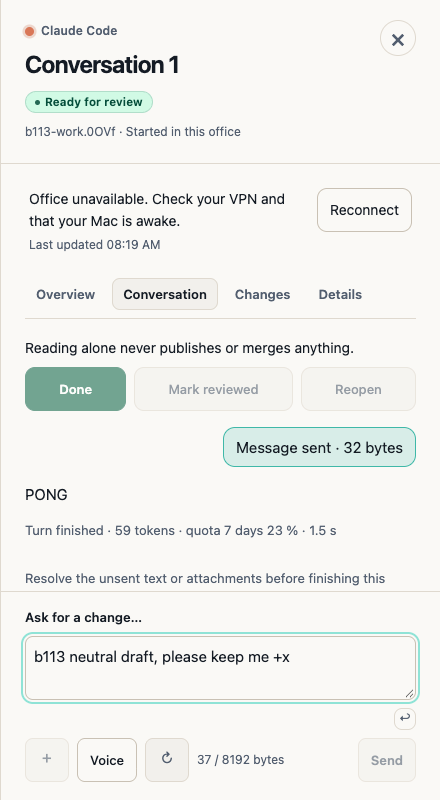
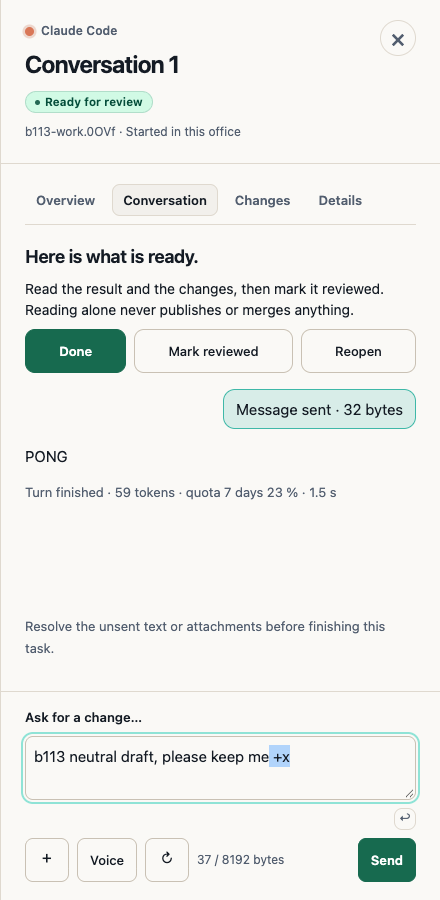
- Waiting list: Open the waiting list to see parked observed sessions. Their review or result identity survives office refreshes, and you can click Reopen without provider input.
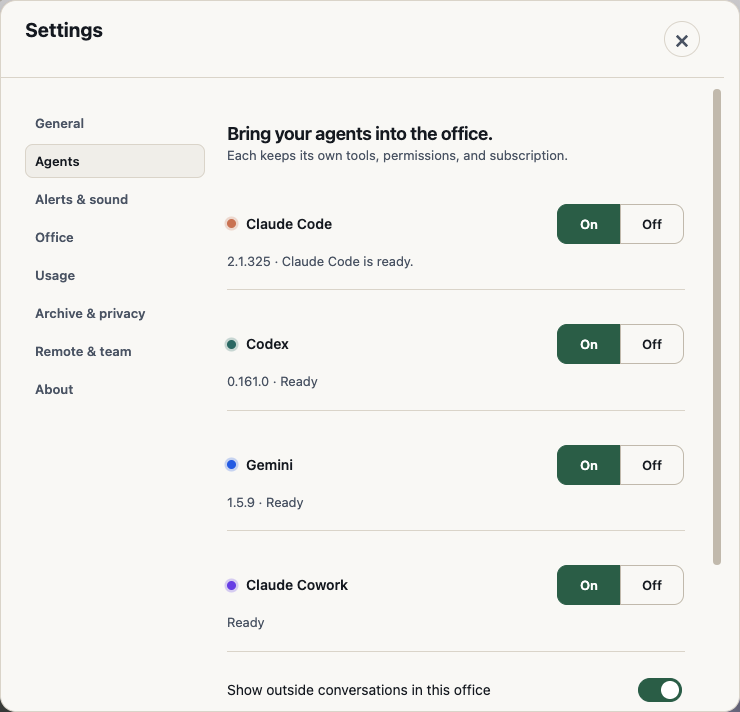
- Agents: Validated isolated and release-verification profiles exclude outside conversations by default, while owned starts still work, ordinary profiles keep their usual defaults, and stricter isolation stays intact. Use the checkbox in Agents to opt a profile back in; existing autosave feedback confirms the change.
What it does not do yet
In our own hand check of beta 113, we did not measure full takeover because testing it requires six idle outside sessions, and we did not run the Spanish or German checks. During that run, the conversation on Desk 3 was unseated, and we don’t know why.
Want to try it? Join the preview.
In pictures