OffiAI now falls back to English instead of Spanish
In beta 117, shipped on 16 November 2026, OffiAI opens in English instead of Spanish when your Mac uses an unsupported system language.
What changed for you
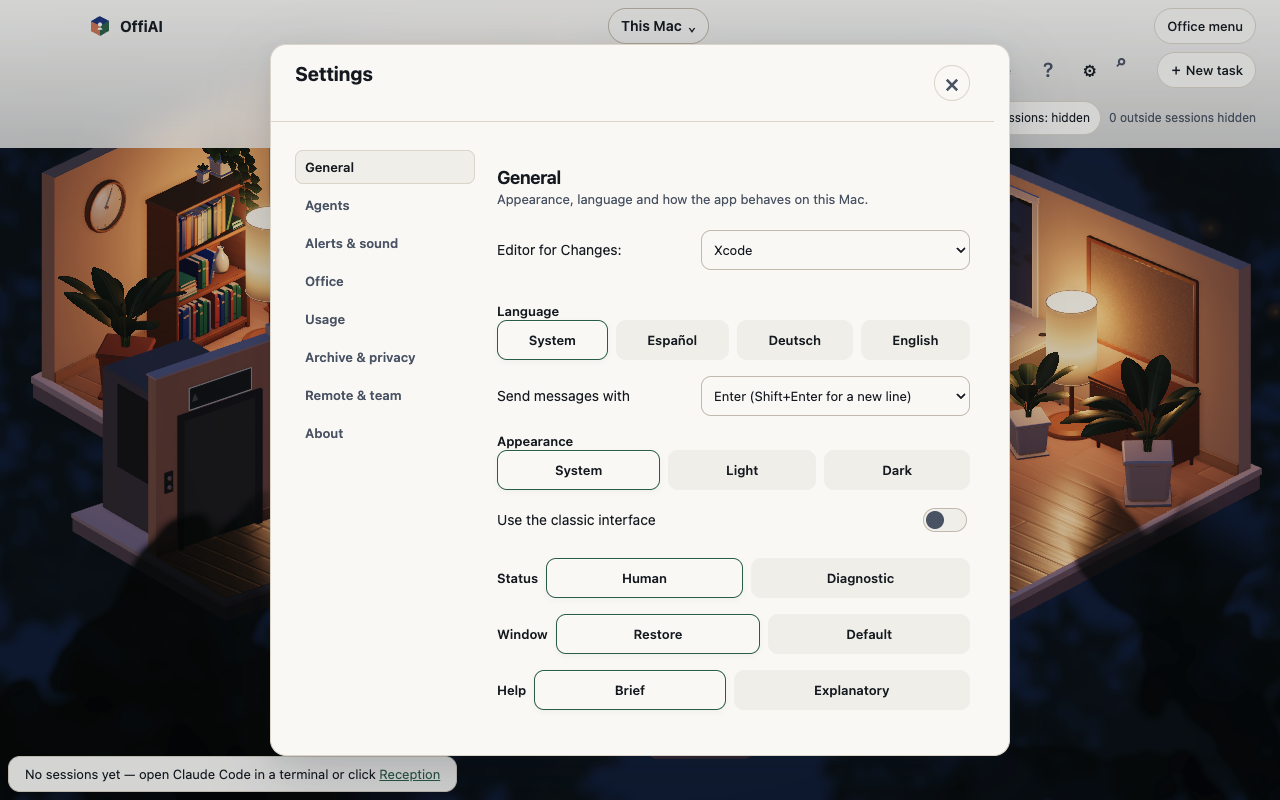
Before beta 117, OffiAI opened in Spanish on a Mac whose language was not English, Spanish, or German. Now, with the System language setting, the app opens in English instead.
If you use such a Mac and never chose a language, you will see the app switch from Spanish to English after this update. This change is intended.
How to use it
You do not need to change anything if you keep the System language setting.
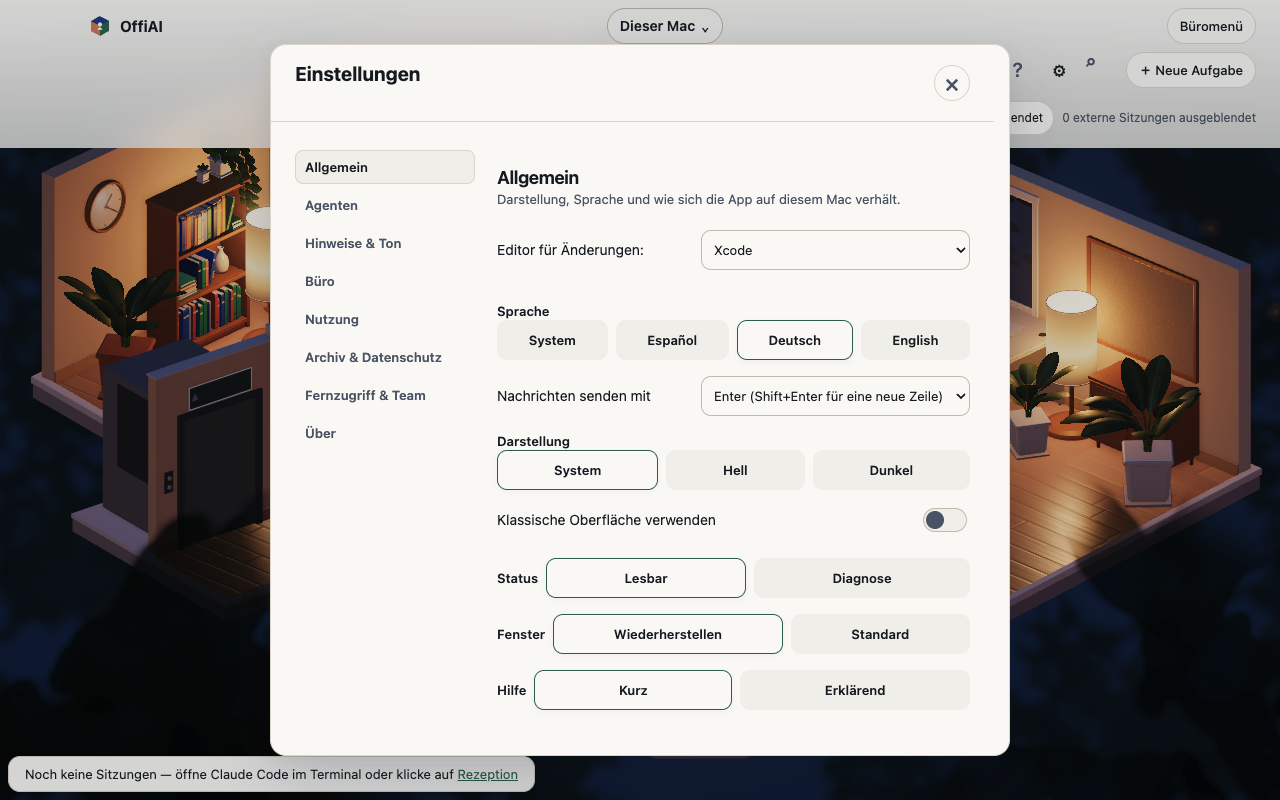
If you prefer another supported language, open Settings in OffiAI and pick Español, Deutsch, or English. OffiAI keeps your explicit choice.
Current limits
We ran a hand check on the installed beta 117 build. For the measured system languages, OffiAI opens in English when the Mac language is not English, Spanish, or German, and keeps an explicit choice.
One limit remains in this build. When the app is in Spanish or German, the page language that screen readers use is still reported as English. This minor issue is outside the scope of this change, and there is no promised date for a fix.
Want to try it? Join the preview.
In pictures