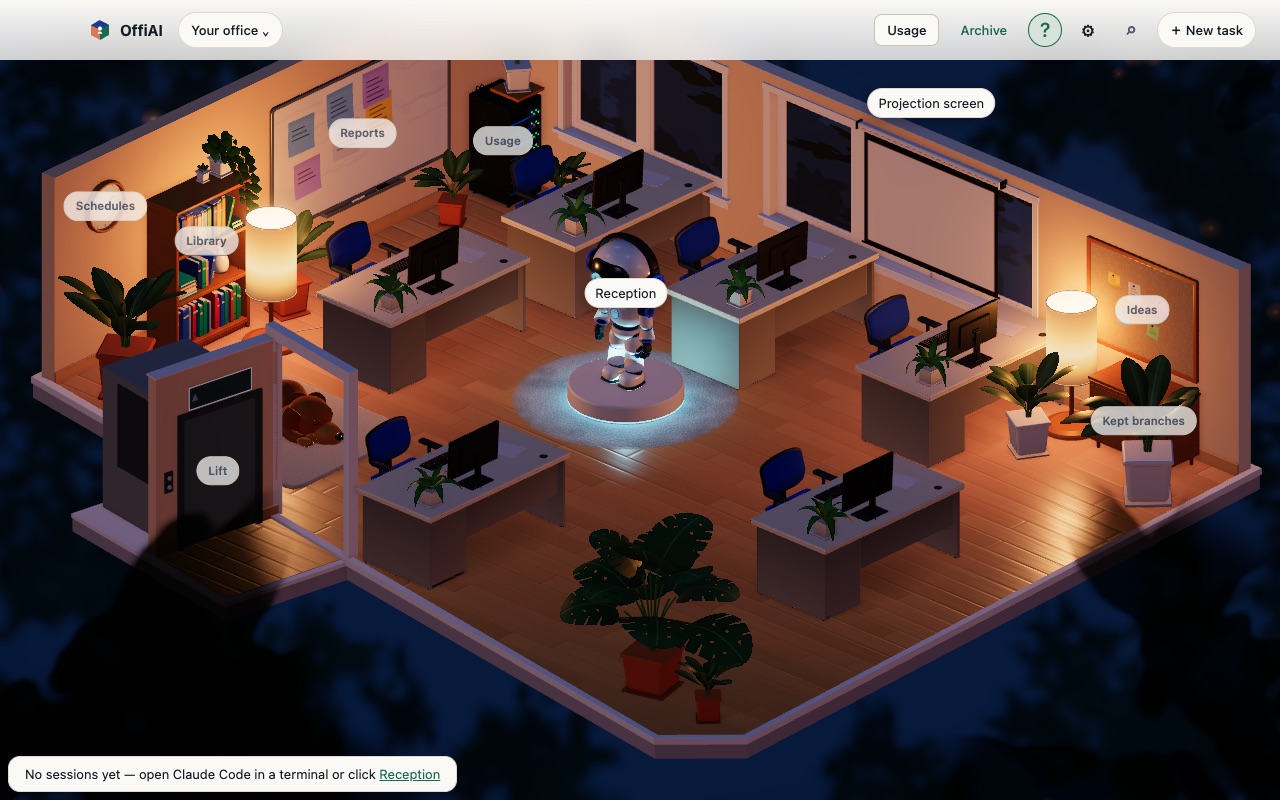
Office place names appear only while the top-bar question mark is on
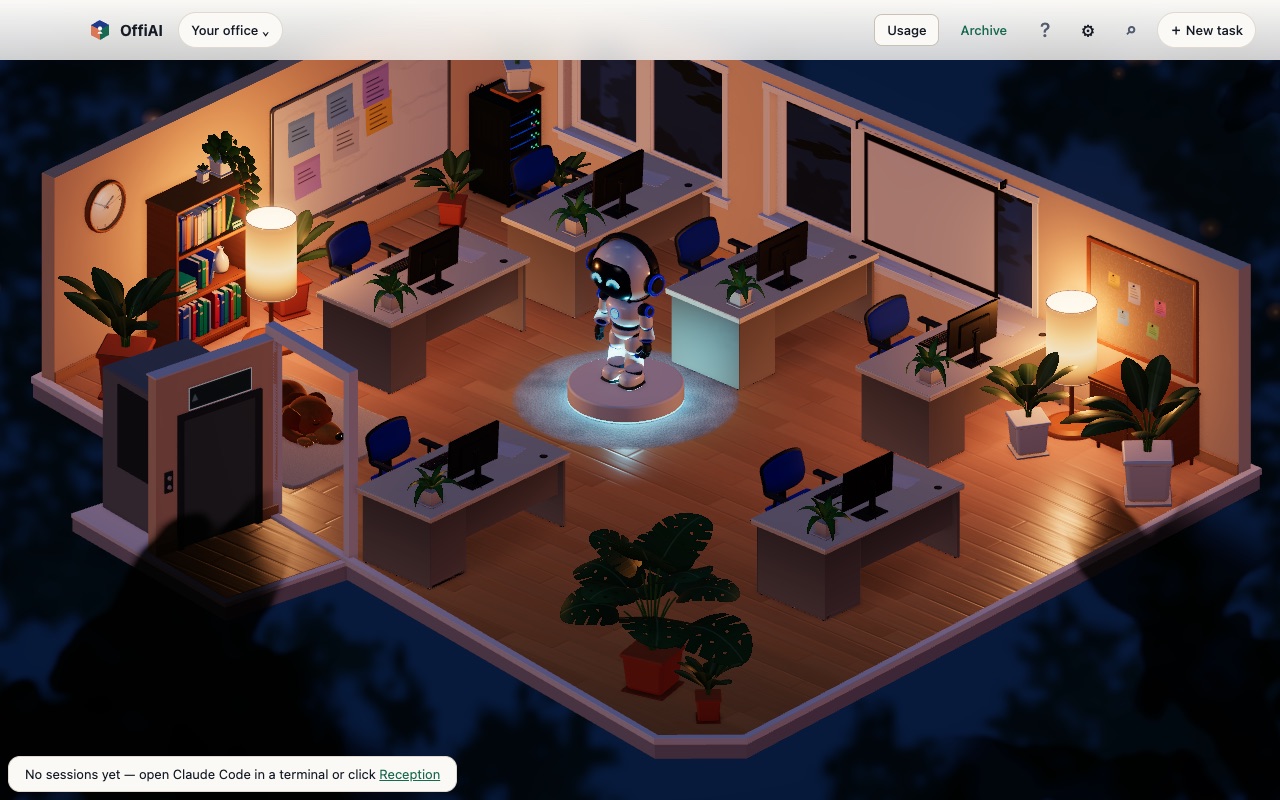
Beta 77 updates OffiAI so office place names appear only while the top-bar question mark is on. In a new profile, help now starts turned off by default.
What changed
In earlier builds, a fresh profile showed office place names continuously. Labels such as Ideas, Kept branches, Reports, Schedules, Library, Usage, and Lift remained visible across the room.
Starting in beta 77, released on 2 November 2026, those office place names appear only when you ask for them. In a new profile, help starts off. Your task progress, status badges, and office actions continue working exactly as before.
How to use it
Look at the top navigation bar in OffiAI.
Click the question mark button in the top bar to toggle place names on. When toggled on, the office reveals office place names. Click the question mark button again to hide the labels and return to a clean scene.
Current limitation
The app has no stored help preference. Help turns off again each time the office reloads, because the app does not remember your choice. If you prefer keeping labels visible, you must click the top-bar question mark again after each reload.
Want to try it? Join the preview.
In pictures