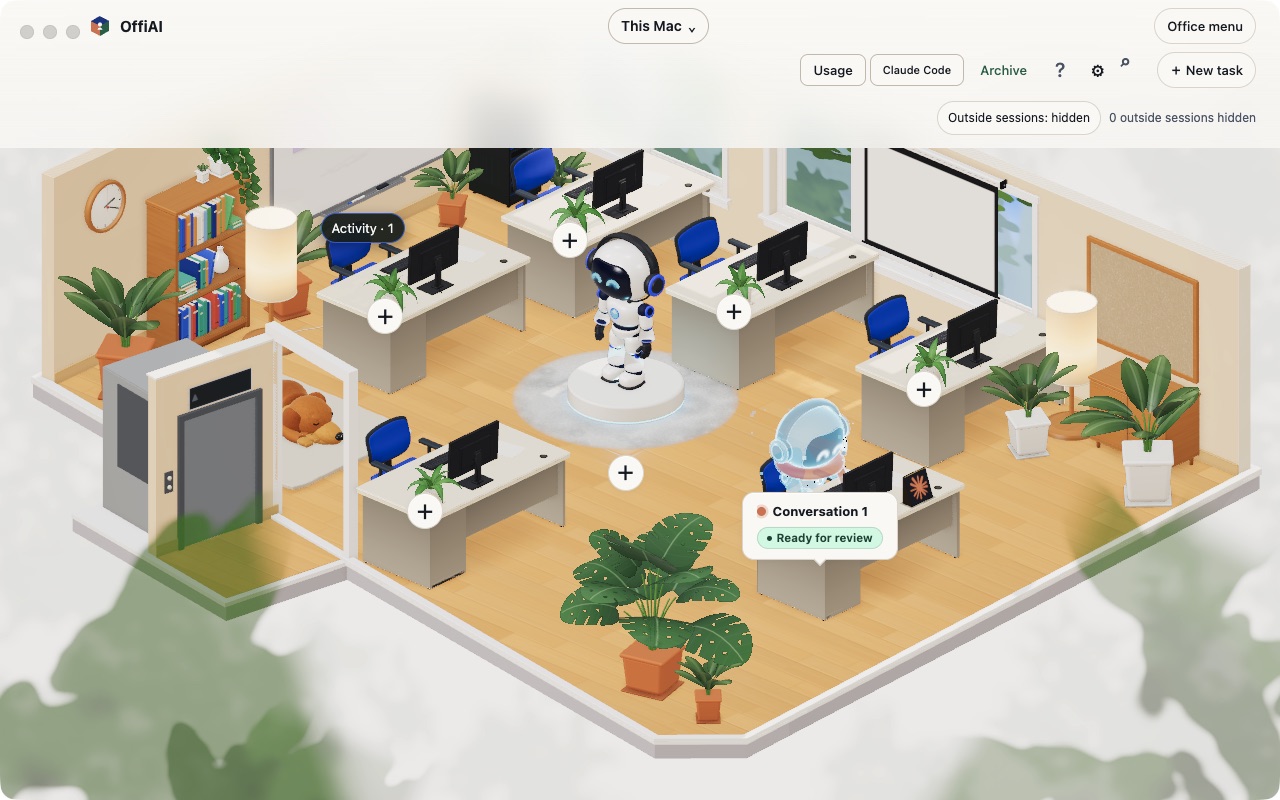
One office switch to show or hide sessions started outside OffiAI
Beta 115 shipped on 14 November 2026 with a single office switch to show or hide AI coding agent sessions started outside OffiAI. Outside sessions now default to hidden.
What changed for you
When outside sessions are hidden, they take no desk, waiting row, parked row, or alert. That applies to active, idle, waiting, and automation sessions started outside OffiAI. Hiding them frees their desks without stopping any session, separately from manual parks, and later observations stay hidden.
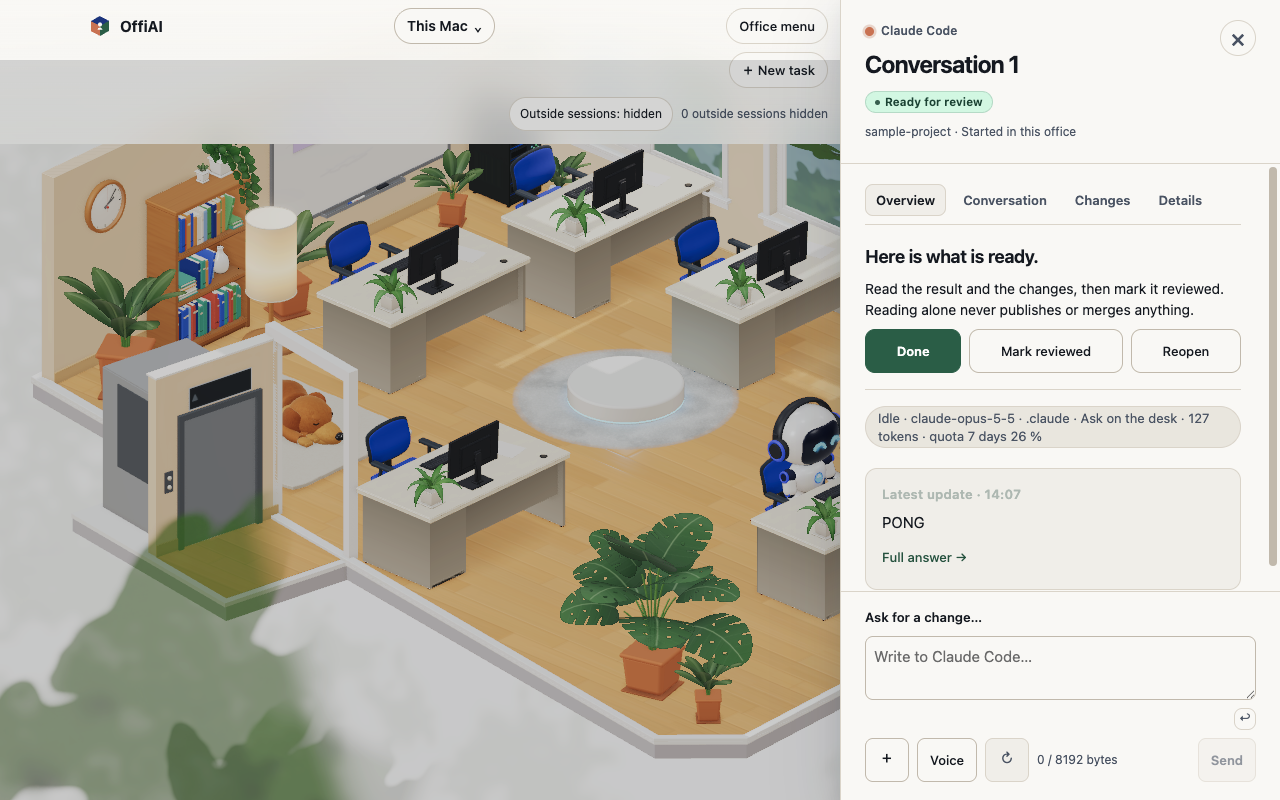
Sessions you started inside OffiAI stay seated and are not counted as hidden. Outside Delivered or Reviewed jobs also stay seated and are not counted as hidden. If an outside session has an answerable terminal approval, it keeps its desk and needs-you attention. Once you resolve that approval, the session hides again.
Hidden outside sessions do not count toward the waiting-for-a-desk message. Protected reviews and answerable approvals still do.
When you turn the switch on, only live outside sessions take a desk. Any session that disappeared while hidden does not return. Returning desks are quiet and replay no chimes. Live external Claude Code and Codex idle sessions get a free desk and keep it while live. Each Cowork conversation Claude reports gets its own desk, with several shown at once below capacity.
How to use it
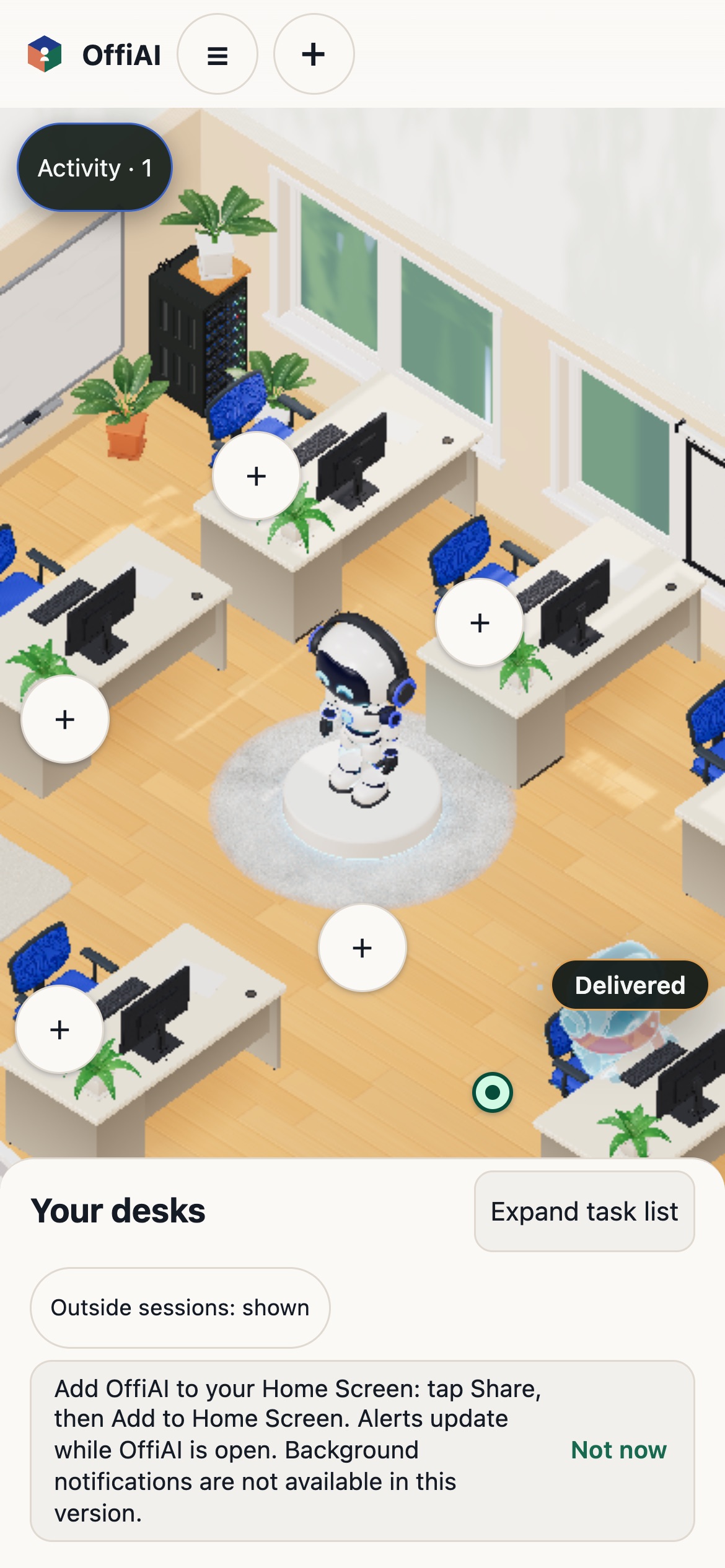
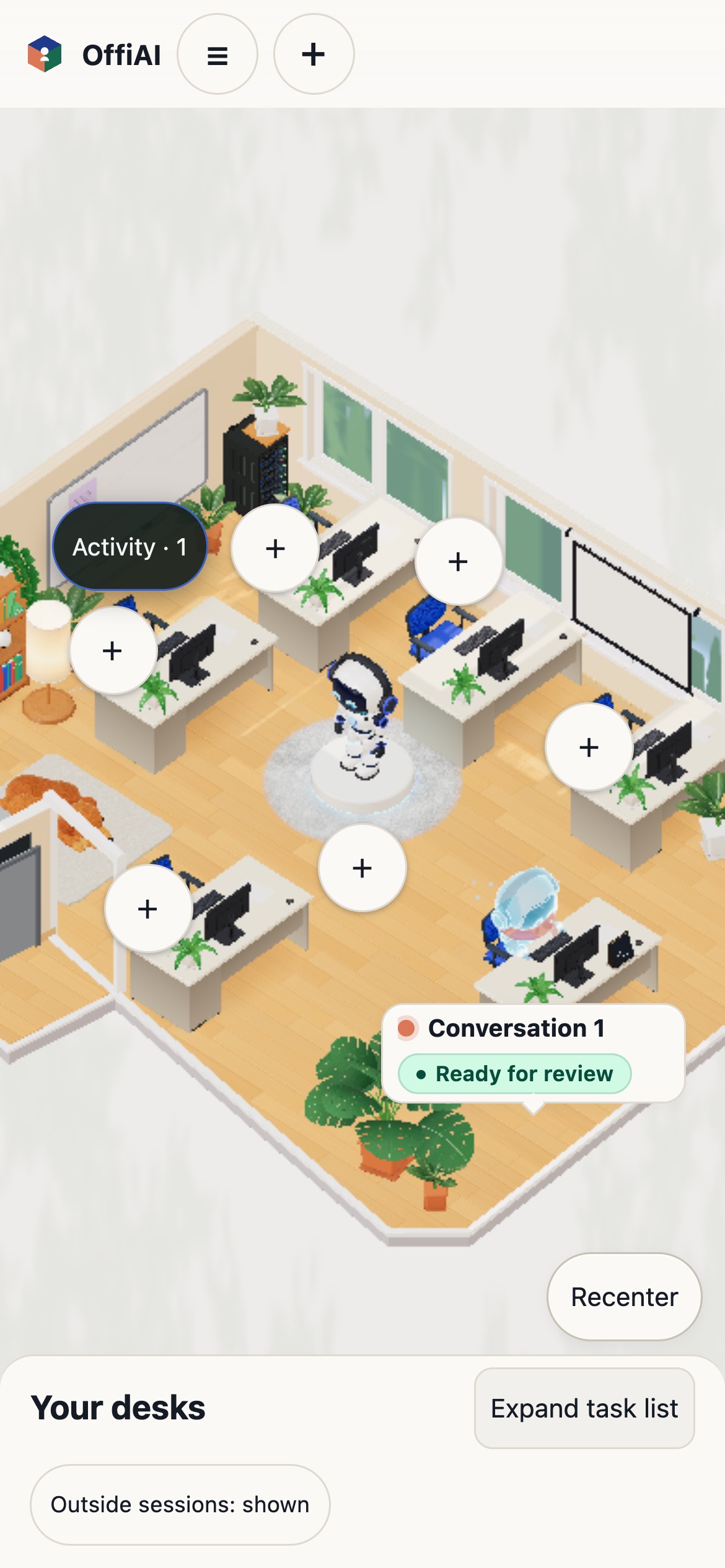
Find the switch in the office controls, or in the phone office header. Click it once to show or hide outside sessions. Next to it, a quiet line shows only the count of hidden sessions, including zero. Labels are available in English, Spanish, and German.
Your choice stays saved across restarts. If you toggle it in a paired owner office, remote clients receive the update and host count while other offices stay unaffected. You cannot change the switch in a read-only or switched office.
What does not work yet in beta 115
In our check of beta 115, activating the switch with the keyboard drops focus to the page body instead of keeping it on the switch. We also found that the Agents setting “Show outside conversations” still reads ON while the office switch defaults to OFF.
Want to try it? Join the preview.
In pictures