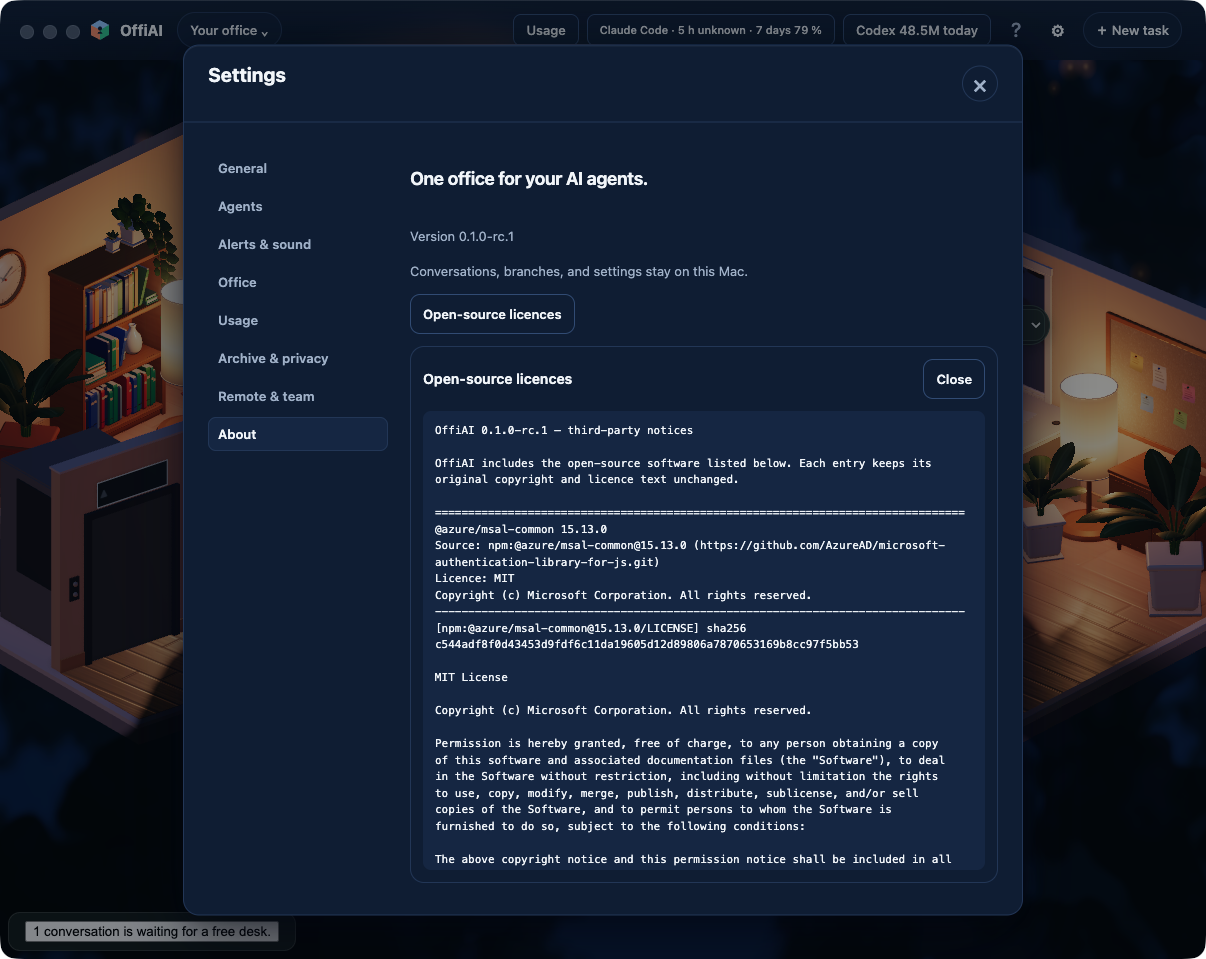
Open-source licence notices ship inside the app
Beta 79 lets you read the open-source licences included with OffiAI directly inside the app, even without an internet connection. You can now view all third-party copyright and licence notices offline from Settings › About.
What changed
Starting with beta 79 on 3 November 2026, third-party copyright and licence notices ship directly inside the application. You can now view the copyright and licence texts for bundled third-party software, including notices for the converter page, directly inside your local installation. This ensures that you have full access to all included open-source notices offline, even without an internet connection.
How to use it
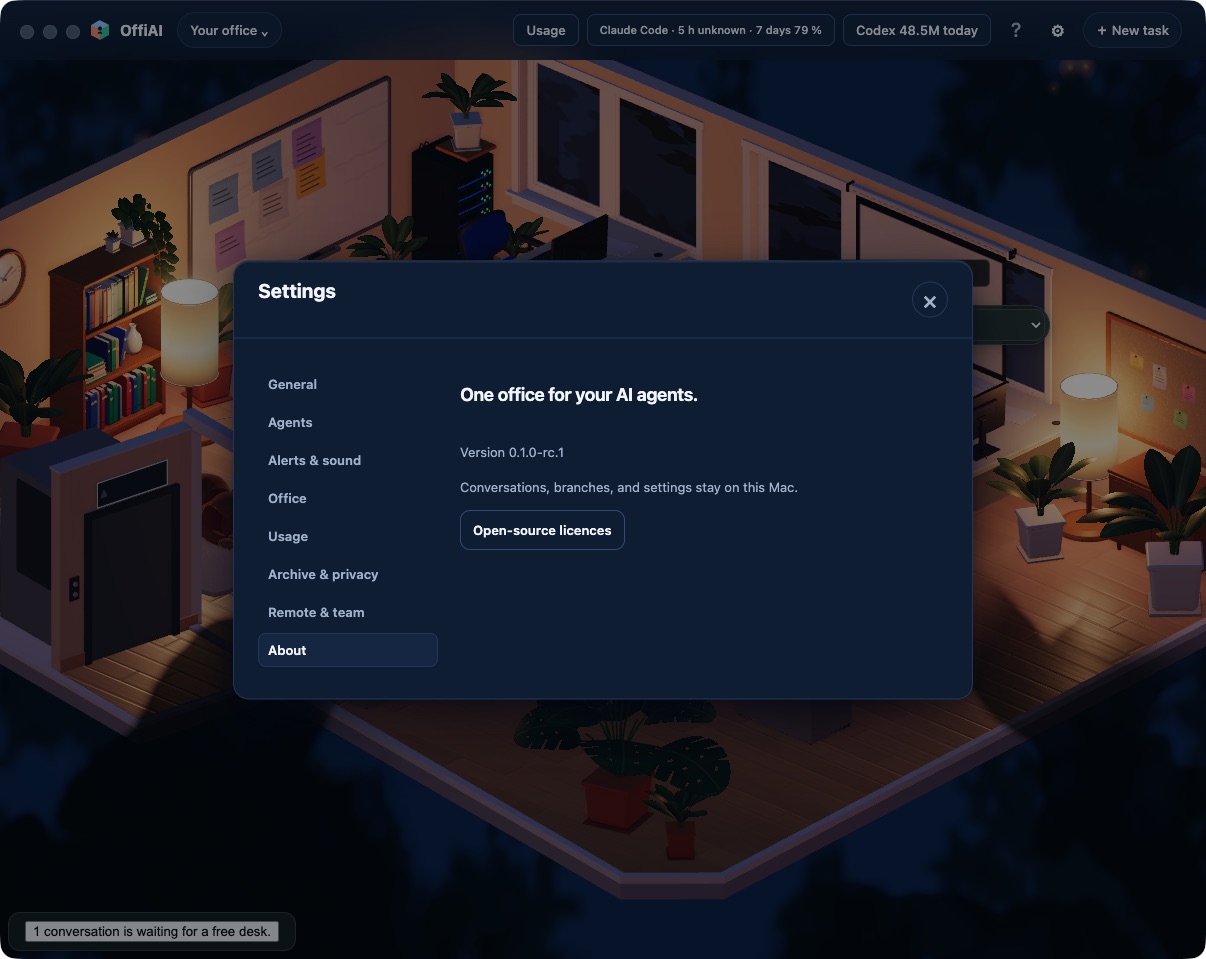
Open Settings › About to read the open-source licences included with your app.
Click the button to open the reader. The licences appear as literal, inert, scrollable, and selectable text, so you can scroll through the entries and copy any text you need. The button and reader controls follow your language setting, offering localized loading, error, and close controls in English, Spanish, and German. When you finish reading, pressing Escape closes only the reader and returns focus to where you were.
Current limits
You can view the notices only as literal, inert text that you can scroll and select. The app reads only the fixed packaged notices resource included with your installation, and it reports a missing file if that resource cannot be found.
Want to try it? Join the preview.
In pictures