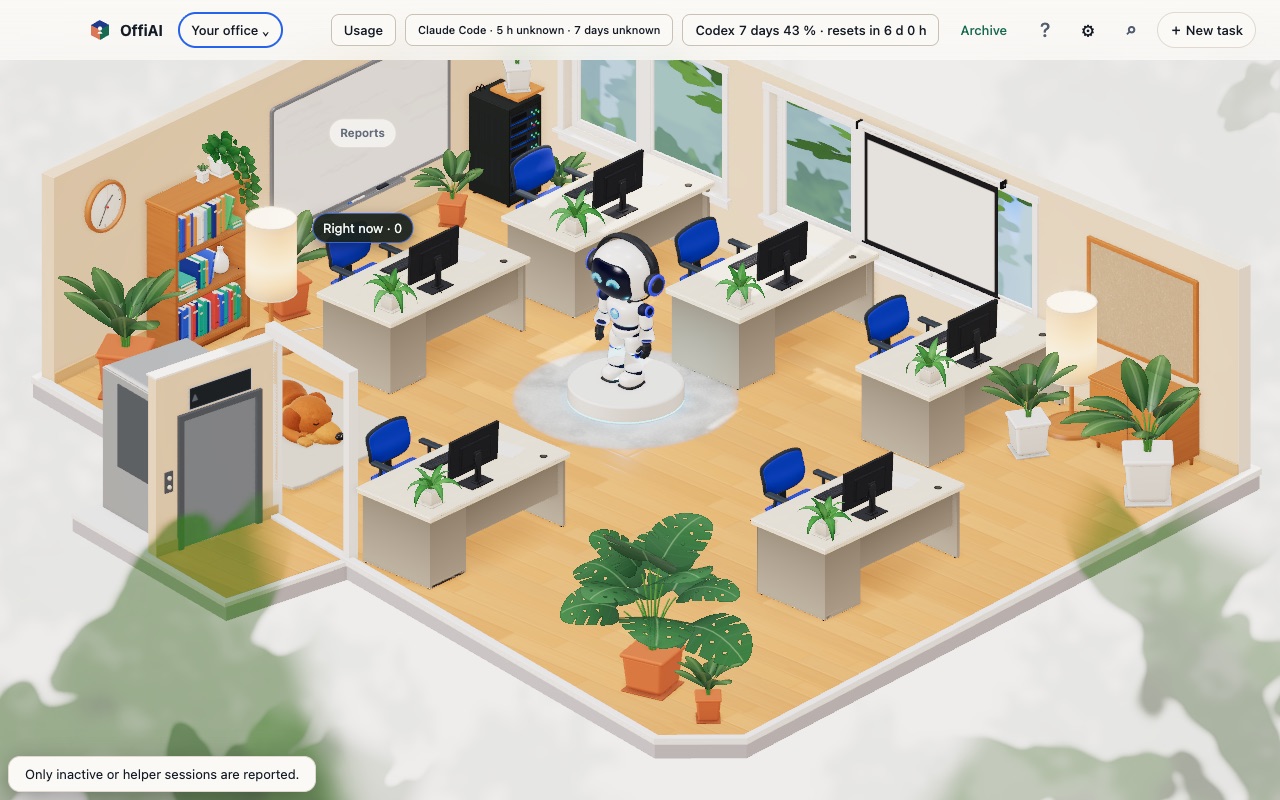
Beta 96: pair your phone by scanning, and fewer confirmations
Beta 96 shipped on 10 November 2026. It removes clicks that did not protect anything: pairing a phone no longer asks you to make a choice first, and releasing an idle desk no longer asks you to confirm.
Pair a phone by scanning
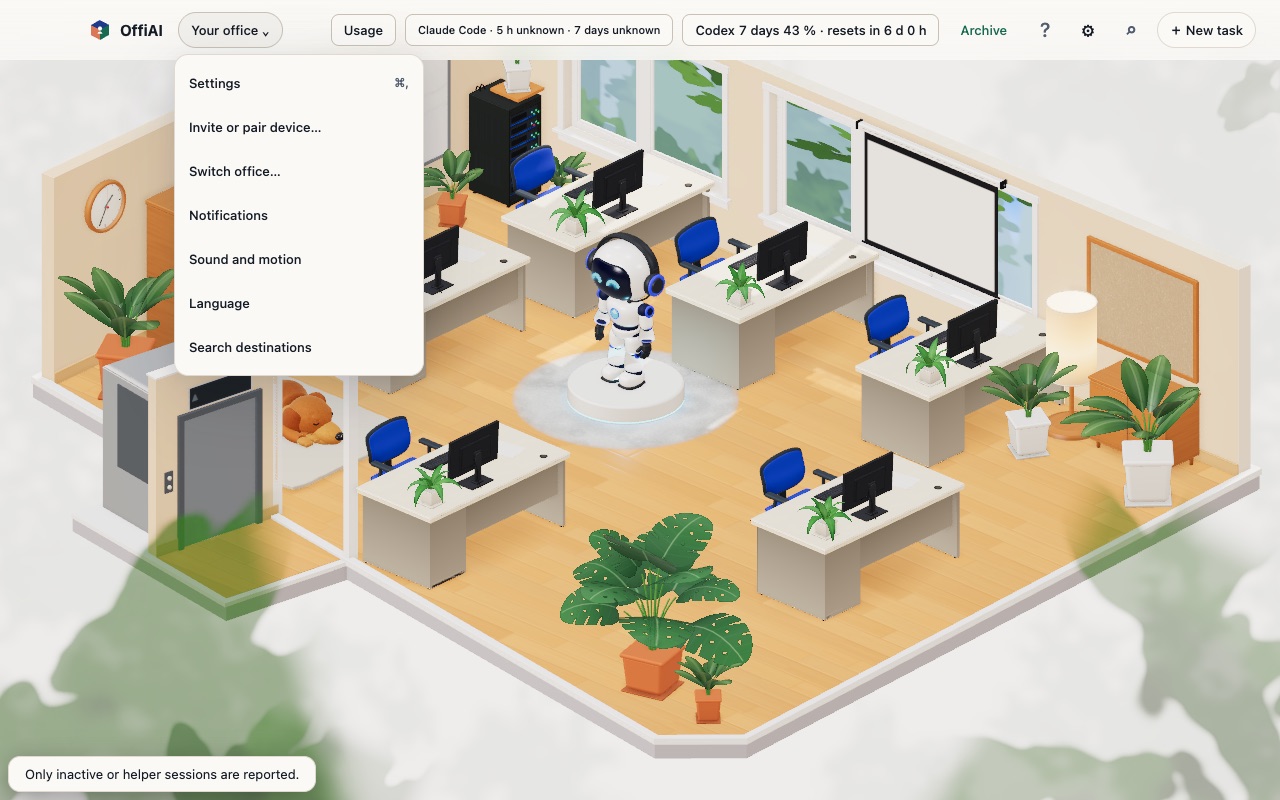
Open Invite or pair device on the Mac and the sheet shows a QR code next to a one-time code, with no extra choice before it. In our hand check, opening the QR link in a phone-sized browser connected to the office in about five seconds, without typing the code or tapping Connect.
Fewer confirmations
- Release idle desk frees the desk straight away and shows “Desk released” with Undo for a few seconds. In our check, Undo put the task back on the same desk.
- Stopping a desk that is working still asks first, and so do forgetting all paired devices, revoking a device’s access and ending all visits. Ending a single visit or cancelling a single invitation now runs at once.
- A notification no longer covers the Close button of the desk panel in the top-left corner.
Menus without dead ends
The Office menu and Cmd+K no longer list a destination that cannot open.
What we found in our own check
- After the phone connected, the pairing sheet on the Mac said “Pairing code expired…” instead of confirming the connection.
- We tested pairing in a phone-sized browser only. The camera scan on a physical iPhone or Android phone was not tested in this round.
- With the keyboard, focus jumps back to the top of the page after Undo, “Got it” and some Cancel buttons.
Want to try it? Join the preview.
In pictures