Beta 114: reception drafts stay separate from new prompts
OffiAI beta 114 shipped on 14 November 2026. This release keeps abandoned Reception drafts out of new prompts, updates the office screen in one step, returns to the office when you release a desk, and improves how Archive handles deck titles and search.
Keeping Reception drafts separate
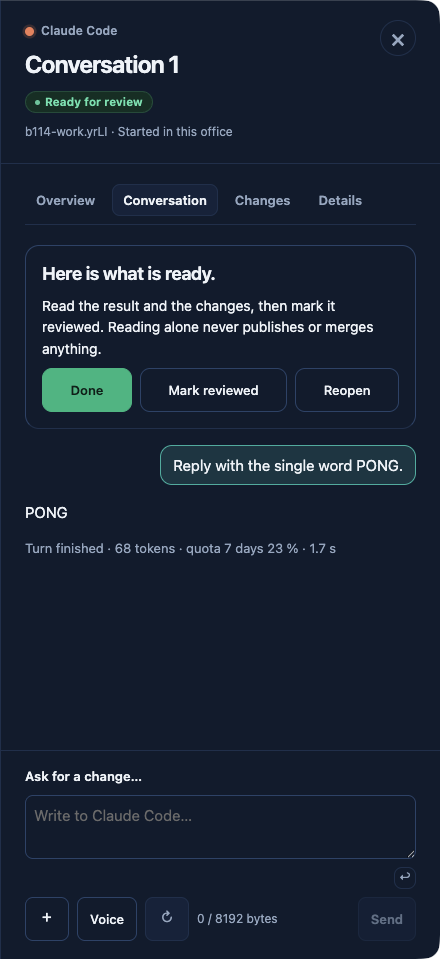
When you close Reception before submitting a brief, OffiAI drops that unsubmitted text and its attached files. Click + New task to open an empty composer. When you click Start at the next free desk, OffiAI sends only your new brief. Submitted work and work in an uncertain state still keep their recovery behavior.
Projecting a deck onto the wall
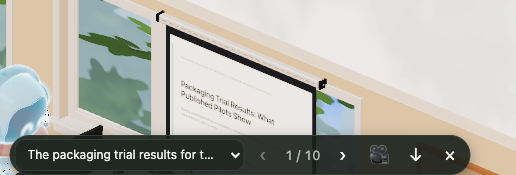
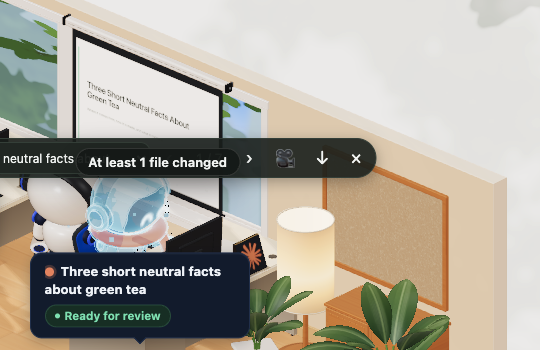
Choose a deck and click Project to put it on the office wall and update Presentation on screen… in the same action. When you finish, click Take off the screen to clear both the office wall and Presentation on screen….
Releasing a desk and searching Archive
When a task is done, click Release desk to return to the office instead of opening Reception.
In Archive, you can enter a public task ID into Search sessions to find a deck session. An untouched deck desk defaults to its deck title. If you name a desk using Rename, OffiAI keeps that name.
One limit we found
In our hand check of beta 114, we found one path where abandoned draft text still carries over. If you leave an abandoned draft by navigating away and then use Retry as new task, that abandoned draft text is prepended to the Retry as new task draft.
Want to try it? Join the preview.
In pictures