
Beta 54: Reconnecting to a remote office
OffiAI beta 54 fixes remote office connections, feedback over Settings, and visitor pages. You can now reconnect smoothly, view visitor pages, and return to your controls without losing your place.
## Remote office connections When you go to “Open a remote office” and click “Connect”, the app opens a fresh live window even after you closed a previous one.
## Visitor invitations In native windows, visitors can click “Copy invitation” to copy an invitation. If copying fails, the app shows the message “Could not copy the invitation. Try again.” You can click “Copy invitation” again to retry. After a successful copy, the button confirms “Invitation copied.” Visitors can view your read-only office in their window. When you end a session, visitors find out right away with a message saying the host ended their visit and can choose “Return to your office”.
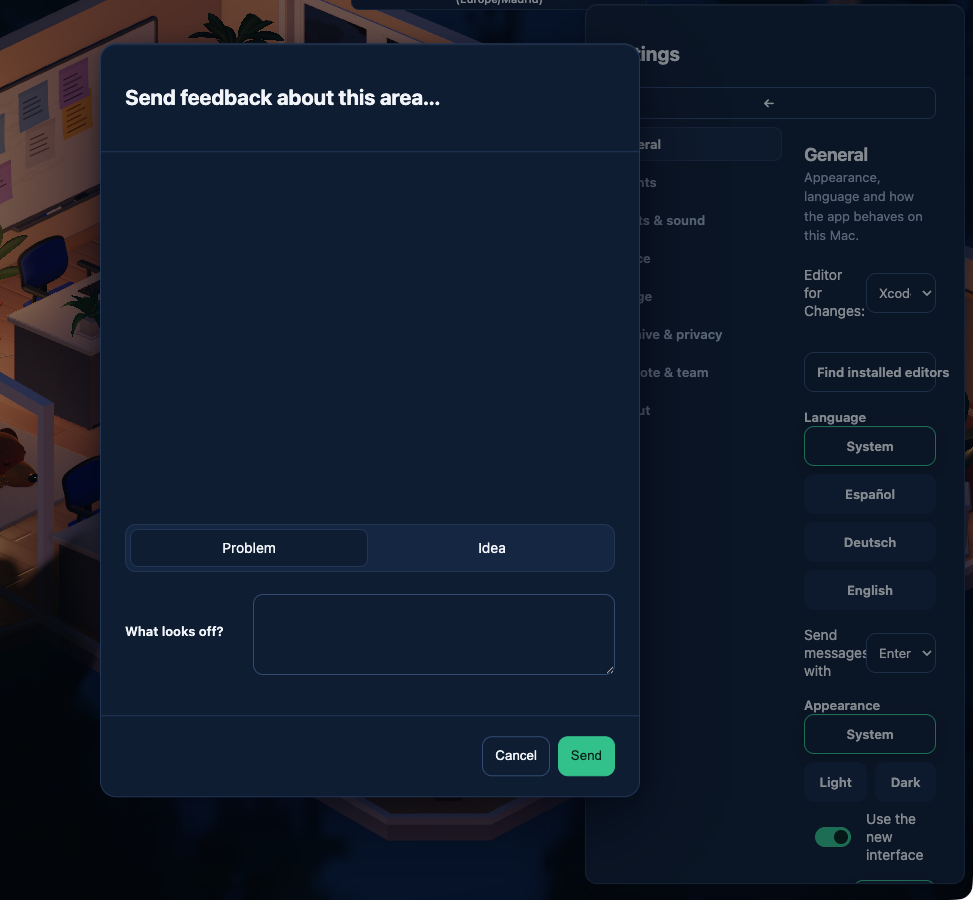
## Settings and feedback When you click “Send feedback about this area…”, the feedback panel stays open above Settings. Clicking “Cancel”, pressing the Escape key, or clicking “Send” returns you to the exact Settings control you were using before.
## Restoring Delivered desks If you restore an office where an agent process is gone at a Delivered desk, you can click “Release idle desk” directly on Overview.
## One current limit Native remote windows let you send feedback directly. However, Office menus opened in a web browser or on a phone do not support the feedback action.
Want to try it? Join the preview.