Beta 99: the robot arrives first, and you choose Gemini’s model
Beta 99 shipped on 11 November 2026. Two changes you can see in the office: a new desk now fills in the right order, and a Gemini desk runs the model you pick.
The robot arrives before the hologram
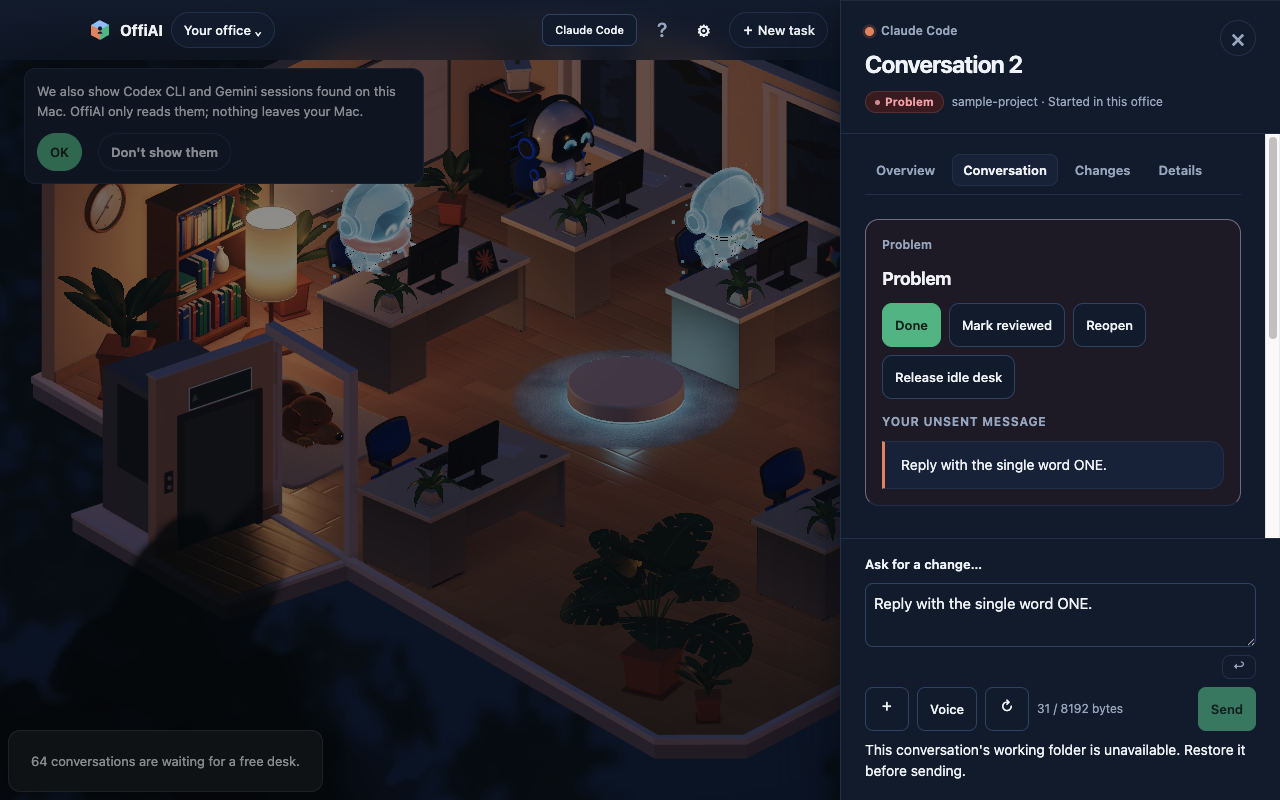
When you start a task, the robot walks to the new desk, sits down and types, then stands up and leaves. Only then do the desk’s hologram and nameplate appear. In our hand check on the installed app, the robot walked over, sat for about two seconds with no hologram, stood up, and the hologram followed about a second after it left.
Sessions you started outside OffiAI still show their hologram right away, because the robot never walks to them.
Pick Gemini’s model in Reception
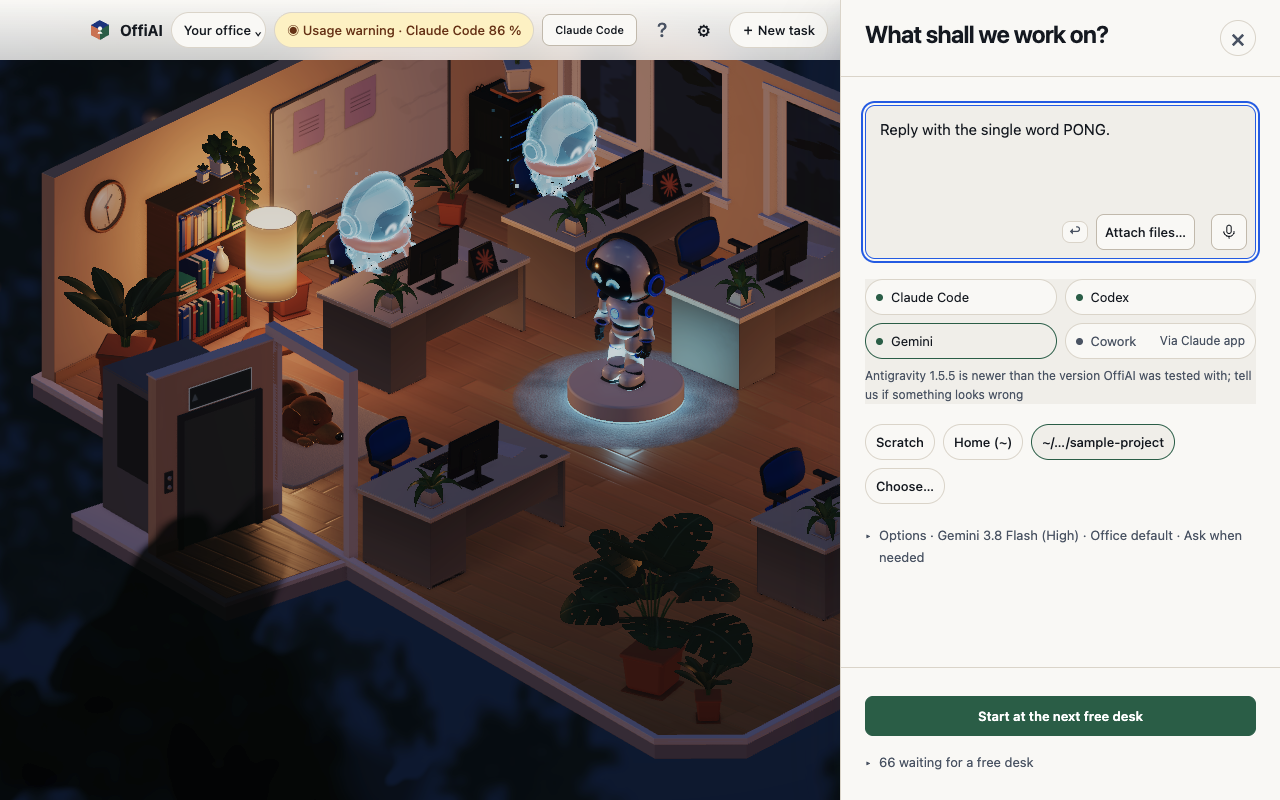
Choose Gemini in Reception, open Options, and the Model list offers the default Gemini 4 model (Medium) and Gemini 3.8 Flash in High, Medium and Low. In our check, a desk started with Gemini 3.8 Flash (High) ran that model and answered.
What we found in our own check
- Starting a Gemini desk showed “Brief was not sent. Open in Terminal to continue.” while it was already working, and showed the brief twice.
- We did not hand-check the phone view, an office without a robot, or the 15-second fallback for a desk the robot never visits.
Want to try it? Join the preview.
In pictures