
See what each agent changed, and open it in your editor
Beta 36 shipped on 25 October 2026. You can now review file touches from your coding sessions and open those files in your editor.
What changed
OffiAI now gives your desks a Changes list, safe file previews, and a local editor handoff. Because a shared working tree cannot prove which agent changed a file, the app keeps session-attributed edits and current folder changes under distinct labels.
How to use it
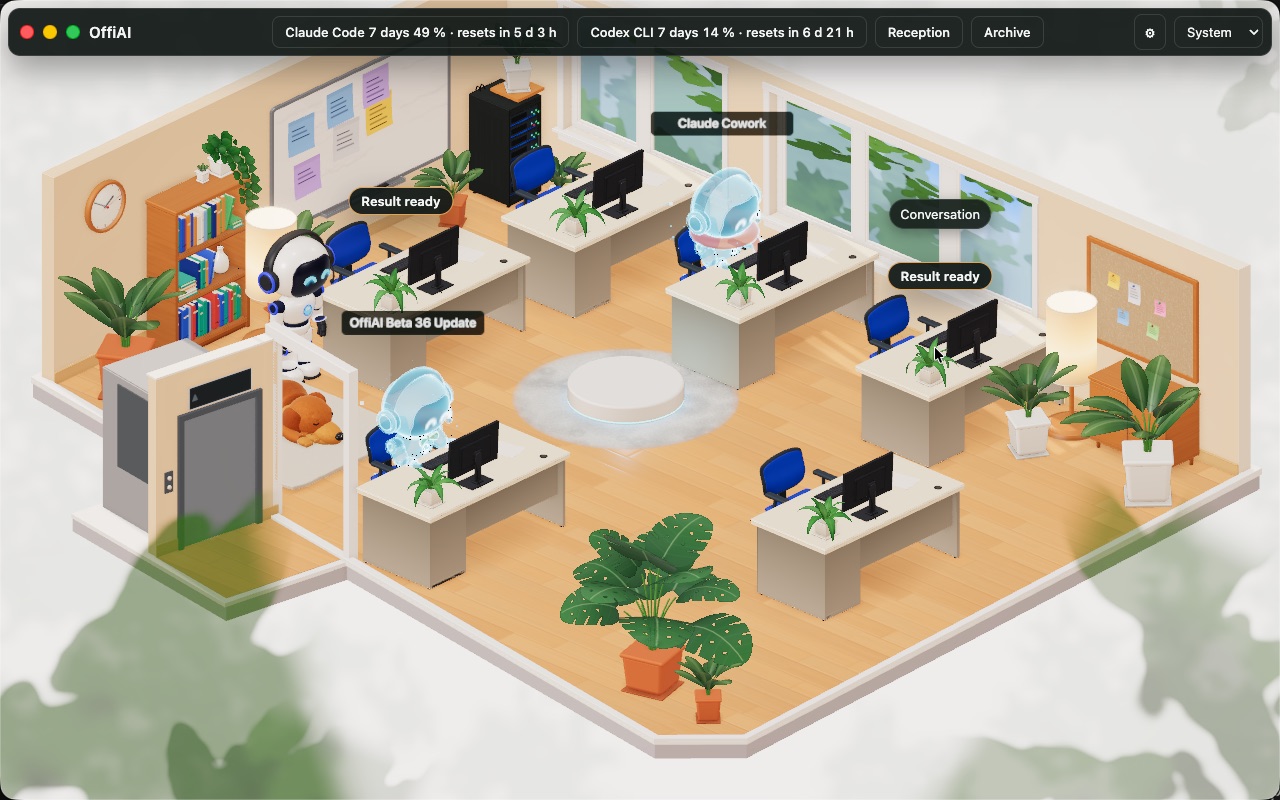
Talk has a Changes entry, and a completed turn with confirmed edits has a per-turn file count chip that opens that session’s Changes view. This chip appears for Claude Code sessions with confirmed edits. Codex and Gemini sessions do not provide parsed edits or file counts; their desks expose a folder binding instead.
To inspect your project folder, you explicitly check current folder changes at the desk. When checking folder changes, Git never supplies agent attribution or committed history.
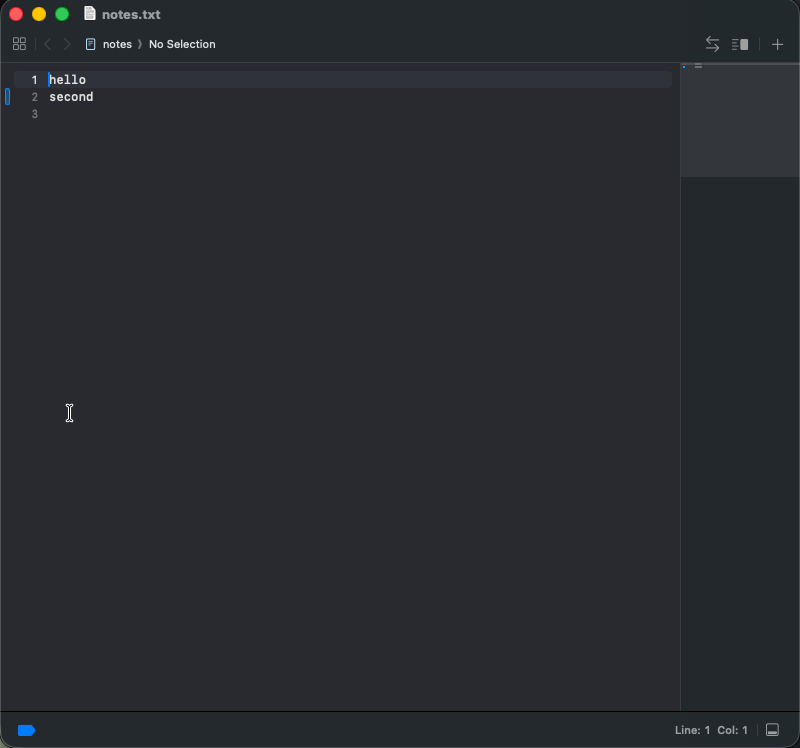
When you select a file, OffiAI displays it safely as inert fenced code. On click, Open sends a validated regular local file to a detected allowlisted Mac editor. In practical terms, the app confirms the target path is an existing, standard local file, then hands it to an approved Mac editor detected on your system. This editor handoff is Mac only, so other platforms are not supported.
In Settings, you can choose your editor from a closed list that persists across sessions. You can also choose English, Spanish, or German copy.
One limit
For workspaces outside a Git repository, non-repository folders do not inspect a parent.
In pictures
Want to try it? Join the preview.