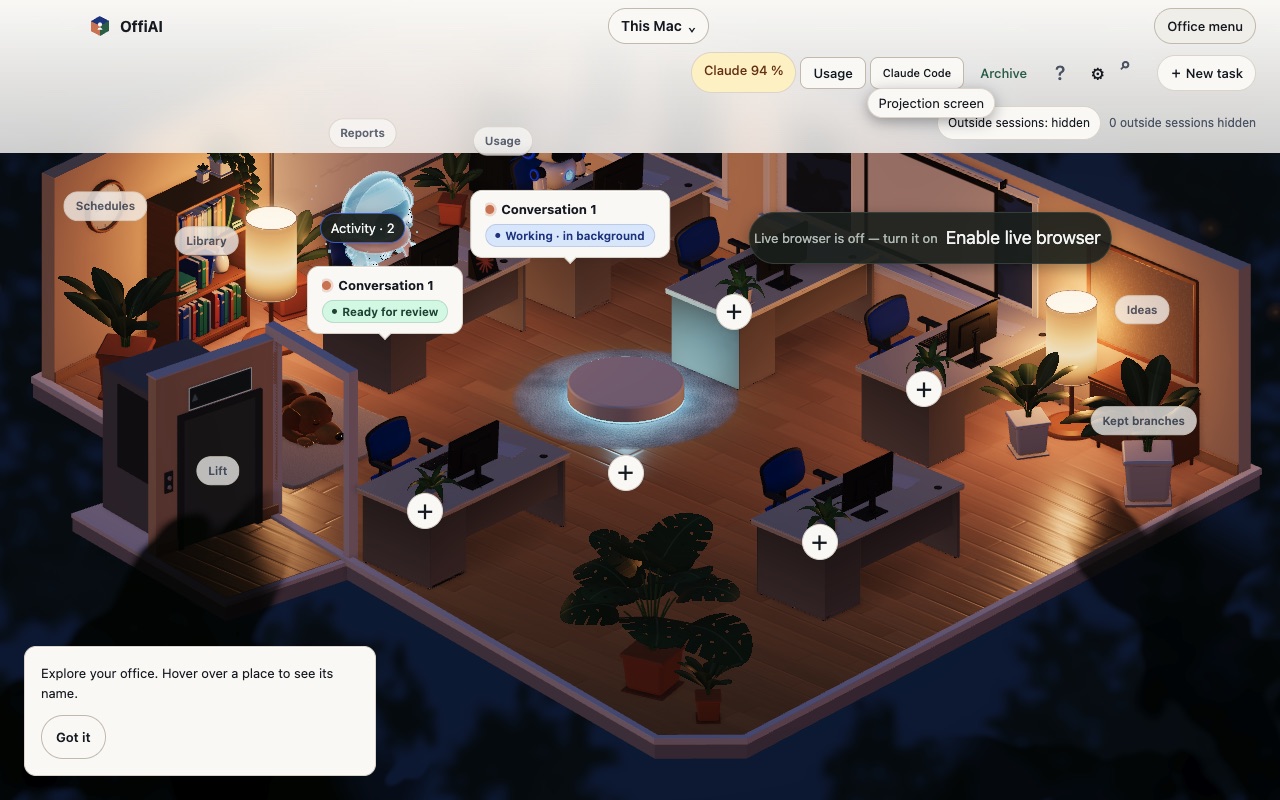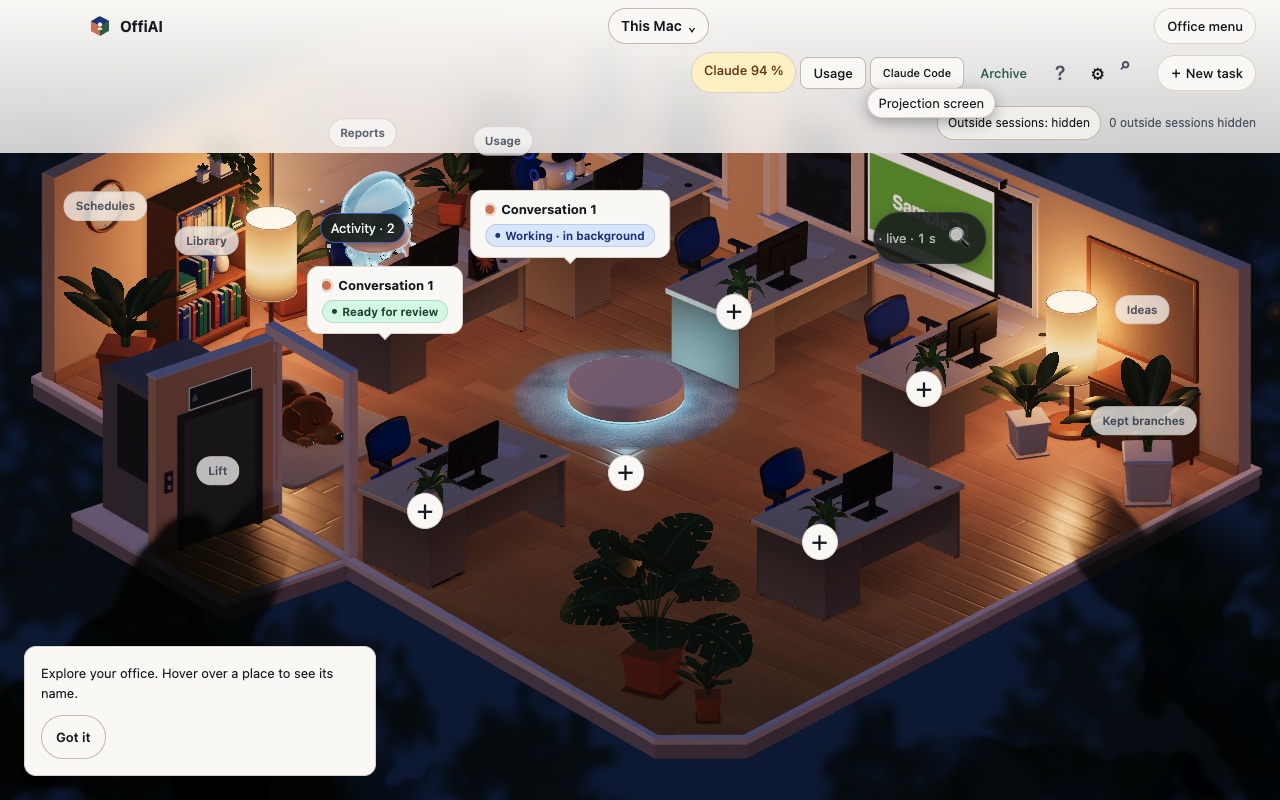
Show the live browser on the office presentation screen on any Mac
In OffiAI beta 131, shipped on 19 November 2026, you can show a live browser on the office presentation screen on any Mac. You grant permission locally before anything connects, and you see clear status when viewing is off or unavailable.
What changed for you
When your working desk is idle, its office presentation screen can mirror a live browser page from your Mac. You can configure up to four ports, or leave the port list empty so OffiAI discovers an active local browser on its own.
Viewing is strictly read-only. Closing the page, ending your work session, or turning browser viewing off clears the screen. If the chosen page disappears, you have to confirm a new choice locally before anything appears again. On paired devices, the paired owner sees status only without source controls, and visitors get nothing.
How to use it
- In Settings, open Settings → Office to open the localized view-only browser modal in English, Spanish, or German. There you can turn browser viewing on and set up to four ports, or leave them empty for discovery.
- Click Zoom in on your local Mac to open the existing modal with your shared explicit source choice.
- Select the browser page and working desk you want to show, then confirm locally to connect.
- Check the local status at any time, even when viewing is off, to see whether it is off, discovering, or recovering.
What it does not do yet
Window capture is not in this release, so you can only show a supported browser page. In our check of beta 131, presentation priority and pausing frames when views are hidden or behind a modal are still pending. We also found two minor issues that do not block use. After a browser quits, the status can stay on a stale “No supported browser endpoint…” message instead of falling back to “not found”. On phone screens, the status pill looks squeezed.
Want to try it? Join the preview.
In pictures