Beta 113: start Codex 0.168 and 0.169 desks from Reception
Beta 113 shipped on 14 November 2026 for OffiAI. You can now start Codex 0.168 and 0.169 desks from Reception, read their answers, and answer approvals in OffiAI.
What changed for you
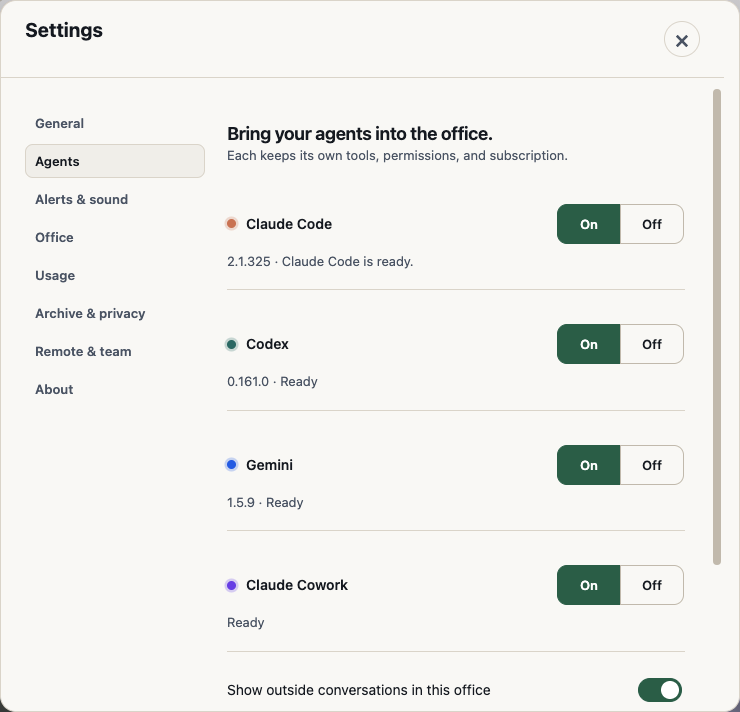
If you install the Codex CLI fresh this week, you get version 0.168 or 0.169. Before beta 113, Reception blocked both versions and said your installed Codex was newer than OffiAI supports.
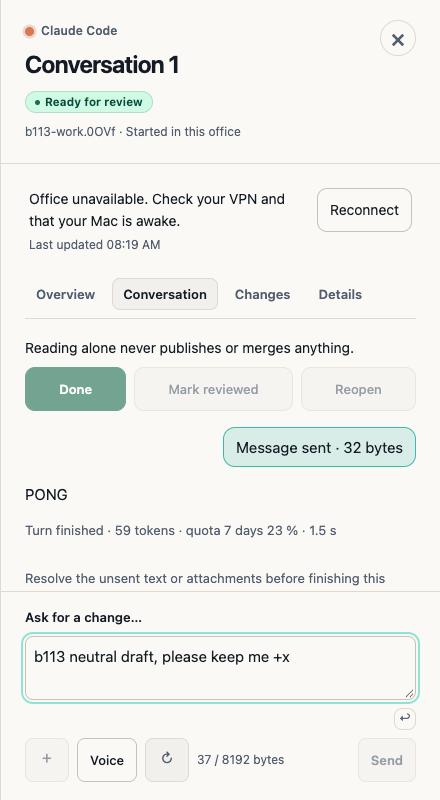
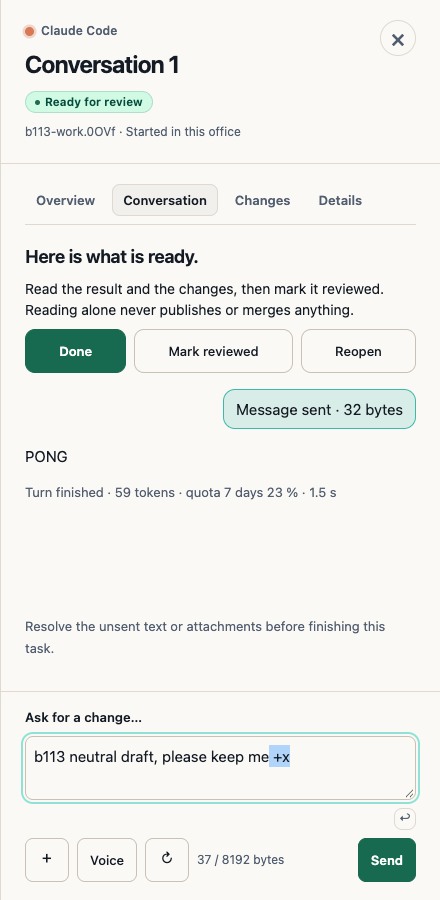
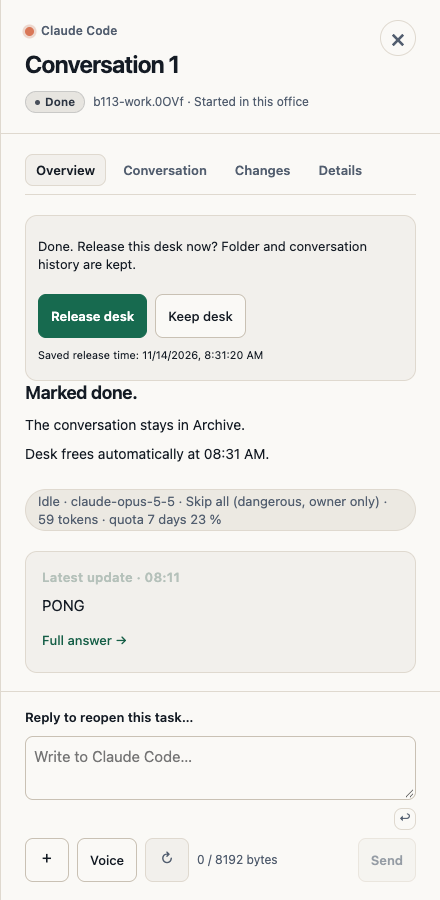
Beta 113 qualifies Codex 0.168 and 0.169 for Reception startup, session reading, and terminal approvals. When you start a desk beside a live session, it keeps its own session identity. OffiAI tracks your first brief, multi-turn replies, interrupted turns, and resumed sessions, and stops reading if it sees unknown output.
How to use it
- Open Reception in OffiAI to start a Codex 0.168 or 0.169 desk and send your first brief.
- Check Talk to read answers across first briefs, replies, interrupted turns, and resumed turns.
- When Codex asks for terminal approval, answer in OffiAI with
y,p, Escape, or theF2popup.
Honest limits
OffiAI keeps a version boundary at 0.169.
In our hand check of the installed beta 113 build, only Codex 0.161 was available here. Because of that, 0.168 and 0.169 startup, reading, and approvals were not measured in that hand check. Real-device, tunnel, Spanish, and German checks were not run either.
Want to try it? Join the preview.
In pictures