The office pill switches offices in one window
Beta 101 displays your remote offices directly inside your main OffiAI window. You can now switch between your local setup and remote workspaces without opening a second window.

What changed
Opening a paired office or visit, reconnecting, and loading a second office now happen without opening new windows. The embedded view follows the main content area below the trusted strip during window resizing, maximizing, and fullscreen. OffiAI keeps at most one live remote view active and keeps it hidden when you return home.
Remote offices automatically hide their own hosted top bars to fit seamlessly into the app. When you leave a visit, OffiAI returns you to your local office in the same window, while Disconnect and visitor Leave clear only that office’s cookie and its duplicated saved rows.
How to use it
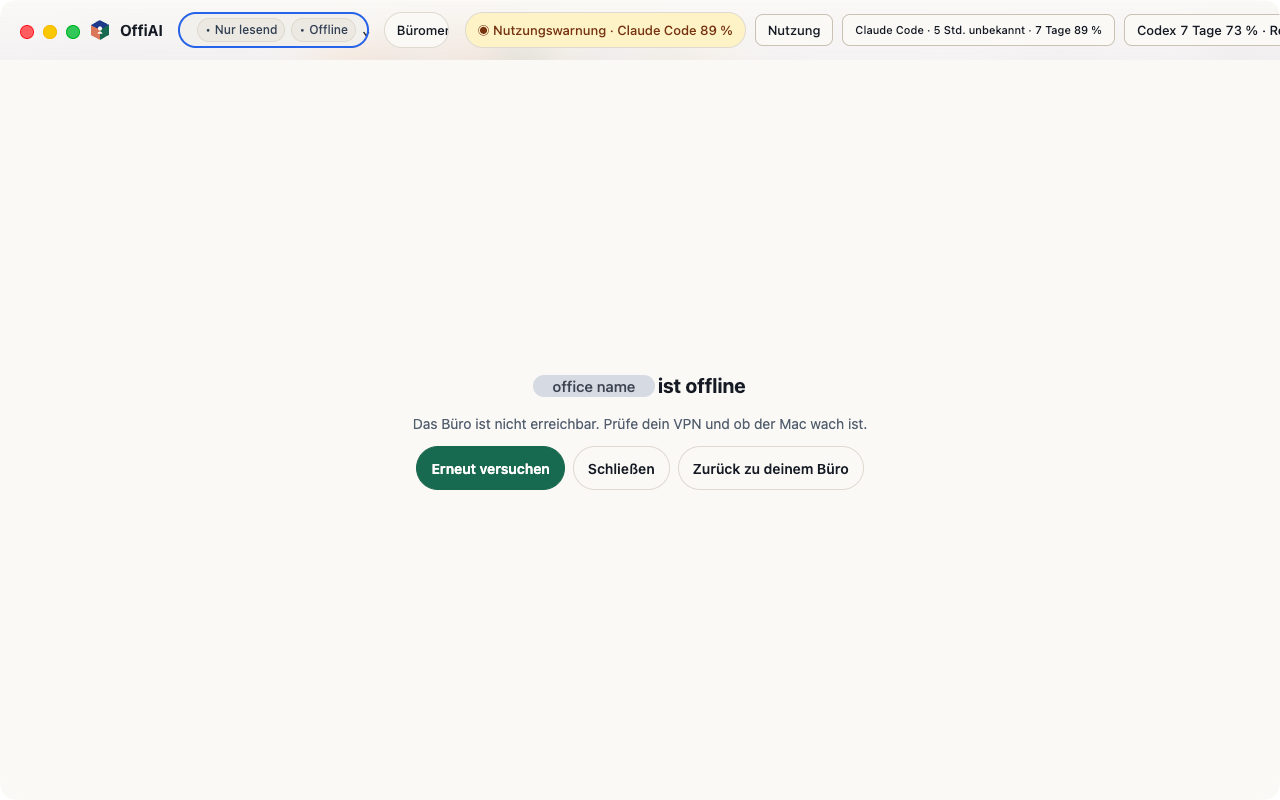
Look next to the OffiAI logo for the office pill. At home, the pill displays “This Mac”. For visits, it shows the office name plus “Read-only”, though in Spanish at 1280 px and at 720 px the pill hides the office name.
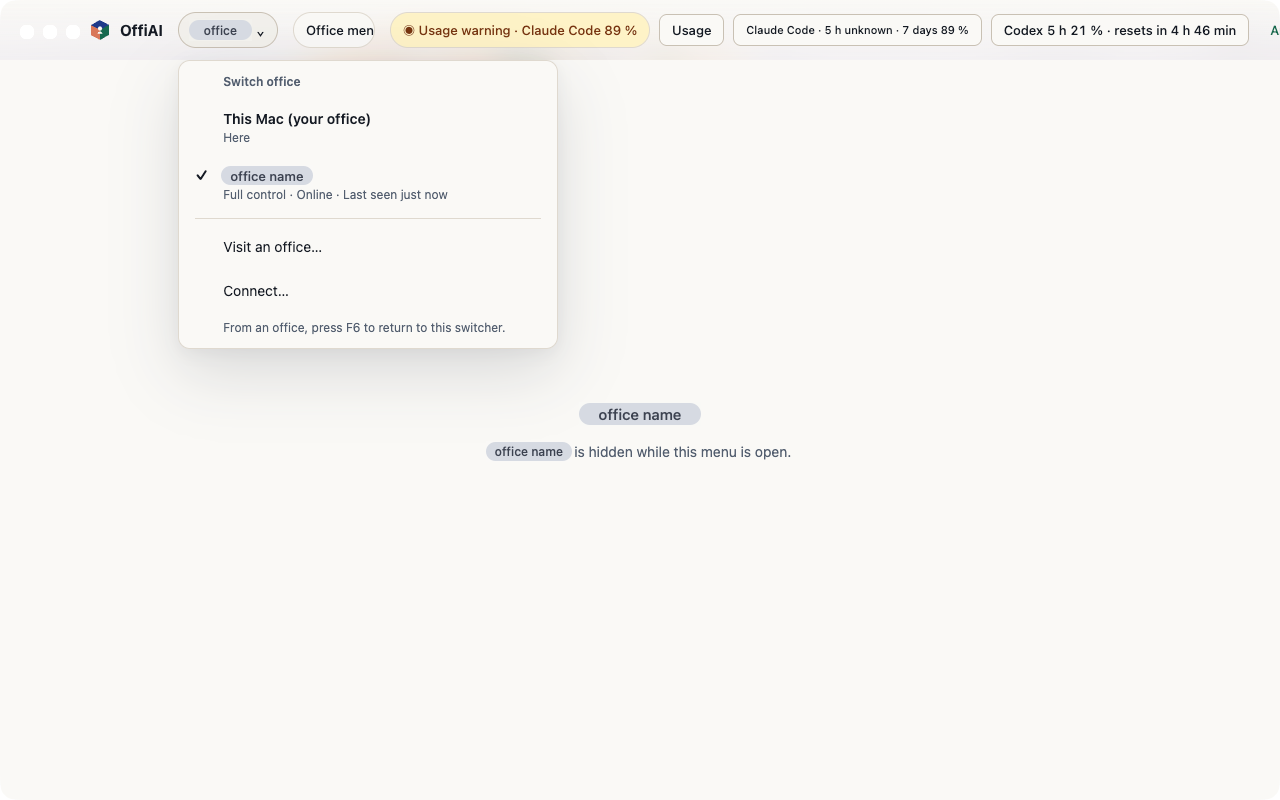
Click the pill to open the “Switch office” menu. To switch between offices, moving from office A→B, select any destination in this menu to change the view in place. When you connect to another office, finish pairing, or redeem a visit invite, the new workspace opens right in your main window. You can navigate the menu with your arrow keys, press Enter to switch, or press Escape to dismiss it. While working in a remote office, press F6 to return to the office pill.
Current limit
In our testing of beta 101, unsent drafts in Reception and Talk are lost without a guard when you switch office or grant. If you have notes in progress, make sure to copy them before you switch.
Want to try it? Join the preview.
In pictures