
Beta 46: the robot proposes ideas for your office each morning
Beta 46, released on 28 October 2026, brings morning suggestions to OffiAI. Your office robot can now propose up to three ideas for your office each morning.
How to use it
Morning ideas is off by default. You can enable it in Settings › Office › Robot. To turn the switch on, you must enable thinking and select an available configured Claude model. There is no fallback to another provider, so an available configured model is required. Enabling uses your existing CLI sign-in and may consume provider usage, with no purchase or new spending authority added.
Where to look
After your local 06:00, you receive at most one daily attempt from the robot, shared with its outfit choice. You can check the robot panel and the corkboard to see up to three ideas, earlier results, and distinct loading, empty, off, unavailable, and failed states in English, Spanish, and German. When you dismiss an idea, you remove it from both actionable lists.
Turning ideas into tasks
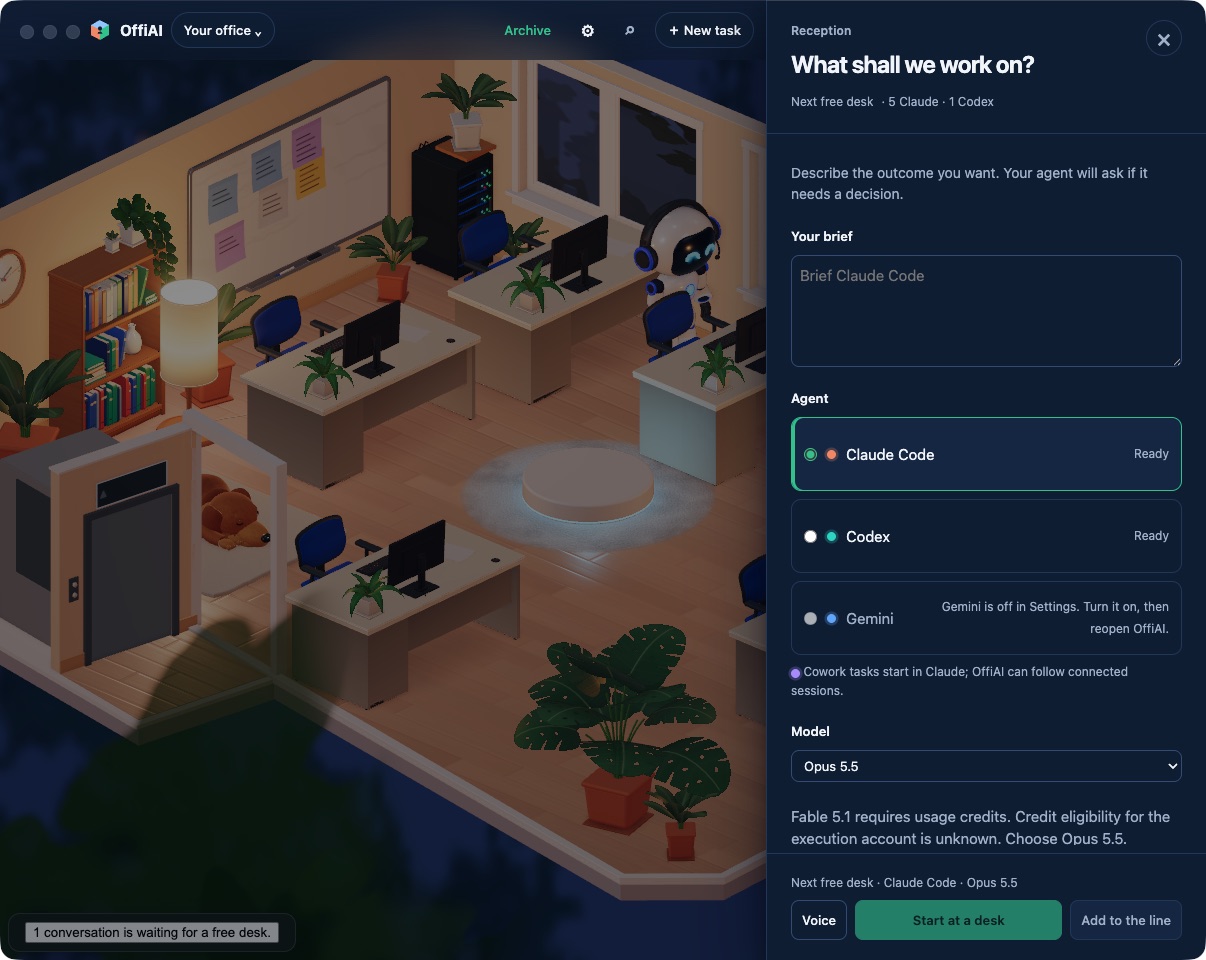
You can turn an idea into an actionable task using Make it a task. When you click Make it a task, the app checks that the idea is active and that your local task line is ready, while preserving any draft you have typed in Reception. It then appends an editable Reception brief, marking the idea as tried only after handoff. Adding this brief does not start work automatically: only your explicit click on Add to the line authorizes work. If you use the separate composer in the robot panel, it uses hosted Reception only and explains when unavailable.
Current limit
Automatic seven-day text deletion and dismissal digests remain disabled.
Want to try it? Join the preview.