
Beta 138: use Codex 0.170.0 and 0.171.0 desks in OffiAI
Beta 138 shipped on 21 November 2026. You can now use Codex 0.170.0 and 0.171.0 desks in OffiAI.
What changed for you
OffiAI now supports the 0.170.x and 0.171.x Codex versions. Both versions were checked on live Codex sessions.
- Your desk tracks trust prompts, update popups on 0.170, ready state, active turns, interrupts, and resumed sessions.
- You can start a new session with a first brief even when another Codex session is already running, and each desk keeps its own session identity.
- OffiAI follows approval prompts, including when terminal lines wrap or resize, and lets you respond or back out.
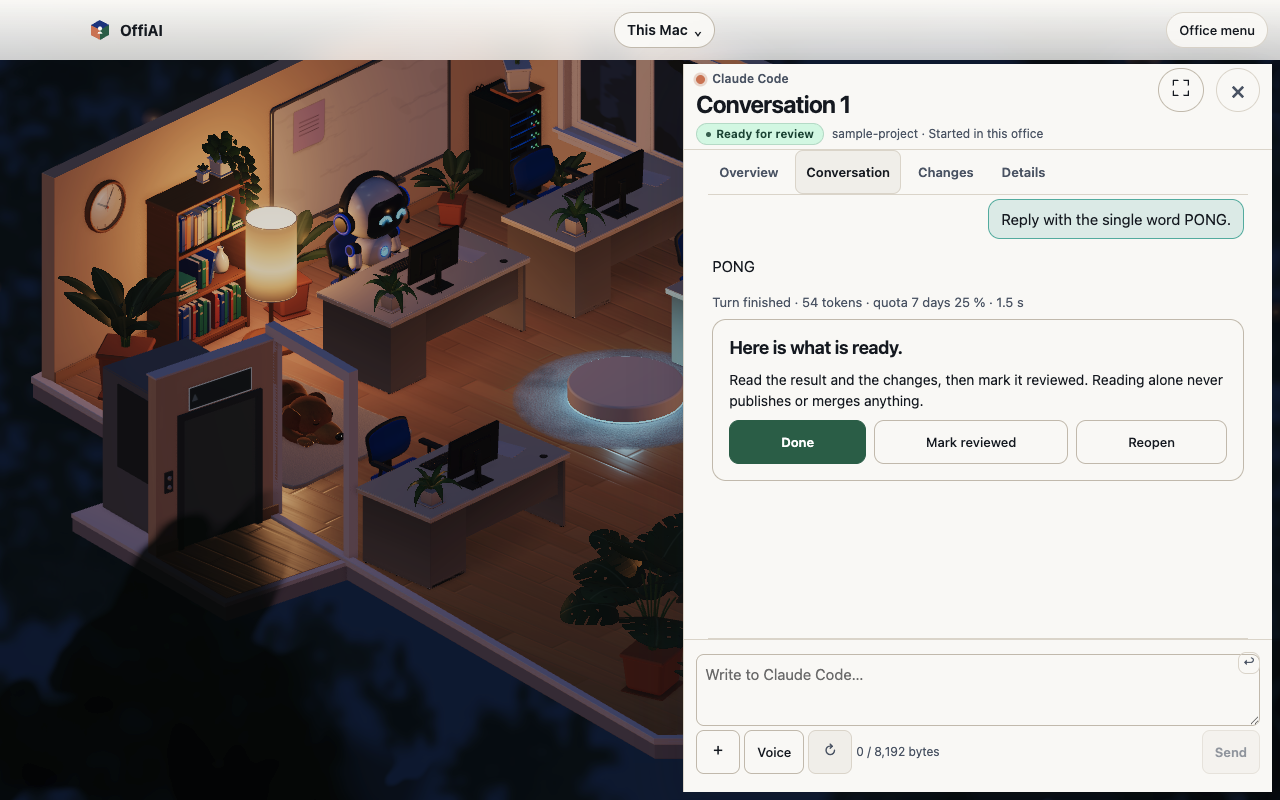
- In Talk, you see your first brief, replies, answered turns, interrupted turns, resumed turns, and approval turns.
How to use it
Open Reception in OffiAI to start a Codex session. Pick a supported 0.170 or 0.171 version, write your brief, and send it to start a desk in OffiAI.
Look at the desk in OffiAI to see when Codex is ready, running, or waiting for approval. Open Talk to read replies and turns as your session runs or resumes.
What it does not do yet
Codex 0.172.0 and prerelease versions are still refused. On 0.172.0, approval stays in Terminal only. In Reception, OffiAI names the supported version range in English, Spanish, and German, and will not let you pick 0.172.0. Reception sends no brief for 0.172.0 and keeps your draft. If OffiAI sees a 0.172.0 session, a mismatched session ID, or unknown status text, it refuses the session rather than guessing.
Want to try it? Join the preview.