Beta 134: toward nine more languages in OffiAI
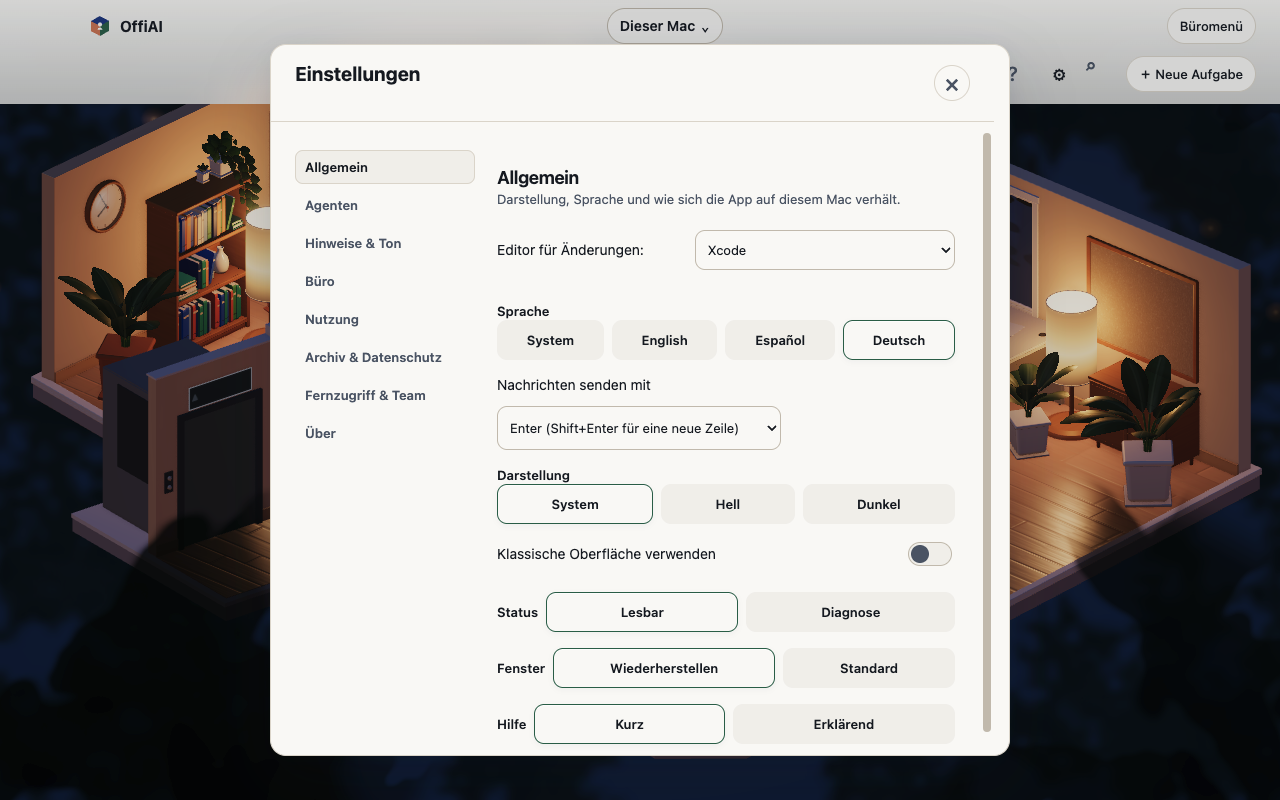
OffiAI beta 134 shipped on 20 November 2026 with live language switching in Settings. It prepares the app for nine more languages on our roadmap, though today only Español, Deutsch, and English are offered.
How language switching works
Open Settings and choose a language in the Language picker. You see the interface change right away without restarting. App menus (About, Hide, and Quit), file, save, and library dialogs, filters, notifications, and startup recovery after settings load use your chosen language. Startup recovery before settings load uses your Mac’s language.
The roadmap adds French, Italian, Brazilian Portuguese, Polish, Dutch, Japanese, Korean, Simplified Chinese, and Hindi alongside English, Spanish, and German. Any language with an incomplete catalog or native resource set stays out of the Language picker and is not chosen by System.
If your Mac uses an unsupported system language, OffiAI opens in English. A stored unavailable choice opens in English as well. If a translation is missing, blank, or invalid, you see the complete English message with its values filled in, never a key or blank. Agent answers and your own text stay as written.
What beta 134 does not do yet
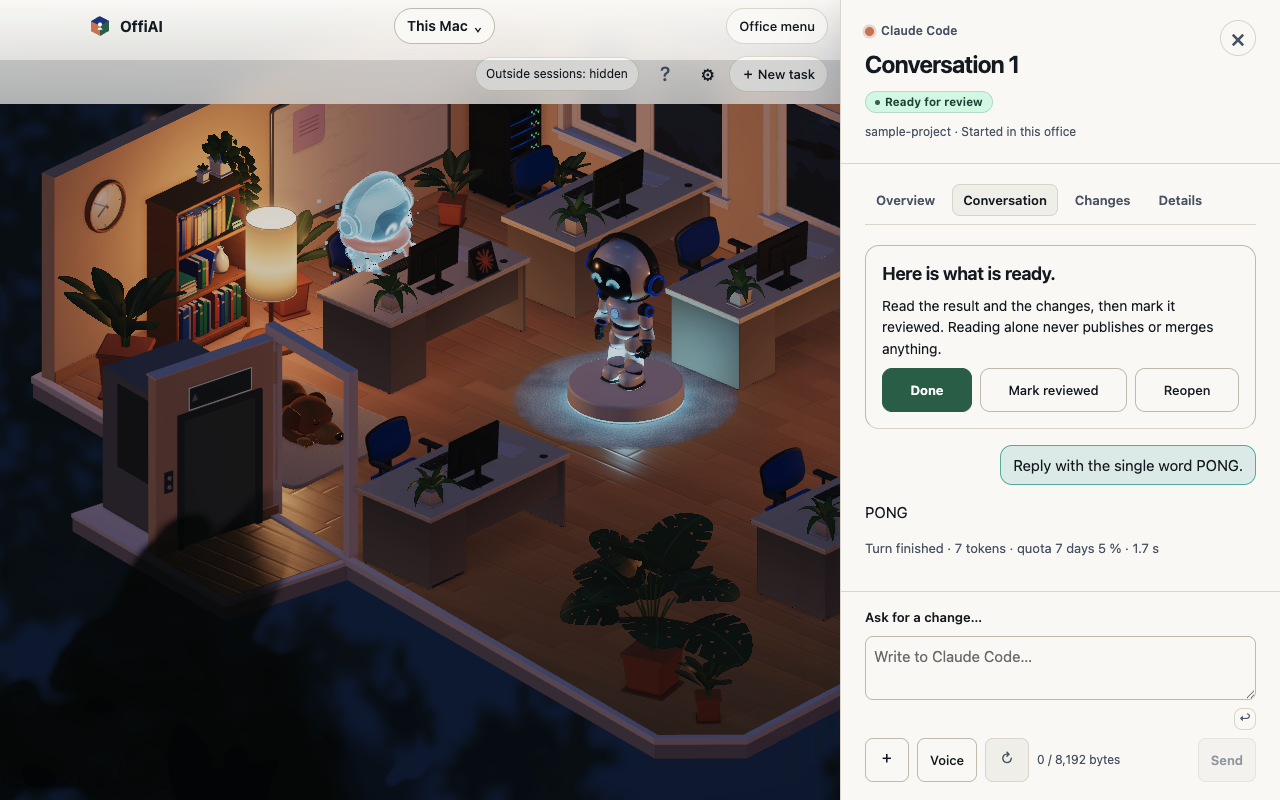
Our hand check of beta 134 confirmed that menus, file dialogs, filters, and live switching work in English, Español, and Deutsch. It also found these limits, with no promised date for fixes:
- Today only Español, Deutsch, and English are offered, so the nine new languages are not selectable yet.
- Spanish and German turn-footer seconds still use a period, and one release time still appears in English 12-hour format (“Saved release time … PM”).
- “Reopen office” is not visible in the macOS menu bar.
- Link confirmation, the remote phone language view, and the German plural pill are unverified, and plural-message updates in the UI are still incomplete.
Want to try it? Join the preview.
In pictures