
Watch your agent’s live browser in beta 120
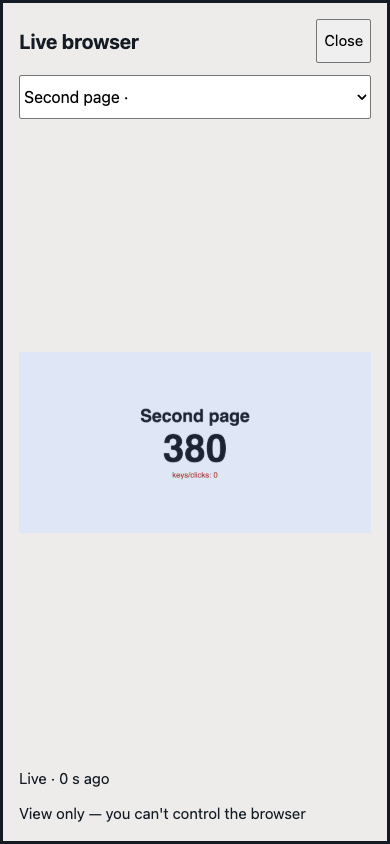
In OffiAI beta 120, shipped on 17 November 2026, you can watch a view-only live feed of your agent’s browser in OffiAI and from a paired remote office. The feed shows live frames from up to four configured ports on your local Mac, and you cannot control the browser from the viewer.
How to use it
On your local Mac, turn on browser viewing and configure up to four local ports. While it is off or no ports are configured, the entry stays hidden.
Once browser viewing is on, go to Settings → Office in Settings. That opens a localized view-only browser window. It supports English, Spanish, and German, and fits both desktop and 390-pixel phone screens.
- You can filter and follow open tabs.
- If a tab disappears, the feed switches to the first remaining tab. The feed keeps the latest picture it received. Tabs in the background get a fallback picture instead of a live one.
- When the window is closed or hidden, it stops asking for new pictures. After you press Close or Escape, pictures that arrive late are not shown.
- Idle sources stop after 30 seconds.
- From a paired remote office, the paired owner can watch the live feed with no configuration controls. Visitors are refused access.
An honest limit in beta 120
In our hand check of the installed beta 120 build, pressing Close in the browser window also closes Settings, not just the viewer.
Want to try it? Join the preview.