Working robots now sit at their desks on your phone
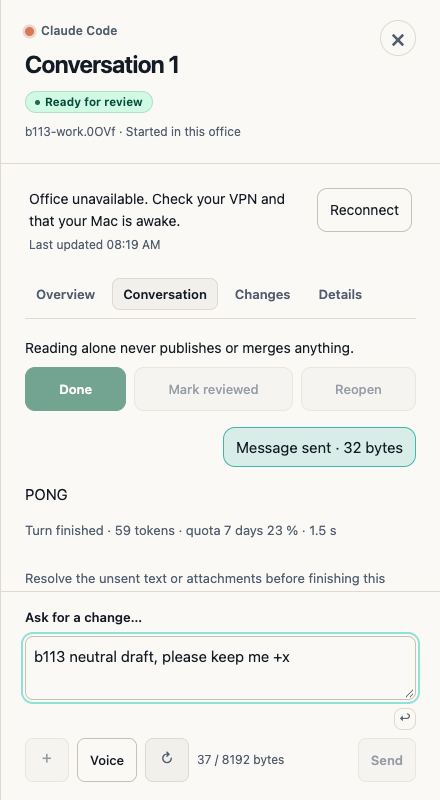
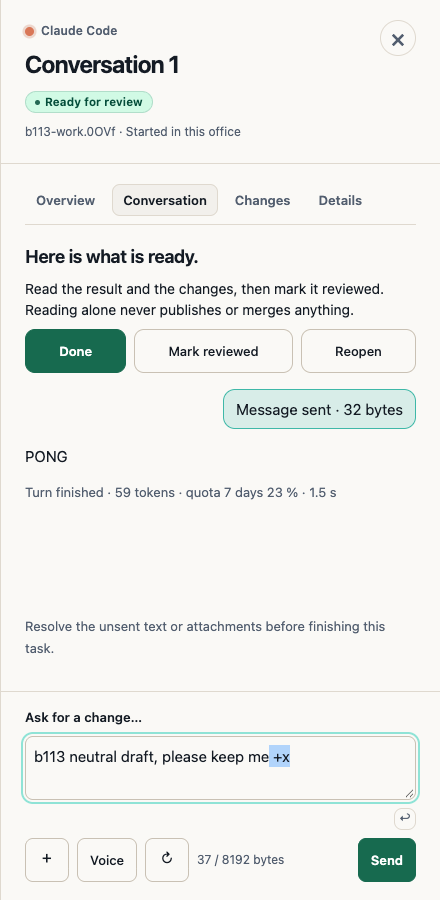
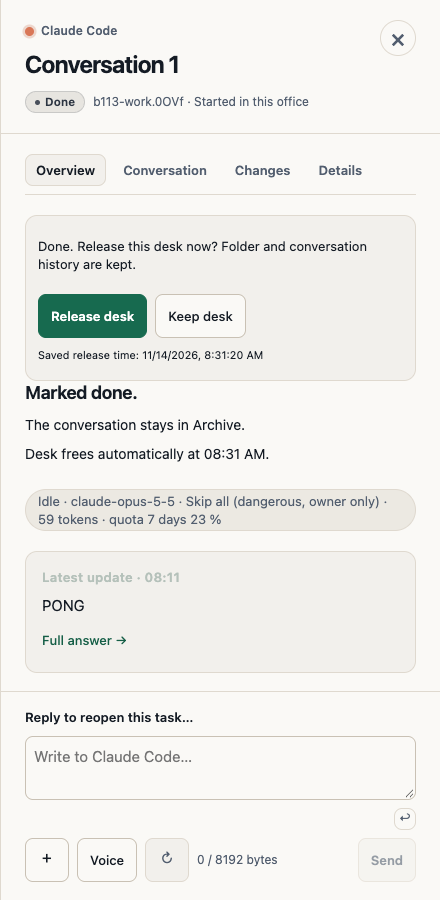
In beta 113, shipped on 14 November 2026, working robots sit on their chairs when you view your office on your phone. In our hand check of this build, we had no real-device or tunnel evidence, and a conversation became unseated during the run for an unknown cause.
What changed for you
On iOS and Android, beta 113 sets a robot seated at a working desk to sit on its chair at the same height and position as on your Mac. A robot resting on its pad looks the same as before.
When the robot leaves its desk to rest on its pad, it returns to its idle pose, pad height, and pad scale. No leftover seated pose or duplicate chair stays behind.
Where to look
View your office on your phone on iOS or Android, and look at a working desk where a robot is seated on your Mac. You can check the robot on its chair at that desk or check a robot resting on its pad.
Current limits
- Static rendering, no live animation. Your phone keeps its lightweight static rendering and existing update cadence.
- No real-device or tunnel evidence. In our hand check of beta 113, we had no devices or tunnel available, so we have no evidence that this change works on a real phone or over a tunnel.
- Unseated conversation during the check. In our hand check of beta 113, a conversation became unseated during the run for an unknown cause.
Want to try it? Join the preview.
In pictures