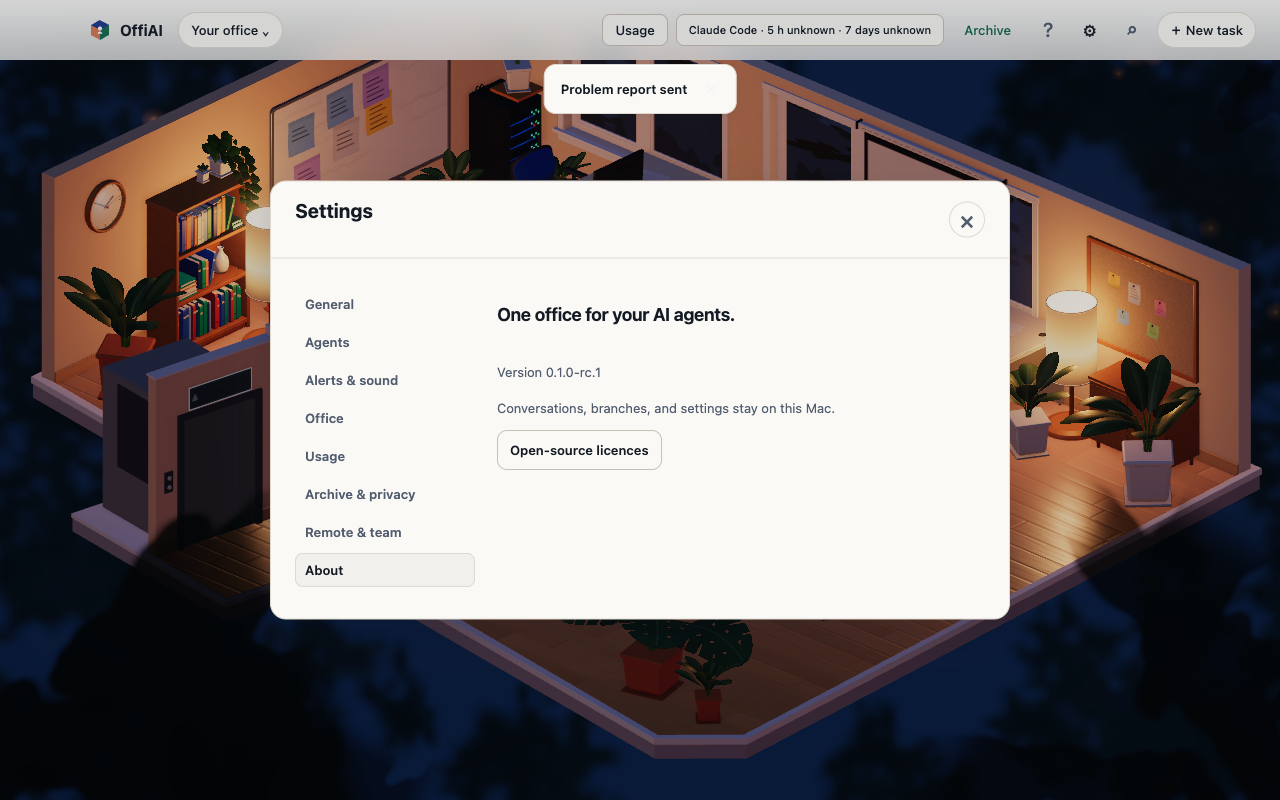
Beta 80: your feedback now reaches the OffiAI team
From Beta 80, released on 3 November 2026, a feedback report goes to the OffiAI team when you press Send. Nothing is sent before that.
How to use it
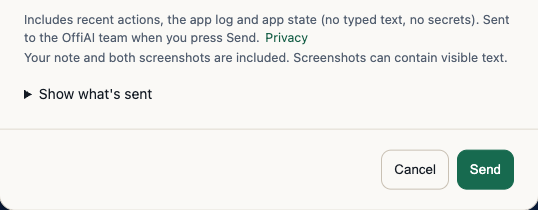
Right-click any part of OffiAI and choose Send feedback about this area…, pick Problem or Idea and write a note. Open Show what’s sent to see what the report includes. Writing, looking at the preview or pressing Cancel sends nothing.
What is included
A report contains your note, two screenshots (the selected area and the app window) and diagnostics: your recent actions, the app log and the app state. Typed text is not included and credentials are masked. The path to your home folder is replaced by [home], but folder and file names below it stay visible. Error messages can still contain details such as e-mail addresses, and screenshots show any text that was visible.
After you press Send
A copy stays on your computer. If you are offline, the app keeps the report in a send queue and retries for up to seven days. On our server, reports are deleted within 31 days, and your IP address is not stored. The details are in the privacy policy.
Current limit
In this beta the feedback sheet stays in English, even when the app is set to Spanish or German.
Want to try it? Join the preview.
In pictures